


2IN1 Mini NEW Wireless CarPlay Android Auto Adapter Wired to Wireless Car Ai Box For Audi Toyota VW Peugeot MG Ford USB Dongle
2IN1 Mini NEW Wireless CarPlay Android Auto Adapter Wired to Wireless Car Ai Box For Audi Toyota VW Peugeot MG Ford USB Dongle
SPECIFICATIONS
Bluetooth: Bluetooth 5.0
Brand Name: grandnavi
Choice: yes
High-concerned chemical: None
Origin: Mainland China
Support: wired CarPlay to wireless CarPlay,wired Android auto to wireless Android auto
Usage conditions: The original car must come with wired Carplay /wired Android Auto
Note before buying:
1,The dongle can only connect to your car factory-installed head unit,It is not compatible with other devices.
2,Your car's head unit must have the original wired CarPlay/Android Auto function.
3,Huawei phones are not supported for use with this dongle.
Please confirm if you meet the usage requirements before to avoid buying unsuitable products.
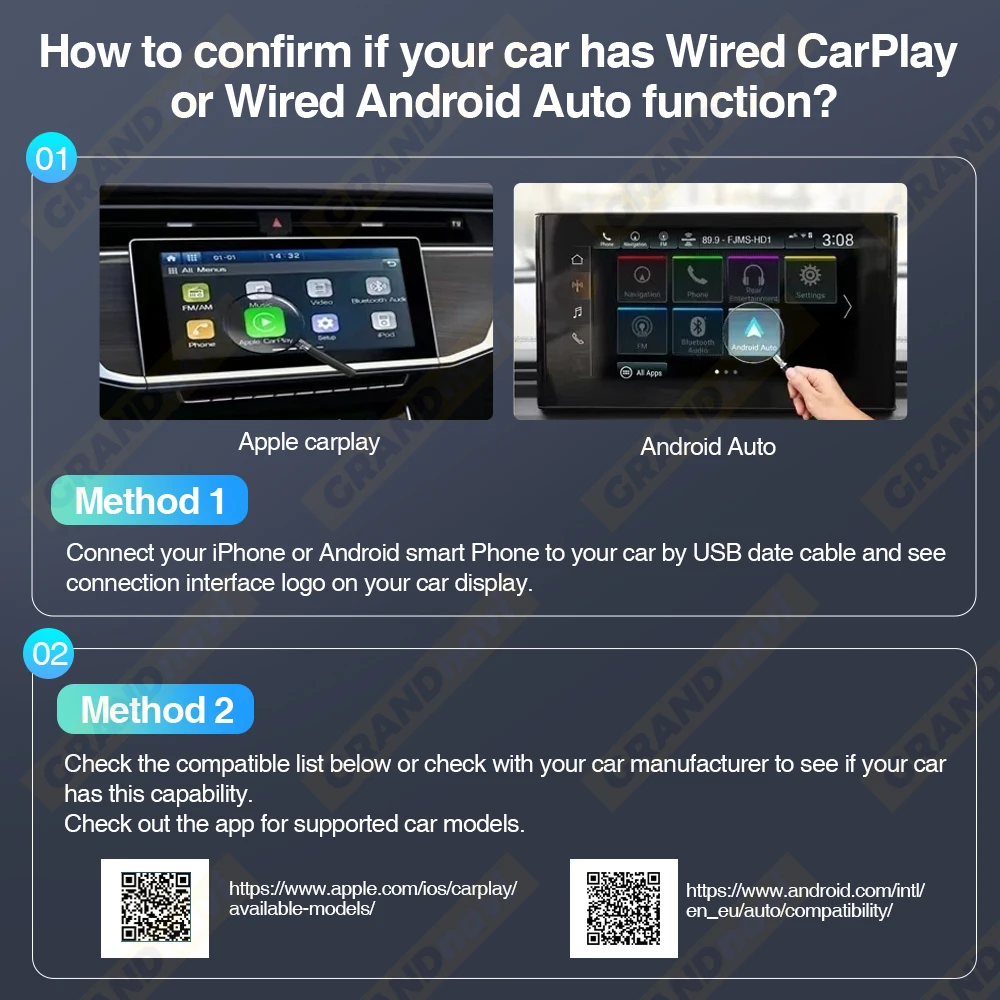
How to confirm if your car has Apple wired Car-Play or Android Auto function?
Method 1:
Connect your iPhone or Android samrtphone to your car by USB date cable and see car-play or android auto logo on your car display
Method 2:
Check the compatible list below or check with your car manufacturer to see if your car has this capability
Carplay:https://www.apple.com/ics/zcarplay/ available-models/
Android auto:https.//www.android.com/auto/Compatibility#Compatibility-vehicles
Features:
1. Wired to wireless CarPlay adapter, say goodbye to wires.USB plug-and-play installation, stable and fast,no need to remove OEM radio
2. It can be connected automatically after the first successful connection.
3. Certified 5Ghz WiFi module, providing a faster andbetter wireless experience.
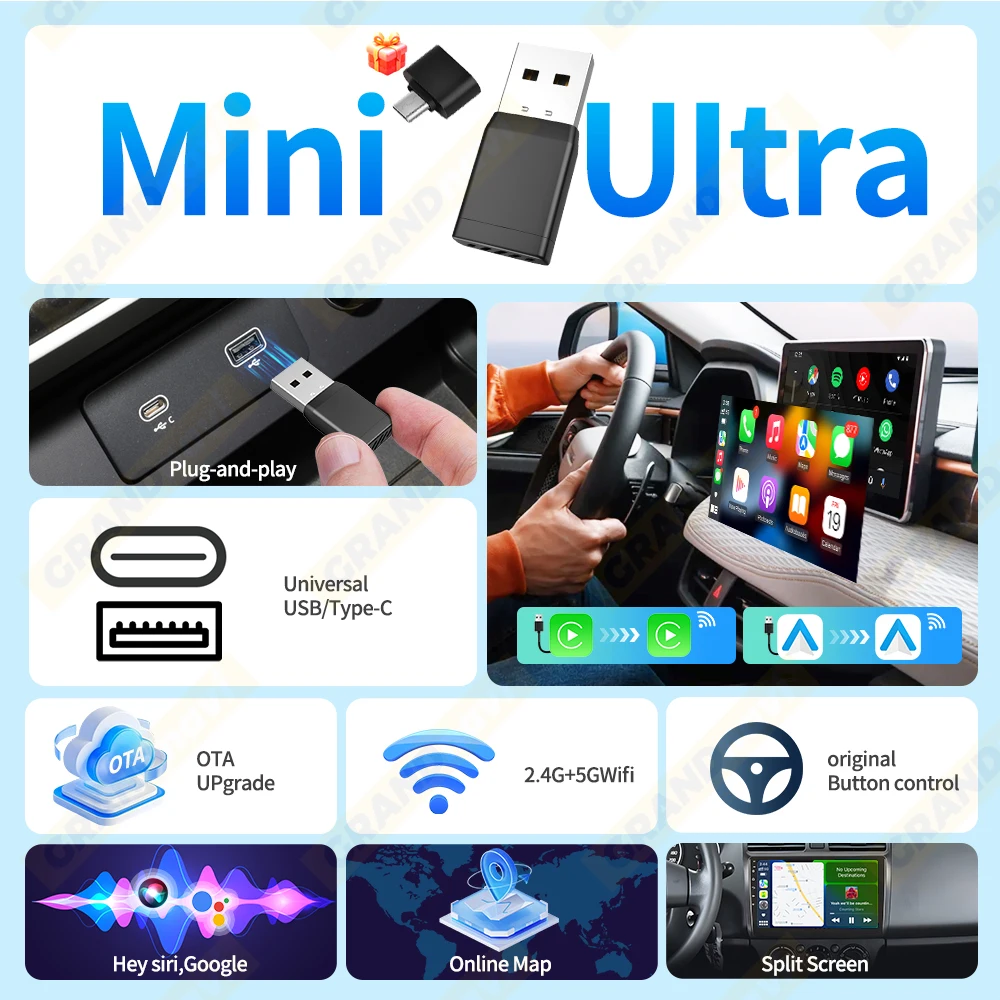
Wired to Wireless Carplay& Android Auto
Only for onginal car Radio Built-in Wired carplay/wired Androld Auto
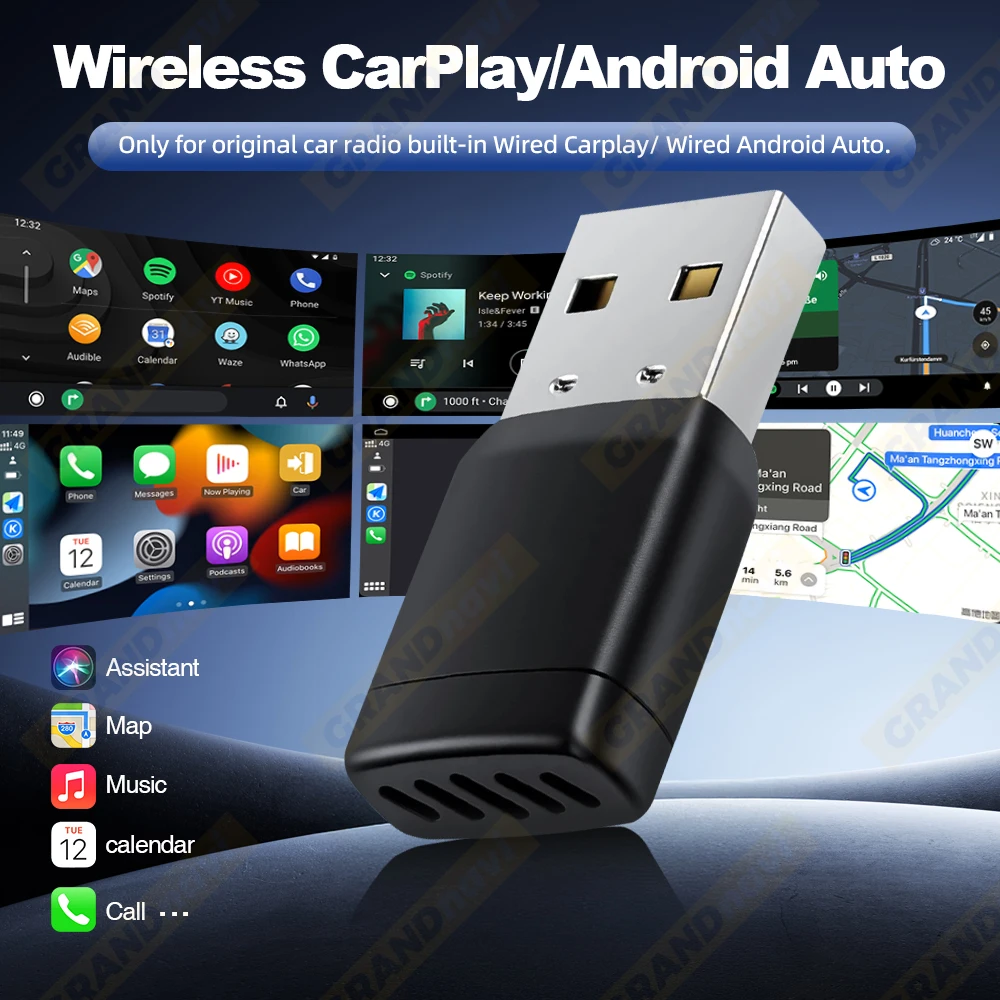
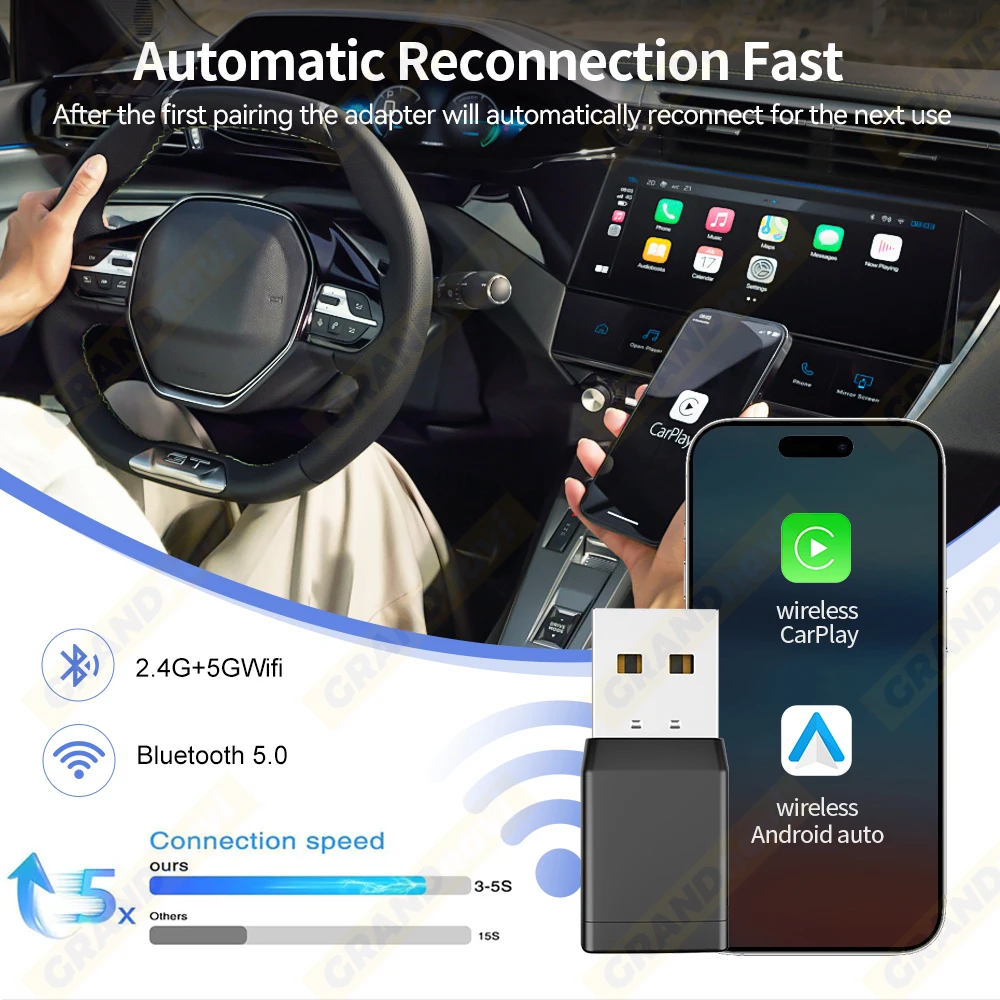
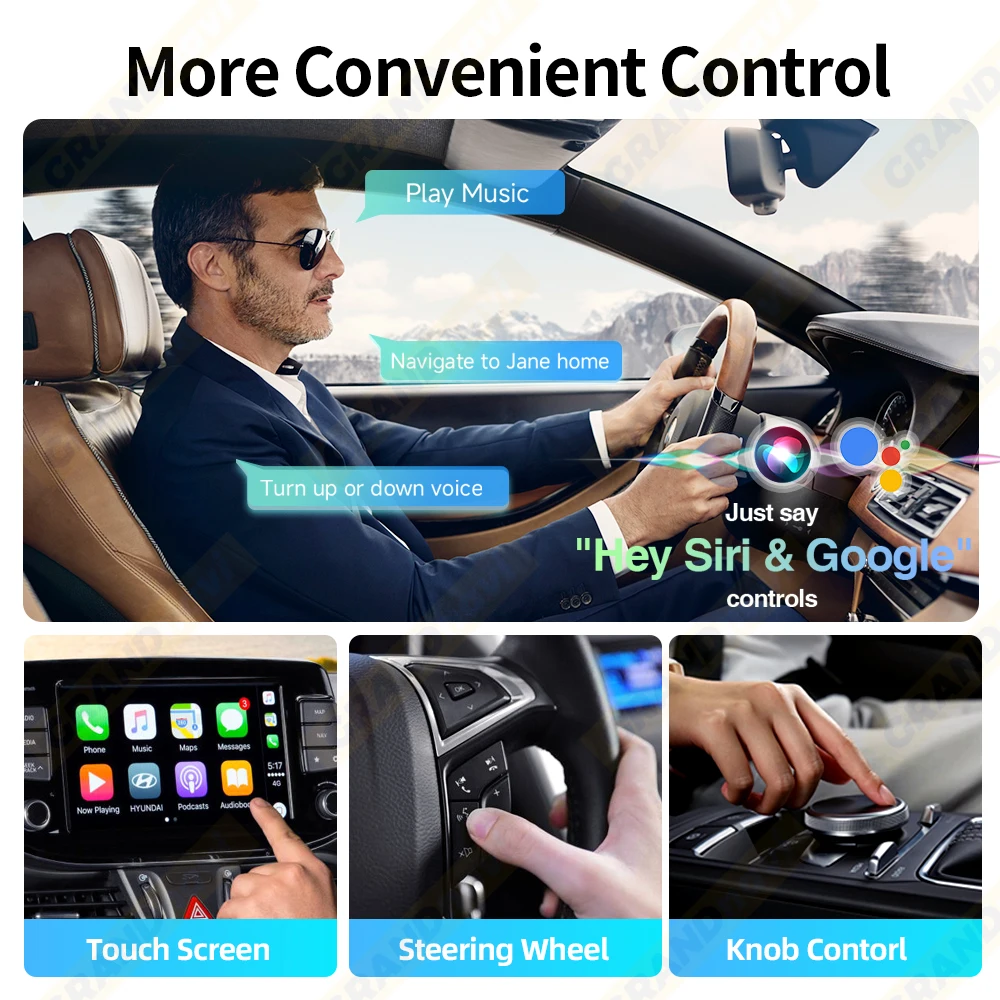
Mini Size Plug&Play
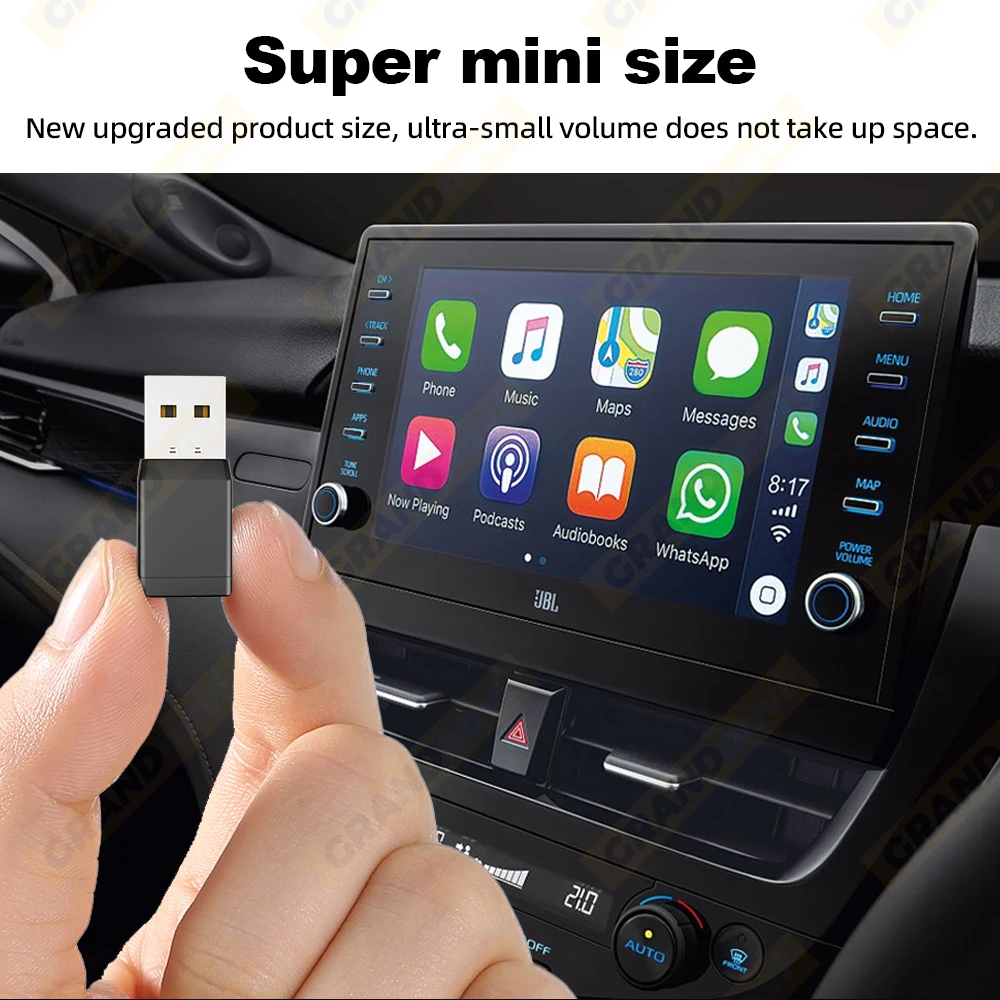
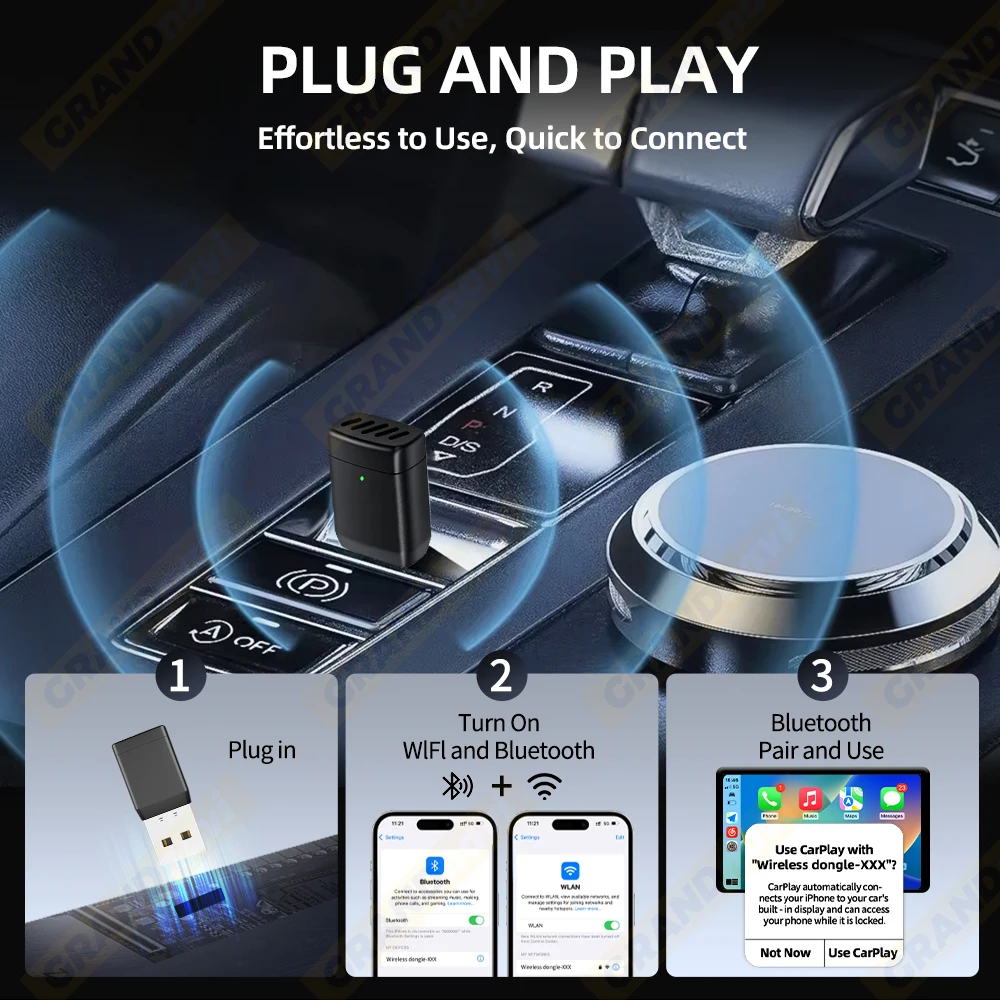
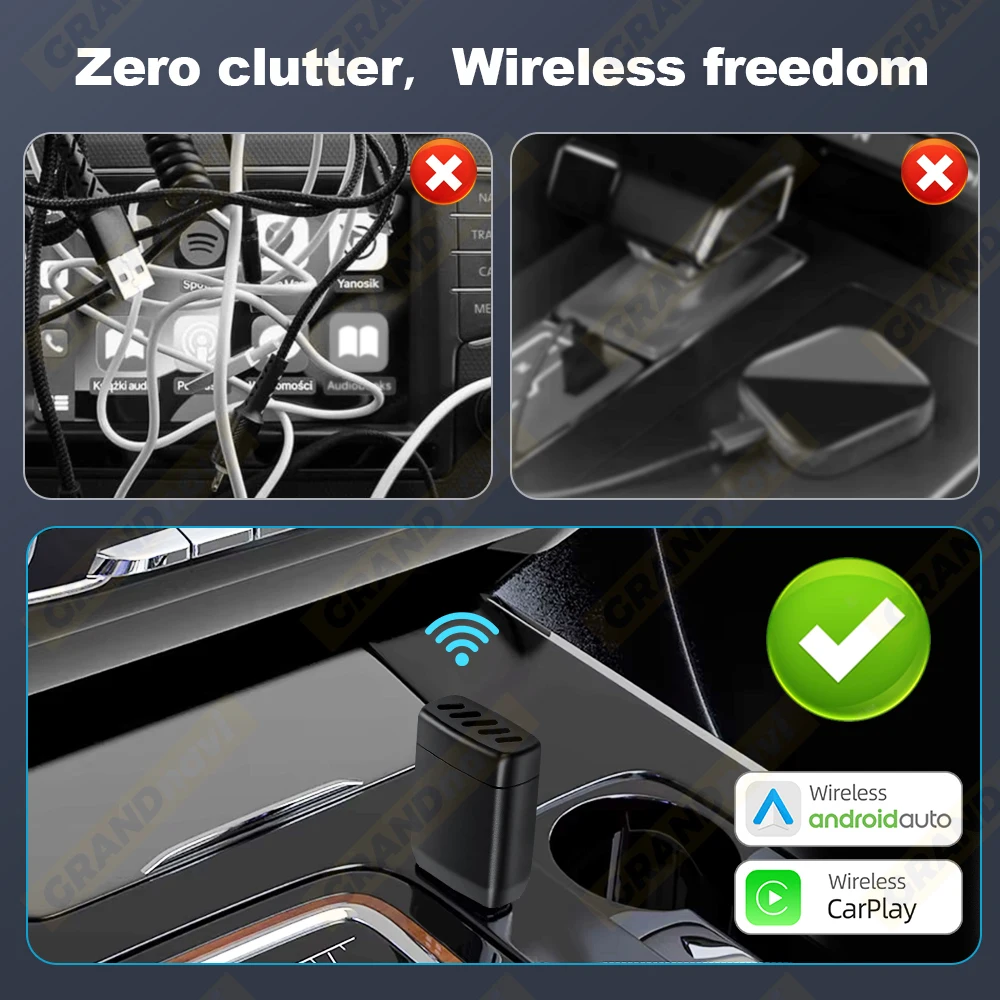
This product is suitable for 98% of cars with original wired carplay/Android auto
BMW, Tesla and some models are not compatible.lf you are not sure. You can contactcustomer service to inquire
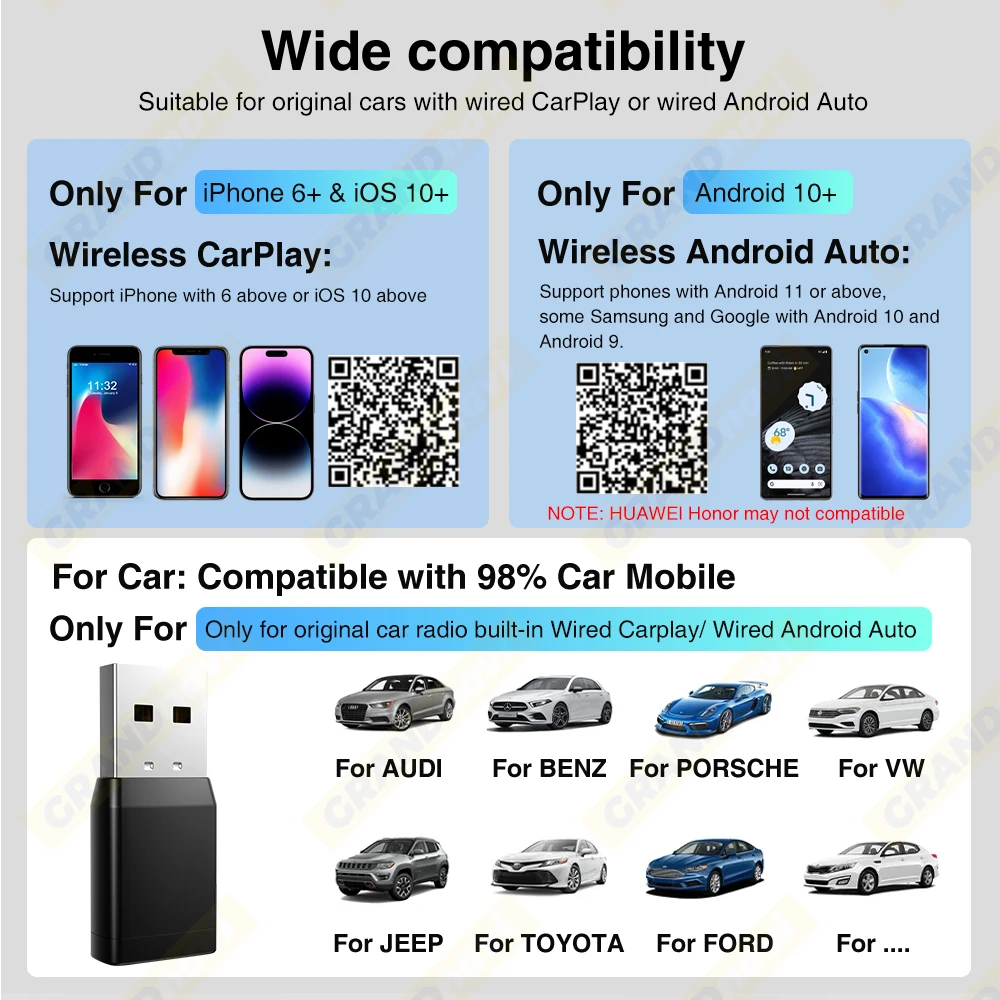
How To Use
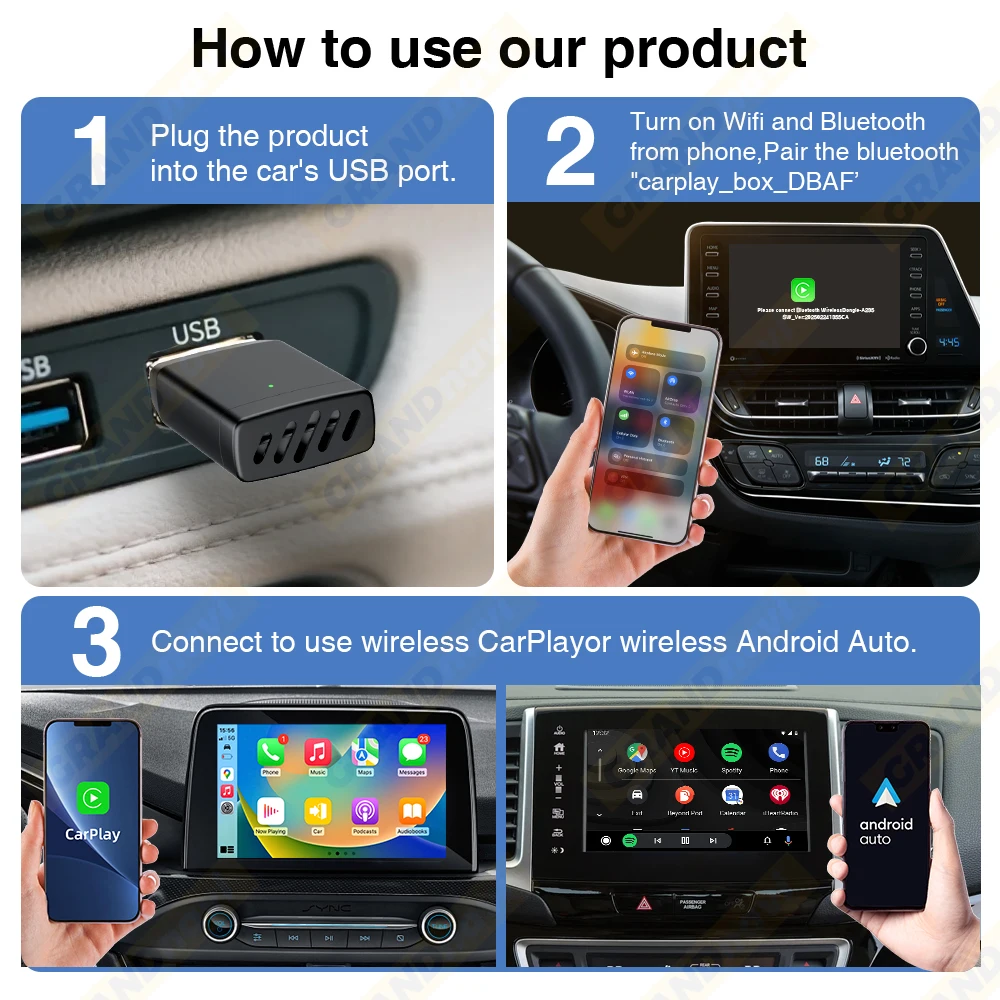
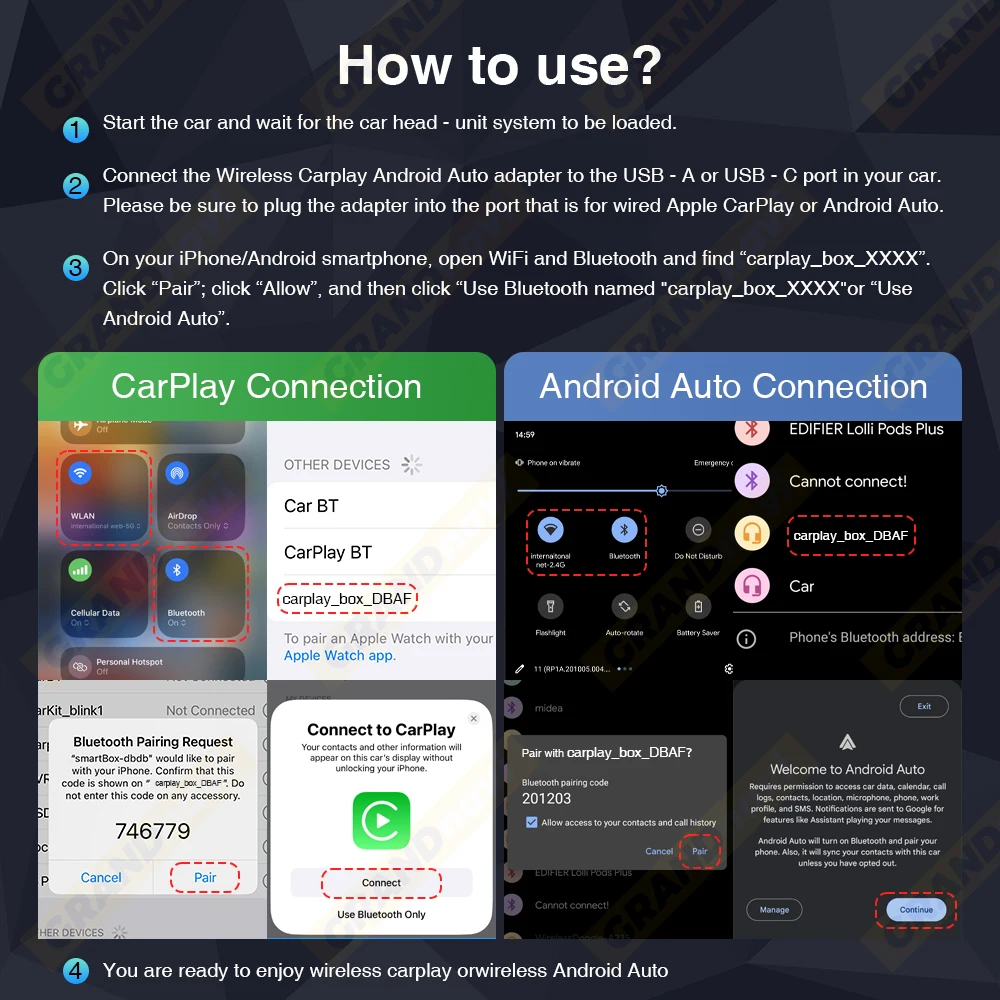
1. Start the car and wait for the car head until system to be loaded
2. Connect the Wireless Car-play Android auto adapter to the USB-A or USB-C port in your car.please be sure plug the adapter into the port that is for wired apple carplay or android auto.
3. Open WIFl and Bluetooth on your iPhone/Android samrtphone and find the BT named“Carplay box-xxxx*" Click on Pair;Click on 'Allow'; Click on Use Carplay or 'Use Android Auto'.
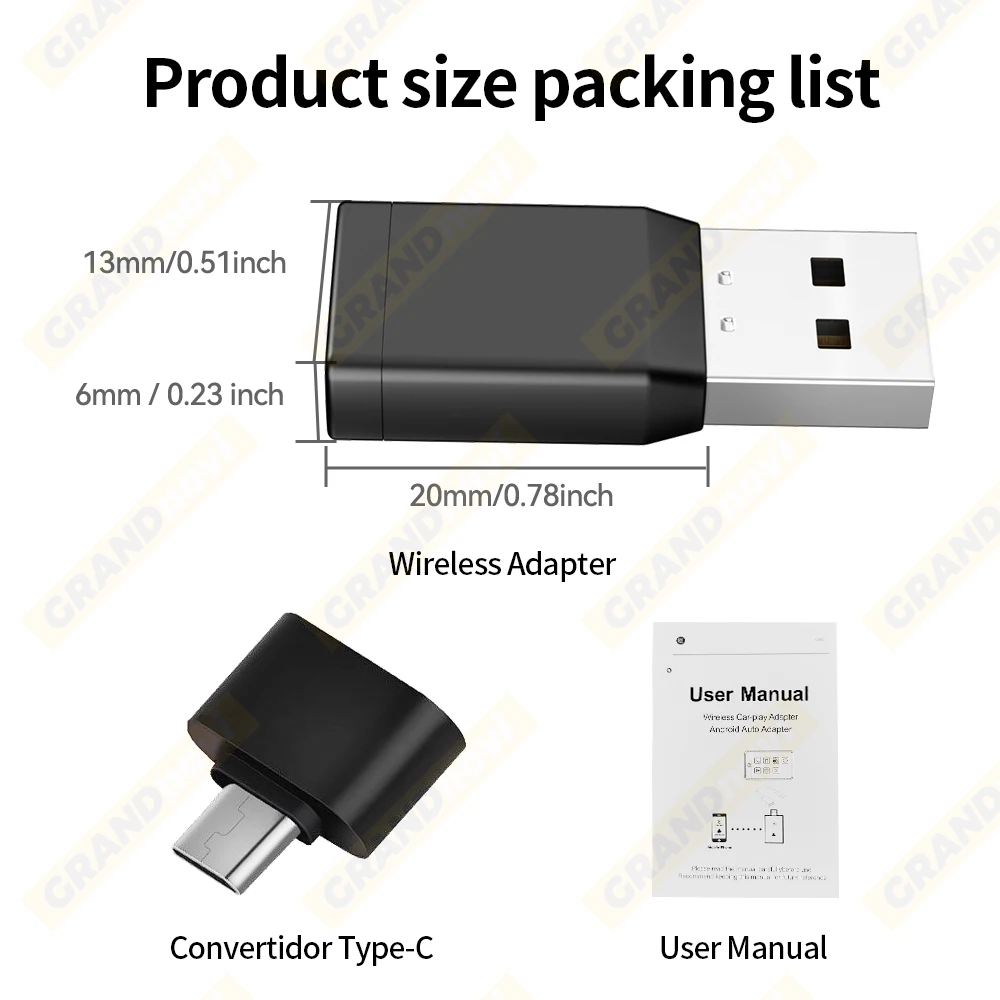
Product size packing list
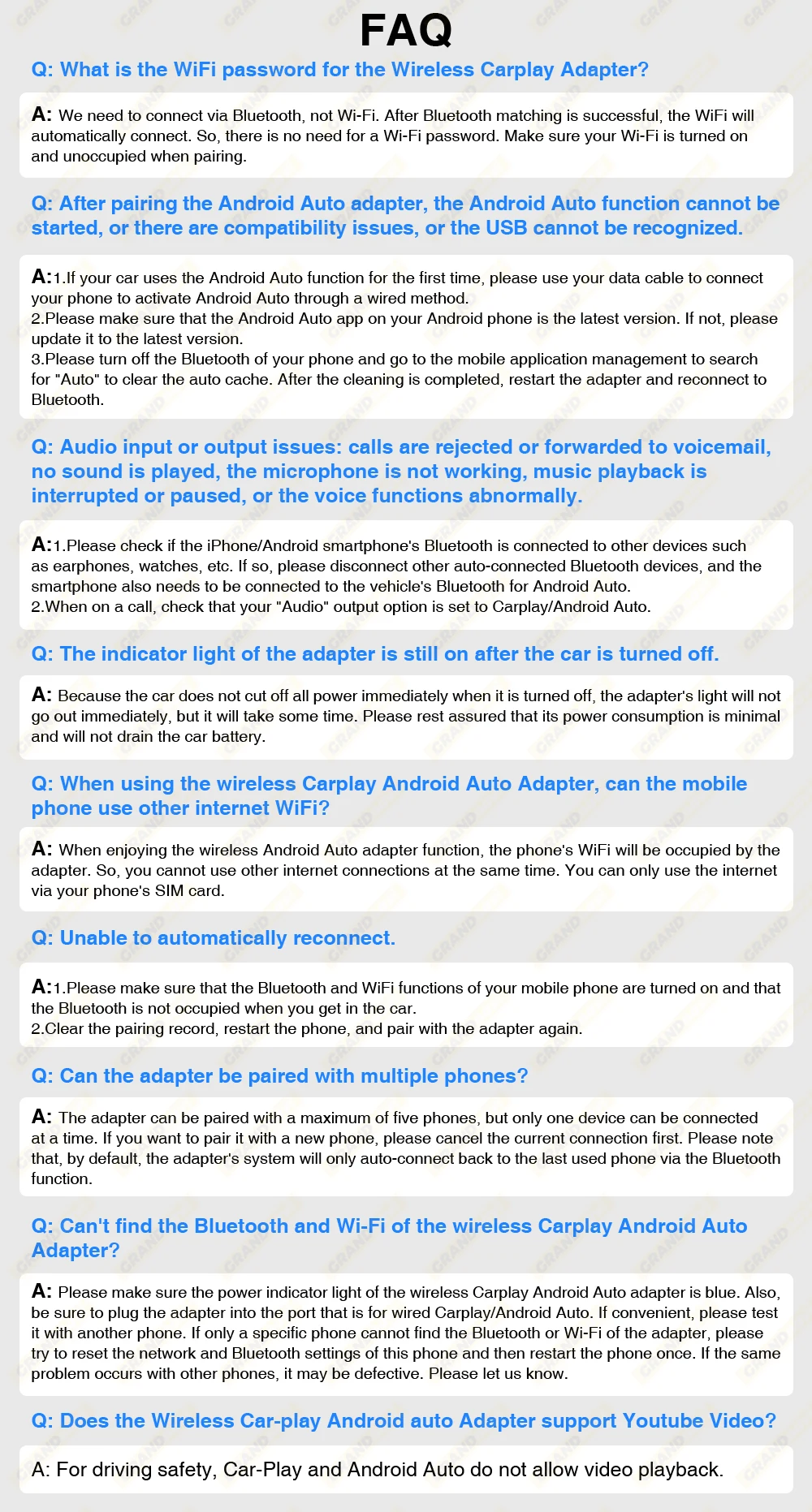
Q&A

Funkcje produktu
Funkcje produktu
Materiały i pielęgnacja
Materiały i pielęgnacja
Wskazówki dotyczące merchandisingu
Wskazówki dotyczące merchandisingu


