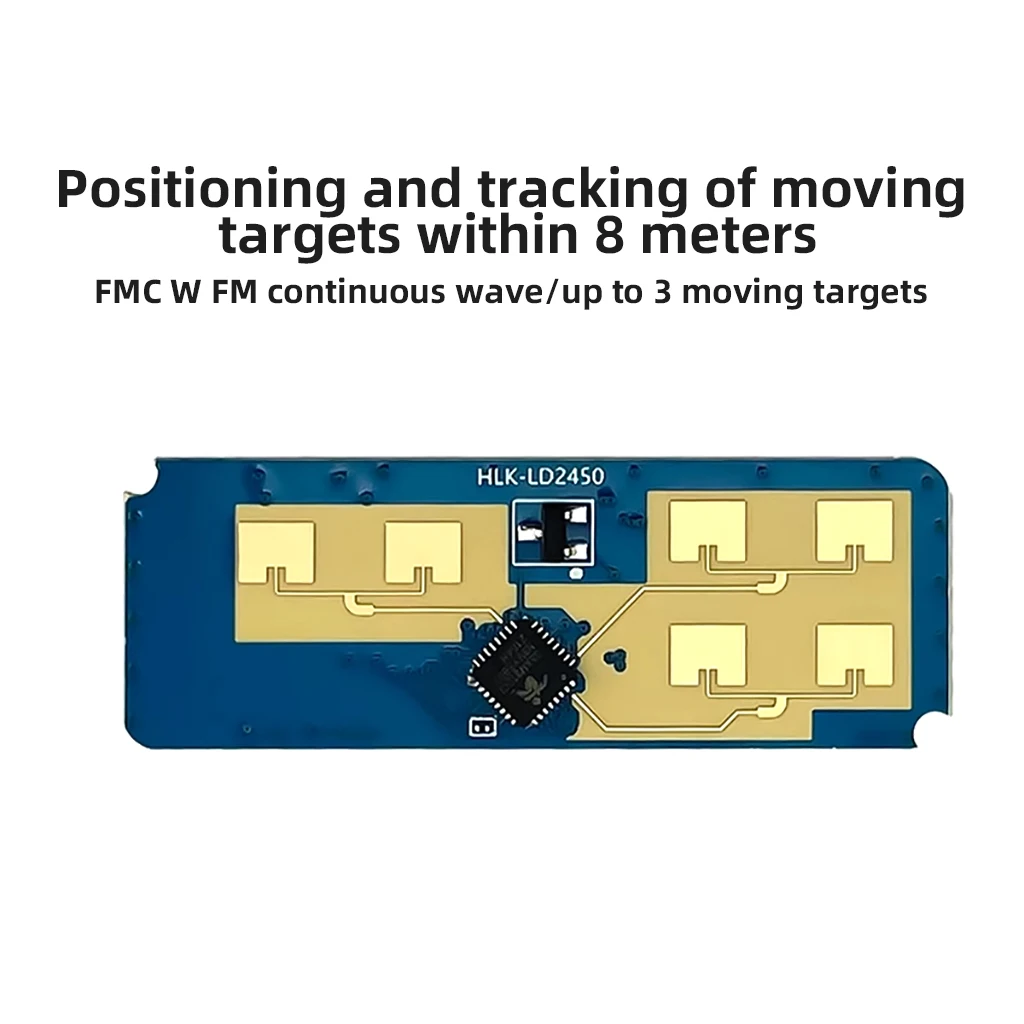
HLK-LD2450 LD2450 24GHz ISM Smart Home Motion Target Tracking Trajectory Radar Sensor Module Distance Angle Speed Measurement


HLK-LD2450 LD2450 24GHz ISM Smart Home Motion Target Tracking Trajectory Radar Sensor Module Distance Angle Speed Measurement
SPECIFICATIONS
Brand Name: XT-XINTE
Camera Equipped: No
Certification: NONE
Choice: yes
Communication method: Other
Compatibility: others
High-concerned chemical: None
Model Number: HLK-LD2450
Origin: Mainland China
State of Assembly: Unassembled Kit
semi_Choice: yes
HLK-LD2450 LD2450 24GHz ISM Smart Home Motion Target Tracking Trajectory Radar Sensor Module Distance Angle Speed Measurement
Product Description:
The LD2450 is a 24G radar module, which can achieve real-time tracking of the position of the moving target in the detection area, and output the distance, angle and speed information of the moving target in the area through the serial port.
It is mainly used in common indoor scenes, such as home, office and hotel, to realize the positioning and tracking of moving people.
Product Features
-Frequency: 24G-24.25GHz
- Sweep bandwidth: 250MHz (CE/FCC compliant)
-Modulation mode: FMCW
-Power supply voltage : 5V(Typ.)
-External Dimension : 15x40mm
-Detection Angle : Azimuth ± 60° / Tilt ± 35
-Detection Distance : Maximum Sensing Distance 8m
-Distance defense rate : 0.75m
- Distance measurement accuracy : 0.15m
-Angle Accuracy : 2° ~ 20
-Data refresh rate : 10Hz
-Ambient temperature : -40°C~+85°C
-Data format : Serial ASCIl output
-Package: Default 1.5mmx4Pin Female (Customizable)
Configuration testing

The serial port baud rate is 256000. 1 stop bit, no parity bit.
Configuration Tool Description
After connecting the module, open the Configuration Tool and select the correct port number and serial port information when clicking Detect Device. After connecting the module, open the Configuration Tool, click Detection Device, select the correct port number and serial port information, and then click Start to get the moving targets in the detection area. Then click Start to get the moving target information in the detection area.
Note: The serial port tool and the host tool can not be used at the same time.