Smart Fingerbot Plus - Bluetooth Button Pusher for Tuya Smart Life Control Work with Alexa Google Alice Home 500mAh Light Switch


Smart Fingerbot Plus - Bluetooth Button Pusher for Tuya Smart Life Control Work with Alexa Google Alice Home 500mAh Light Switch
SPECIFICATIONS
Battery Capacity: 500mAh (Rechargeable)
Battery Included: Yes
Brand Name: RSH
Certification: CE,RoHS,FCC
Choice: yes
Communication method: Bluetooth-Compatible
Compatibility: Tuya
Control App: Smart Life / Tuya Smart
Does It Includes Wireless Communication: Yes
Functions: Click, Long Press, Double Click
High-concerned chemical: None
Inbox adaptor: No
Model Number: CUBETOUCH
Origin: Mainland China
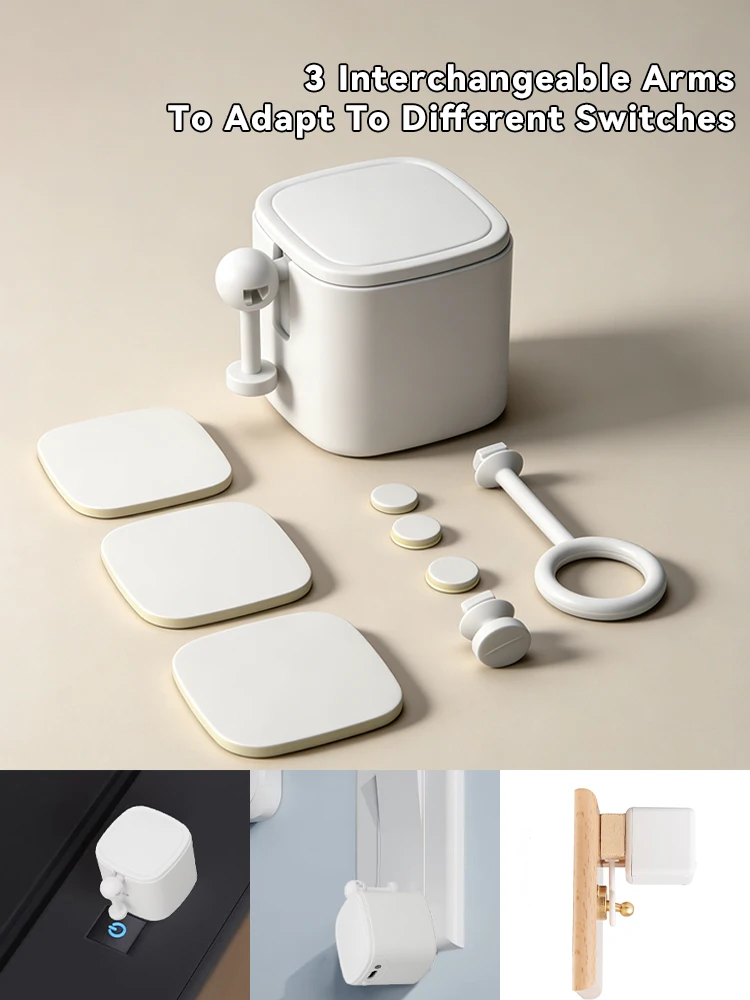
Package Includes: Device, 3M Tape x6, 3 Interchangeable Arms
Power Source: DC,DC
State of Assembly: Ready-to-Go
Wireless Communication: Bluetooth
Wireless Protocol: BLE4.2 {Hub Required}
power: 5V 1A 5W {Do not use high-voltage wires}
semi_Choice: yes
* Woreks with Tuya Bluetooth Hub Required{Not Included—Must be Purchased Separately}: This device is exclusively compatible with Genuine Tuya Authorized for Tuya Bluetooth Gateways.
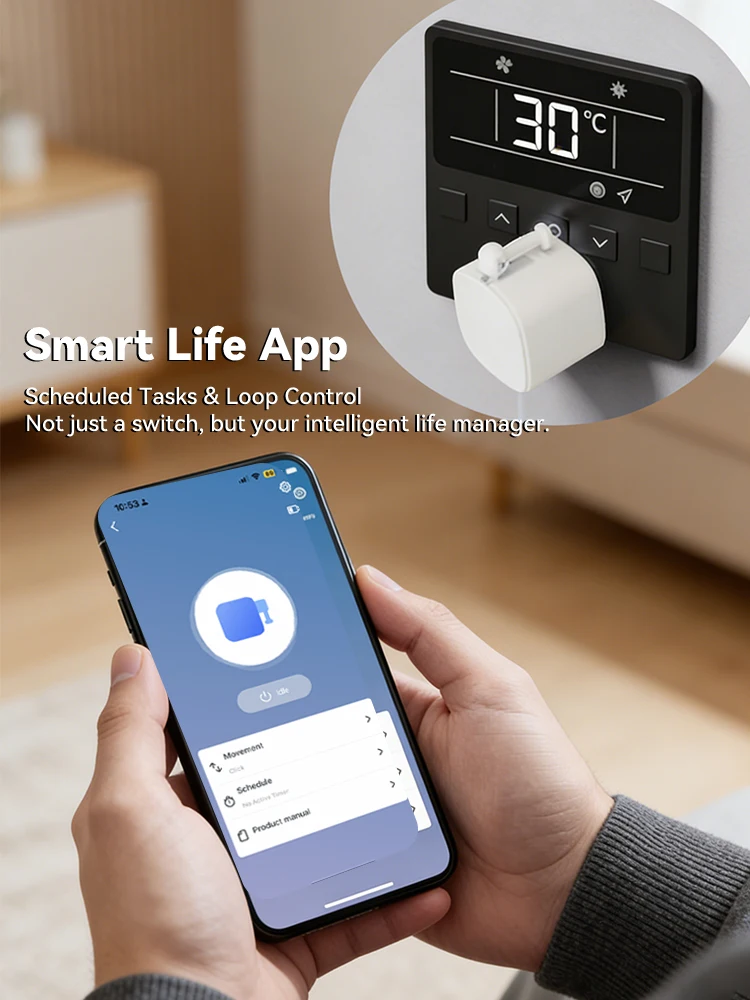
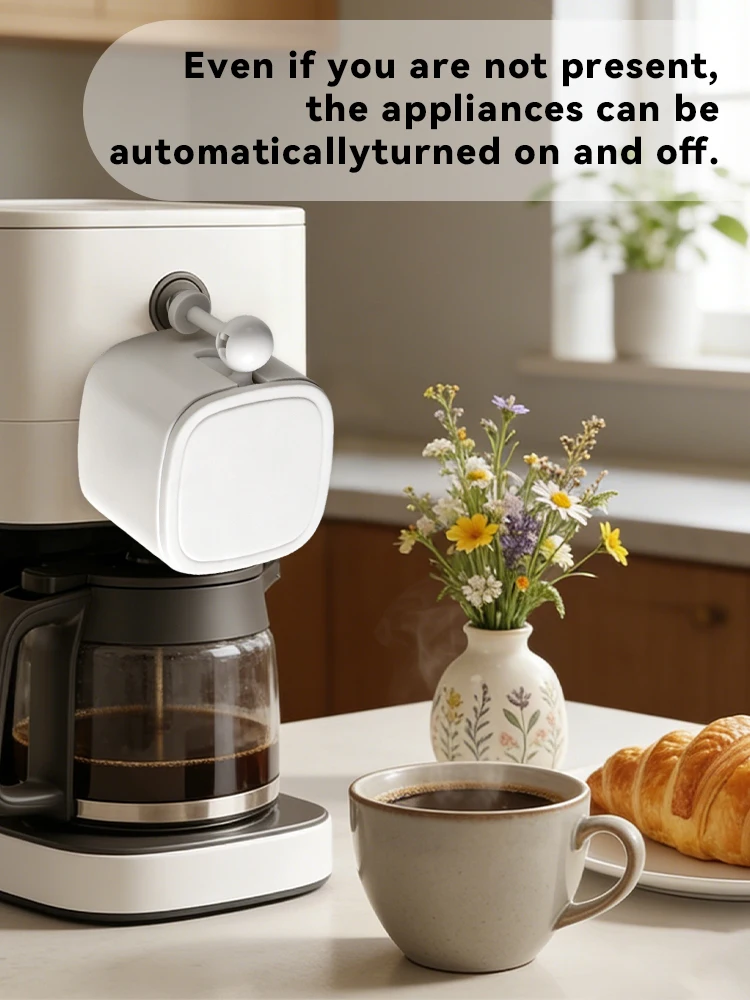
1.Make Everything Smart Instantly: No need to replace old appliances. This smart retrofit accessory automates any rocker switch or button on your coffee machine, light switch, or garage door.
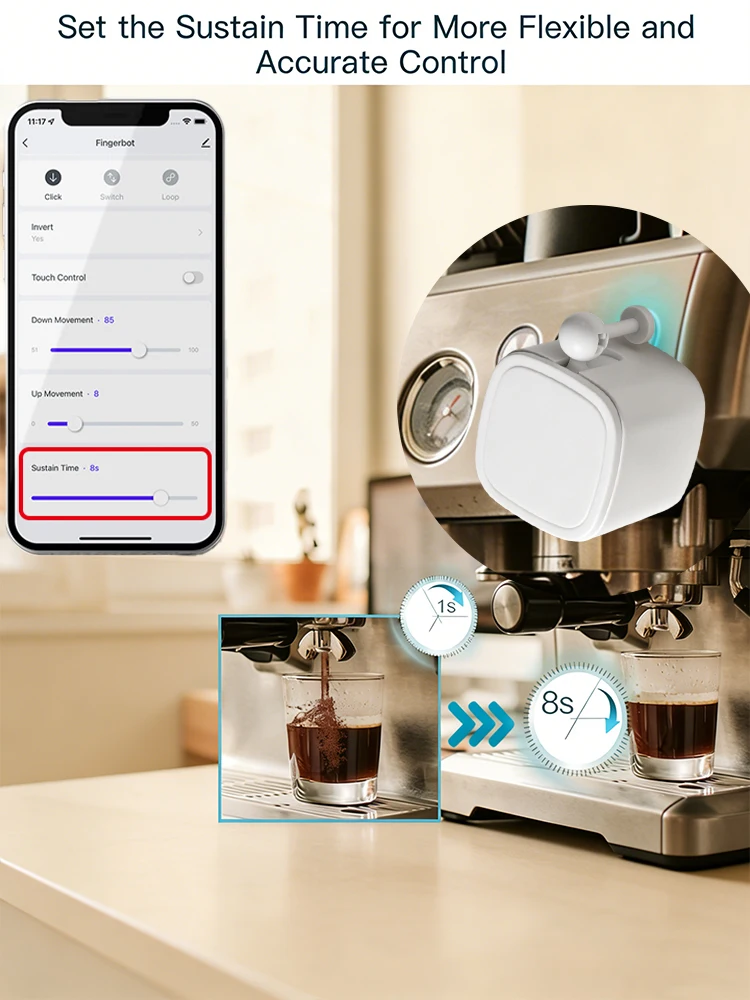
2.Precision Fingertip Simulation: Mimics human finger actions including click, long press, single click, and double click with precision via the App.
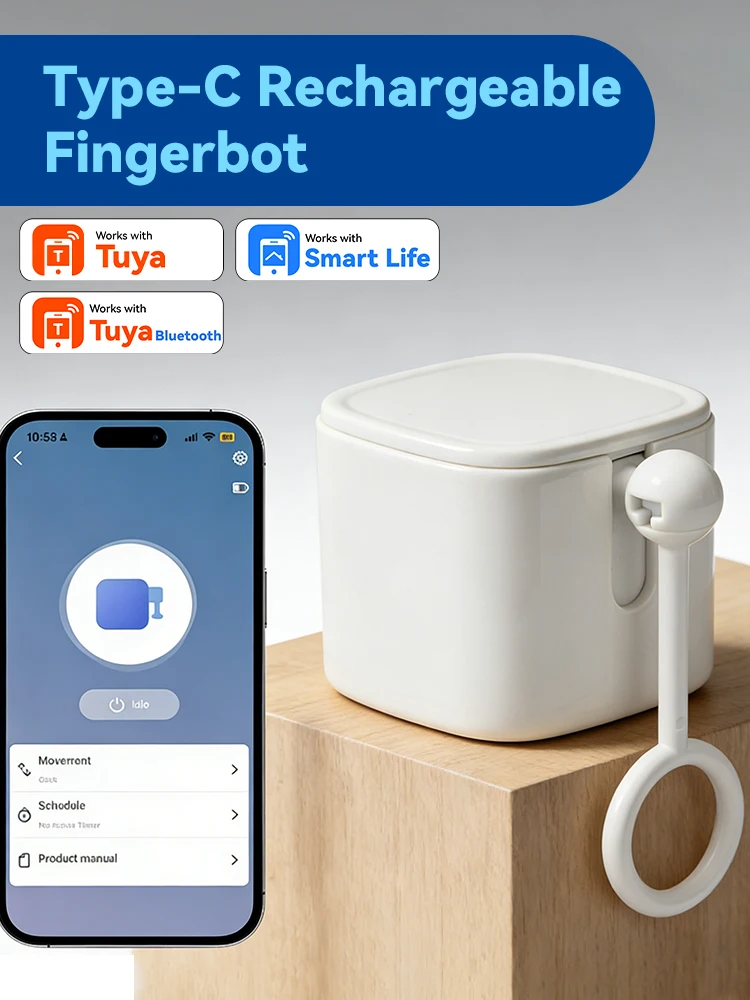
3.3 Interchangeable Tool Arms: Includes a starter kit with three specialized arms (Short Straight, Long Straight, and Ring Arm) to fit virtually any button shape or toggle switch.
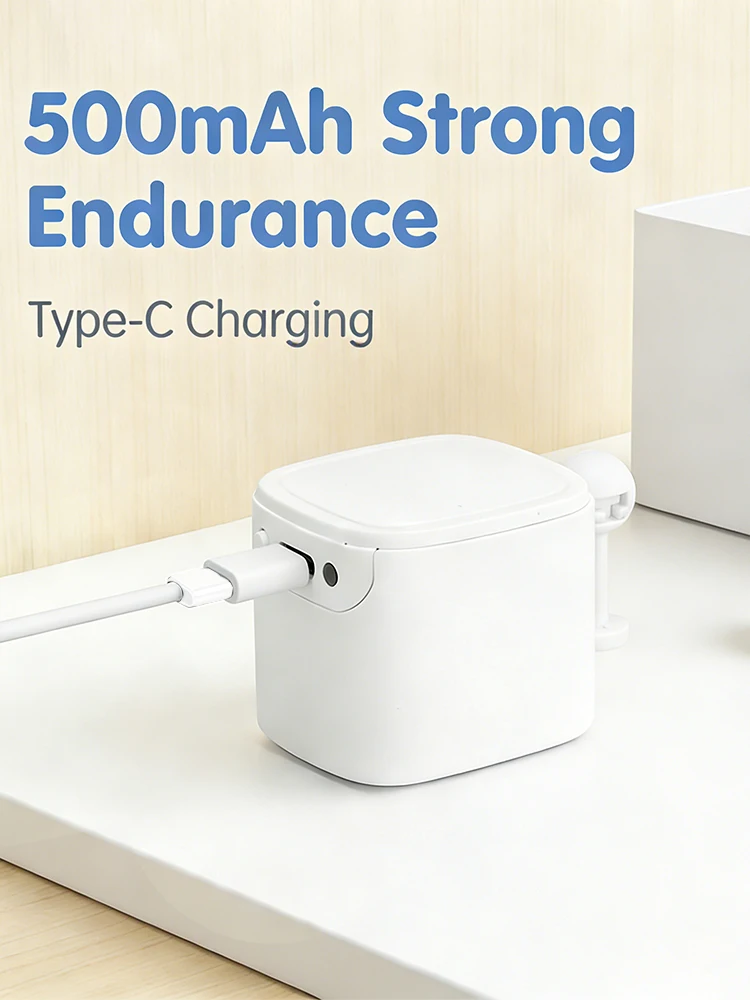
4.Powerful & Rechargeable: Equipped with a built-in 500mAh battery for long-lasting performance. Easily recharge via the integrated charging port.
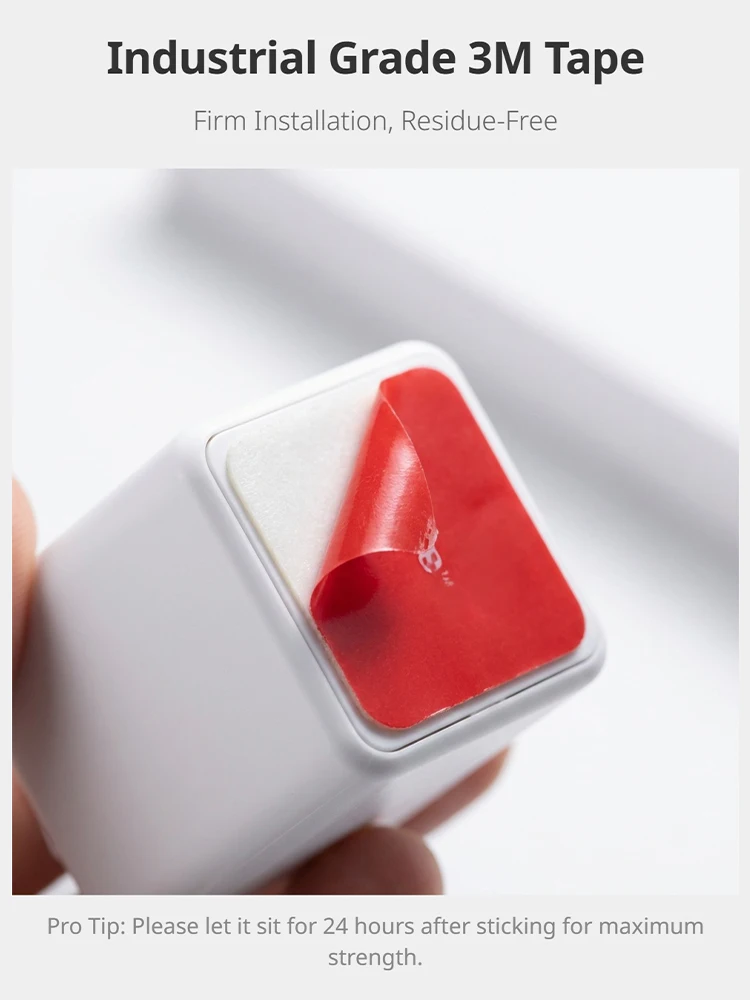
5.Easy DIY Installation: No wiring or tools required. Use the included 3M adhesive tapes to secure the device next to your switch in seconds
Step 1: Get the AppDownload the "Smart Life" app from the App Store or Google Play, or scan the QR code in the manual. Register or log in to your account.
Step 2: Power On & Reset:Turn on the device switch. Ensure the Blue indicator light is blinking. If not, toggle the switch 4 times quickly until the Purple light flashes to reset the device.
Step 3: Easy Pairing:Enable Bluetooth on your phone. In the Smart Life app, tap the "+" icon in the top-right corner. The app will automatically discover the Fingerbot. Follow the prompts to finish.
Step 4: Installation:Select the appropriate arm (Short, Long, or Ring), attach it to the device, and use the provided 3M adhesive to fix Fingerbot next to your target switch
Frequently Asked Questions
Q1: Does it work with voice assistants like Alexa or Google Home?
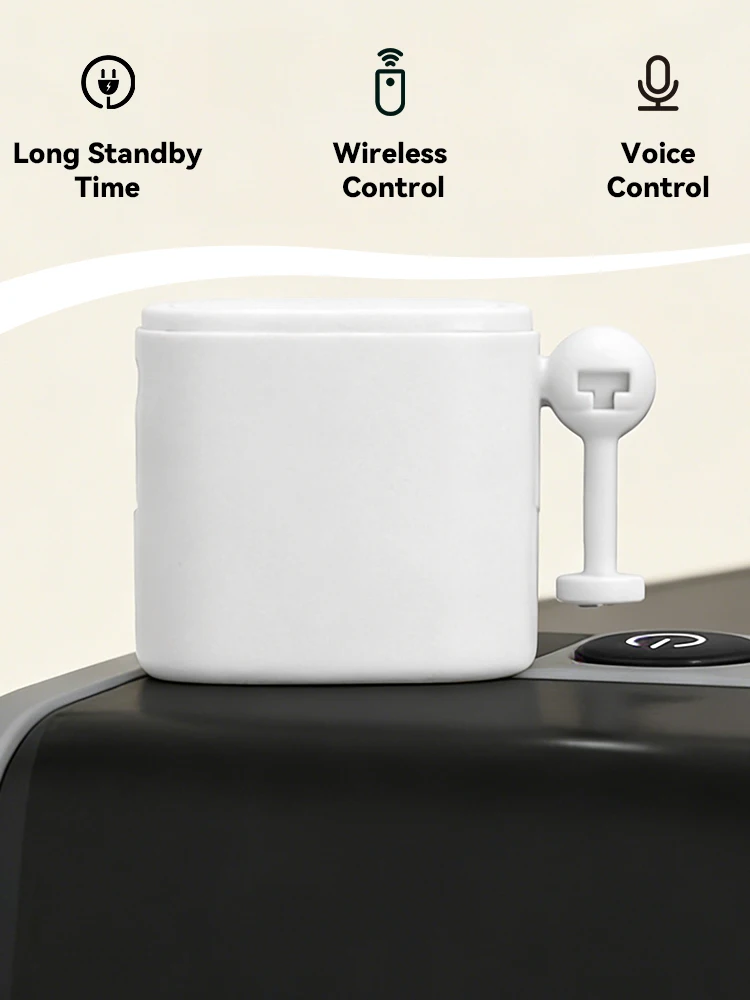
-Local Control: Out of the box, Fingerbot uses Bluetooth (BLE 4.2) for a direct connection to your smartphone. You can control it via the App within Bluetooth range without a hub.
-Voice & Remote Control: To use Alexa, Google Home, or control it while you are away from home, a Tuya Bluetooth/Multi-mode Gateway (sold separately) is required. The gateway acts as a bridge to connect the Bluetooth device to your Wi-Fi network.
-Compatibility: It supports various actions like Click, Long Press, and Double Click through voice commands once connected to a gateway.
Q2: How many types of arms are included in the package?
A: You will receive 3 specialized arms: 1x Short Straight Arm, 1x Long Straight Arm, and 1x Ring Arm, along with 6 pieces of 3M tape to ensure a secure fit for various buttons.
Q3: How do I reset the device if I change my phone?
A: Simply toggle the physical power switch on-off-on-off-on (4-5 times) rapidly until the indicator light flashes Purple. This puts the device back into pairing mode.
Q4: Is the battery replaceable?
A: No, it features a built-in 500mAh rechargeable battery. You can easily recharge it via the integrated Charging Port using a standard cableCompatible with most standard Type-C cables