


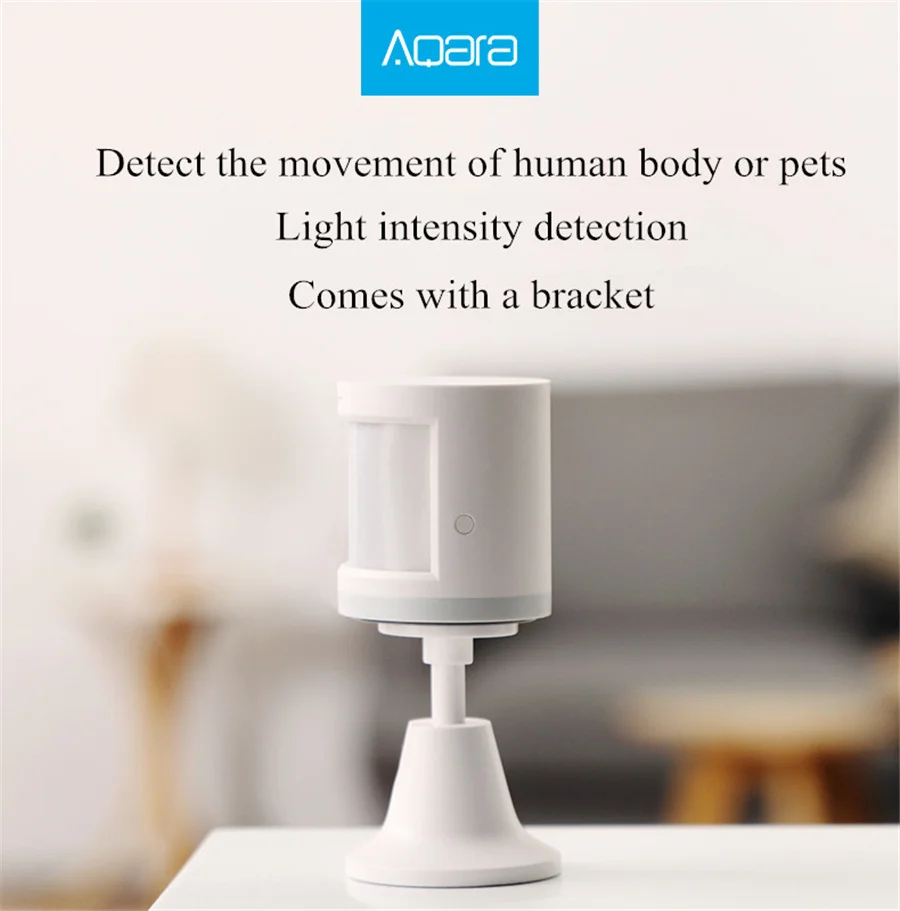
Aqara Motion Sensor Smart Human Body Sensor Body Movement Wireless ZigBee Wifi Gateway Hub Smart Home Homekit For Xiaomi Home
Aqara Motion Sensor Smart Human Body Sensor Body Movement Wireless ZigBee Wifi Gateway Hub Smart Home Homekit For Xiaomi Home
SPECIFICATIONS
Brand Name: Aqara
Certification: CE
Choice: yes
Communication method: Zigbee
High-concerned chemical: None
Model Number: RTCGQ11LM
Origin: Mainland China
State of Assembly: Ready-to-Go
Main Features: |
Work with other mijia / aqara smart devices |
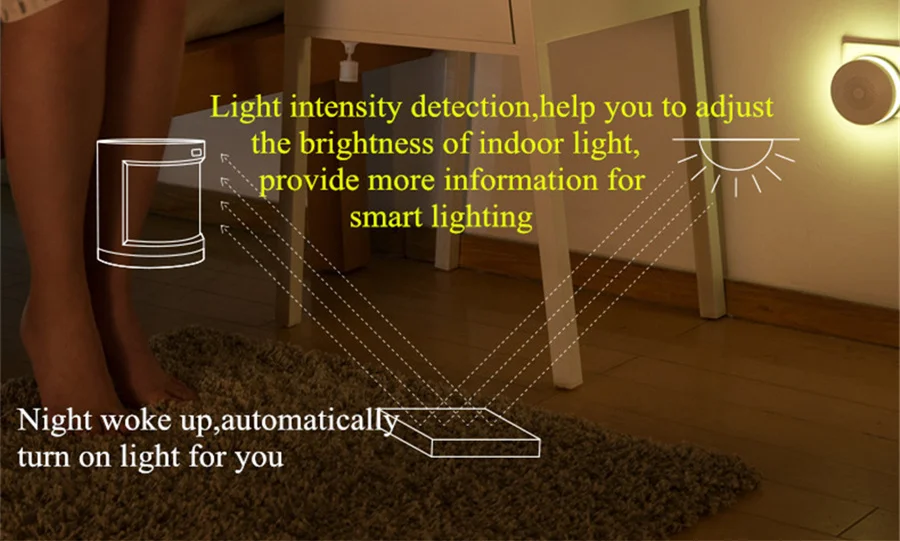
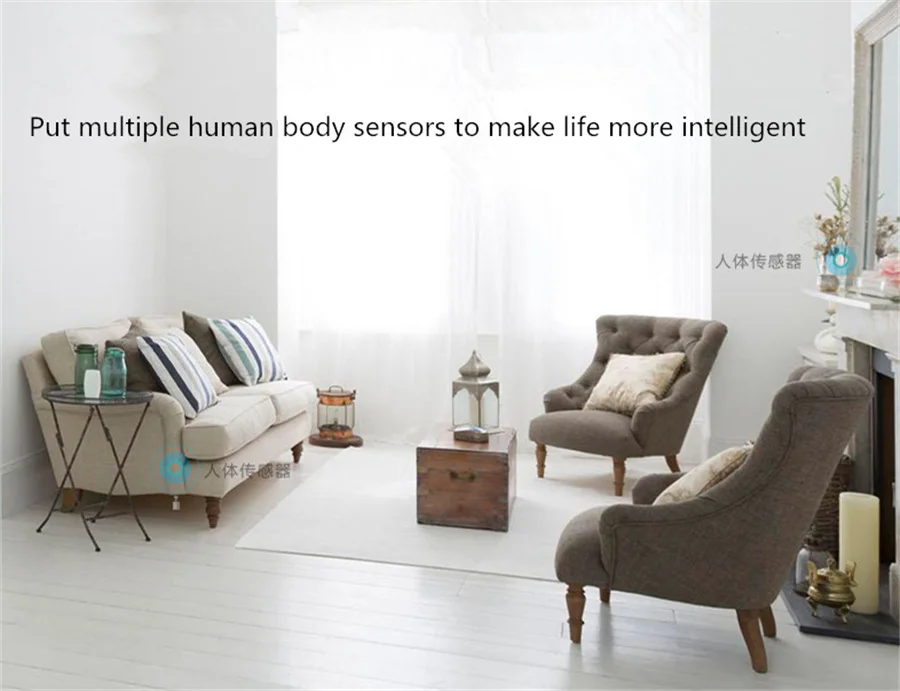
Intelligent induction: when somebody goes through, the night light will turn on automatically |
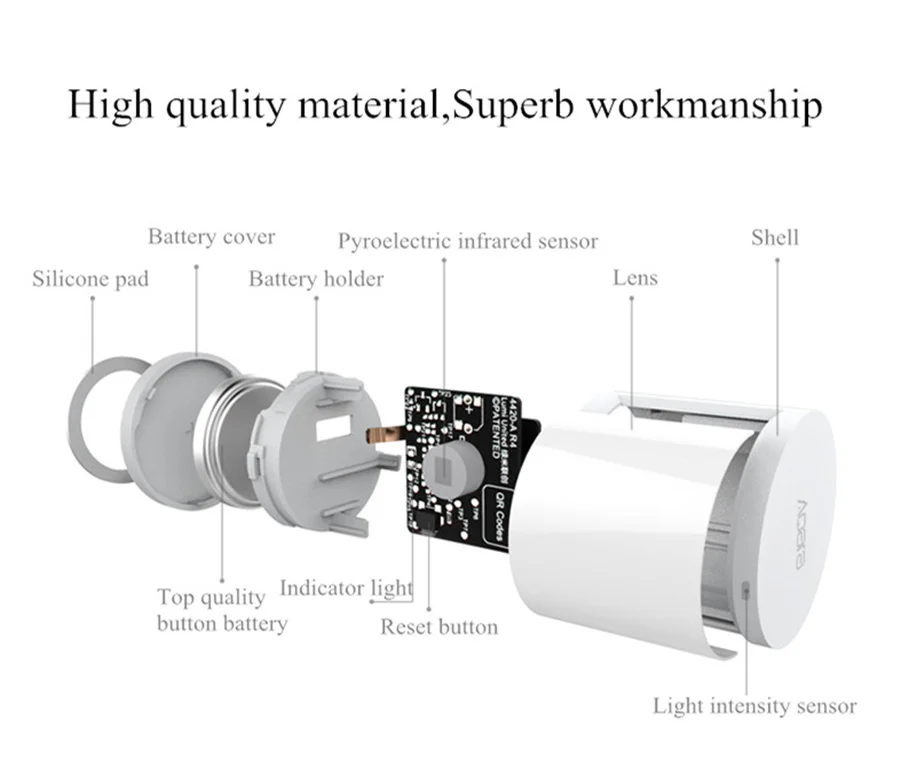
Sense the lightness and dark of your room |
Notice function: sent alert to you through the APP |
ZigBee wireless connection |
Built-in 1pc CR2450 cell battery |
Detection distance: 7m |
Detection angle: 170 degree |
Working temperature: -10 - 45 Deg.C |
Working humidity: 0 - 95pct RH |
Brand: aqara |
Model: Smart Home |
Material: Plastic |
Package weight: 0.079 kg |
Product size (L x W x H): 3.00 x 3.00 x 3.30 cm / 1.18 x 1.18 x 1.3 inches |
Package size (L x W x H): 10.00 x 6.60 x 3.30 cm / 3.94 x 2.6 x 1.3 inches |
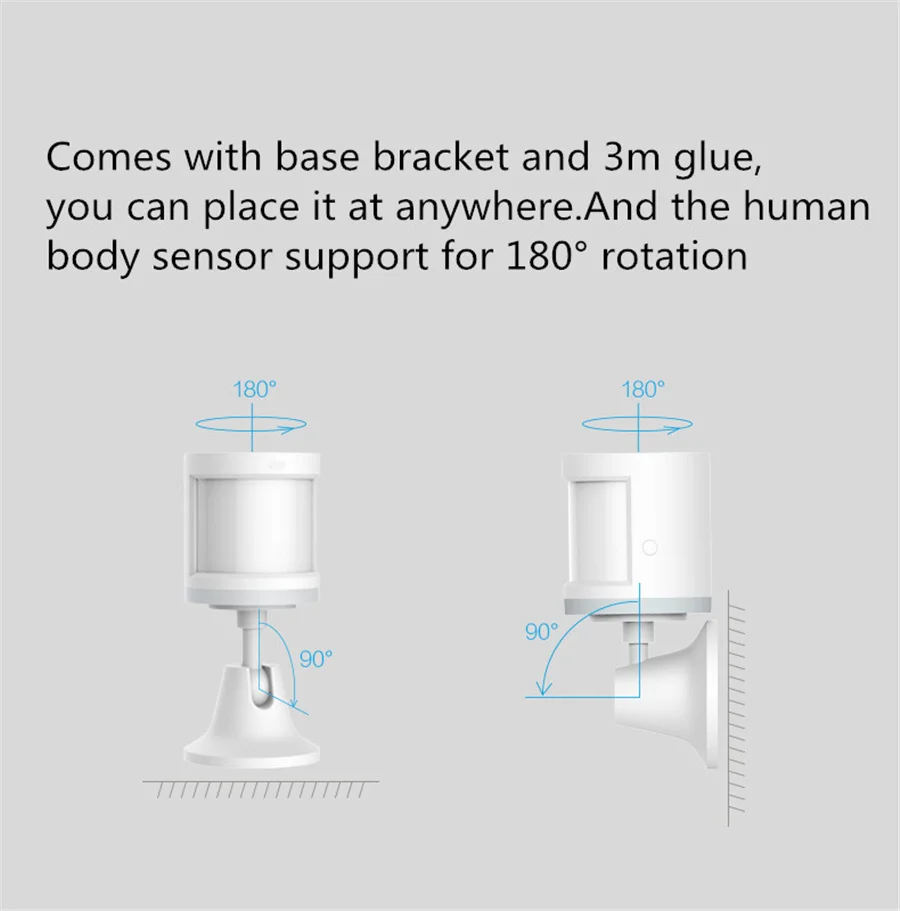
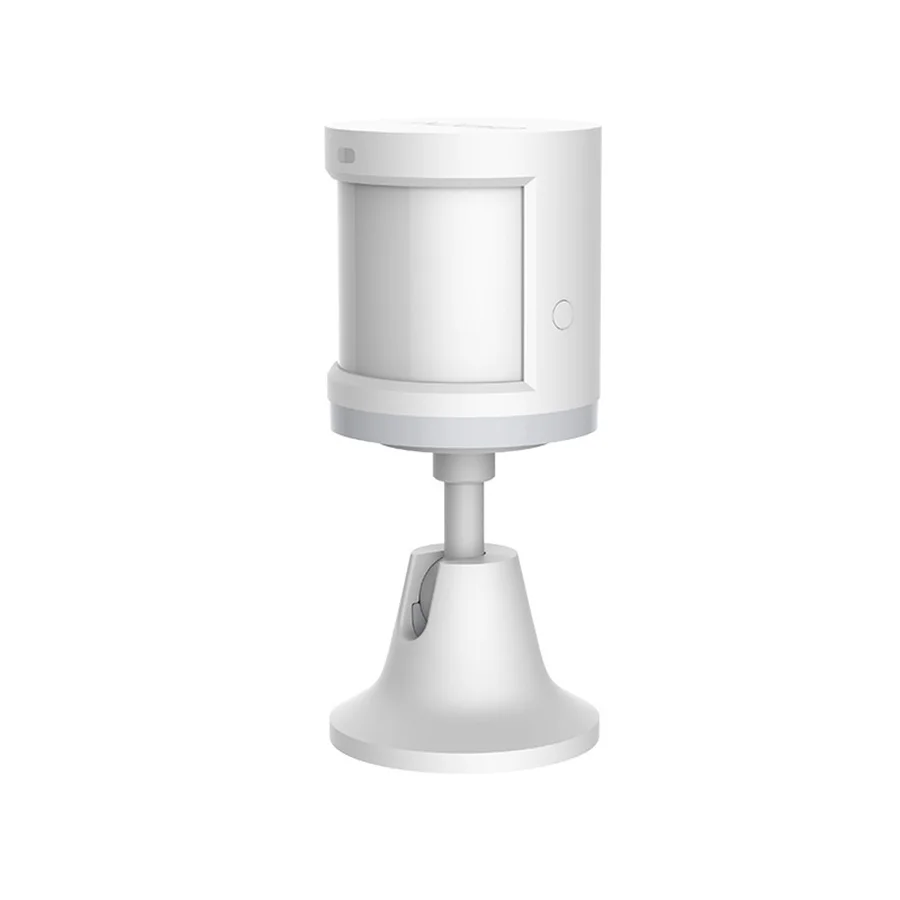
Package Contents: 1 x Aqara Human Body Sensor ( with Holder ) |
* Frequently Asked Questions
1. Where should Aqara body sensor be installed?
How to install?
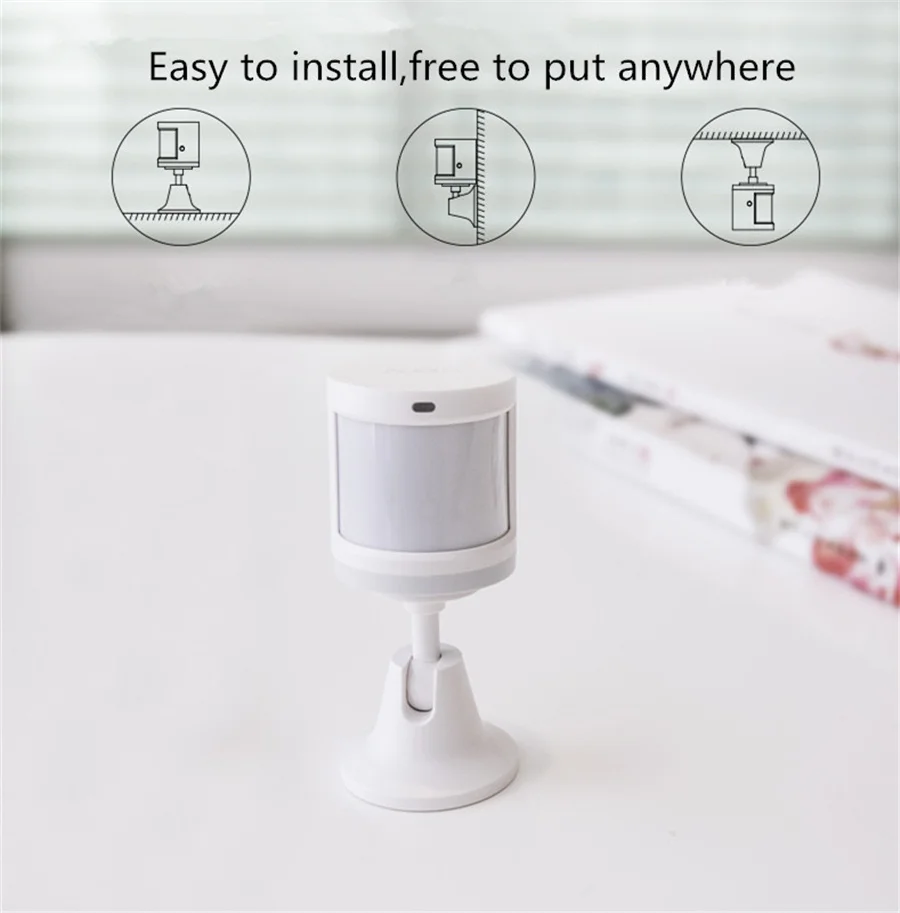
1. Install in areas that need to detect whether there is anyone, such as the living room, bedroom (please refer to the human body sensor detection distance in the manual when installing).
2. It can be placed on the coffee table, shoe cabinet, desk surface, etc., but it must be close to the edge (recommended installation height is 1.2m~2.1m);
3. Do not place the sensor on a metal surface. Do not place a barrier in front of the sensor.
Second, Aqara human body sensor reset hole position is difficult to press,
How to press more easily?
1. The design of the small hole position is to prevent miscontact, which will be illuminated to press the impact;
2. Your index finger nail can press the reset button more quickly
3. Toothpicks, card pins, and small sticks are ideal tools
How to reset Agara body sensor? When to reset?
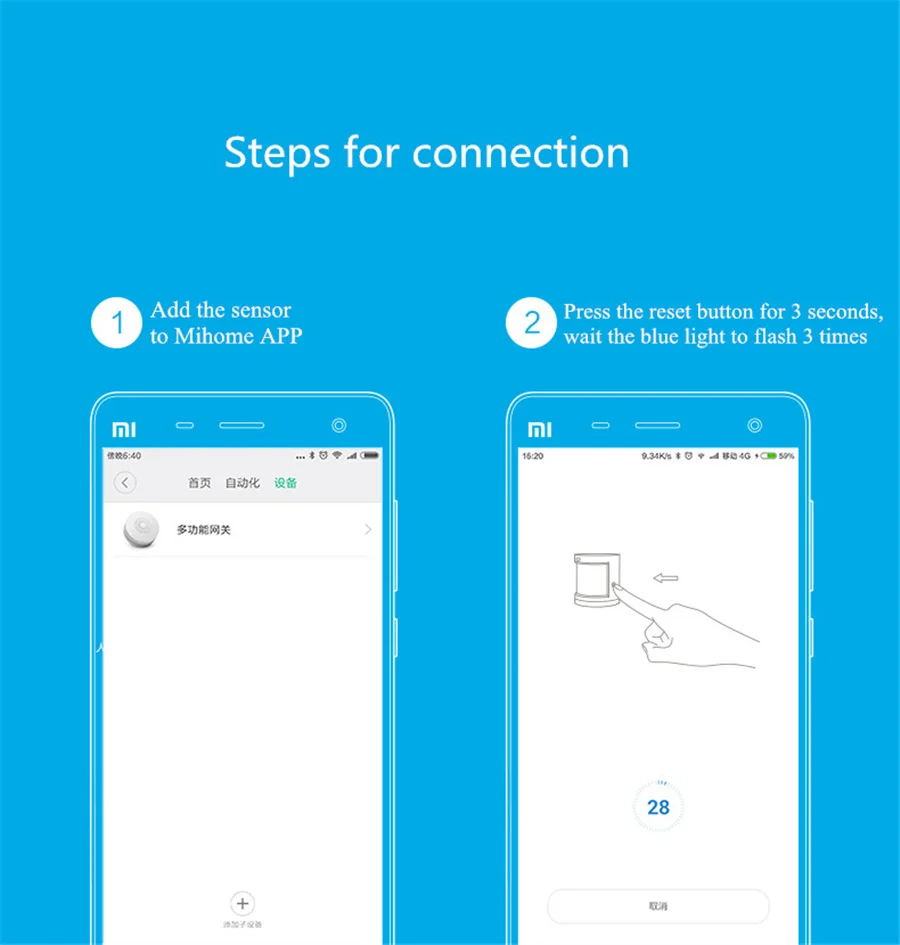
1. Hold down the reset button of the device for 5 seconds, and the indicator blinks 3 times to restore factory Settings;
2. If the bound sensor is bound to another gateway, reset the sensor to ensure that the sensor is bound to the new gateway successfully.
Fourth, what is the reason for the failure of Aqara body sensor connection?
1. If the operation is incorrect, add the device again according to the device adding method.
2. If the device is too far away from the gateway, move the device closer to the gateway and add it again.
3. The load capacity of the gateway exceeds that of the sub-device. Add the sub-device to another sub-device.
Fifth, when the function of Aqara human body sensor is abnormal, how to judge the connected human body sensor is effective and can work normally? Press the reset button of the human body sensor, and the gateway will sound "Normal connection", indicating that the communication between the sensor and the gateway is normal, go to 3; If no prompt is played, move the sensor closer to the gateway and try again. If no prompt is played, the sensor may have been deleted or the battery is exhausted. In this case, add the sub-device or replace the battery by referring to adding a sub-device or replacing the battery.
Six, Aqara body sensor does not respond, press the reset button when the light brightness is weak, what is the reason?
Low battery
Why is Aqara body sensor often offline?
Possible reasons:
1. If the device is far away from the gateway, verify the distance between the sensor and the gateway and install the device near the gateway.
2. Low battery or no battery, please replace a new battery;
3.Zigbee is installed on the metal surface, and the signal is interfered.
Product features
Product features
Materials and care
Materials and care
Merchandising tips
Merchandising tips


