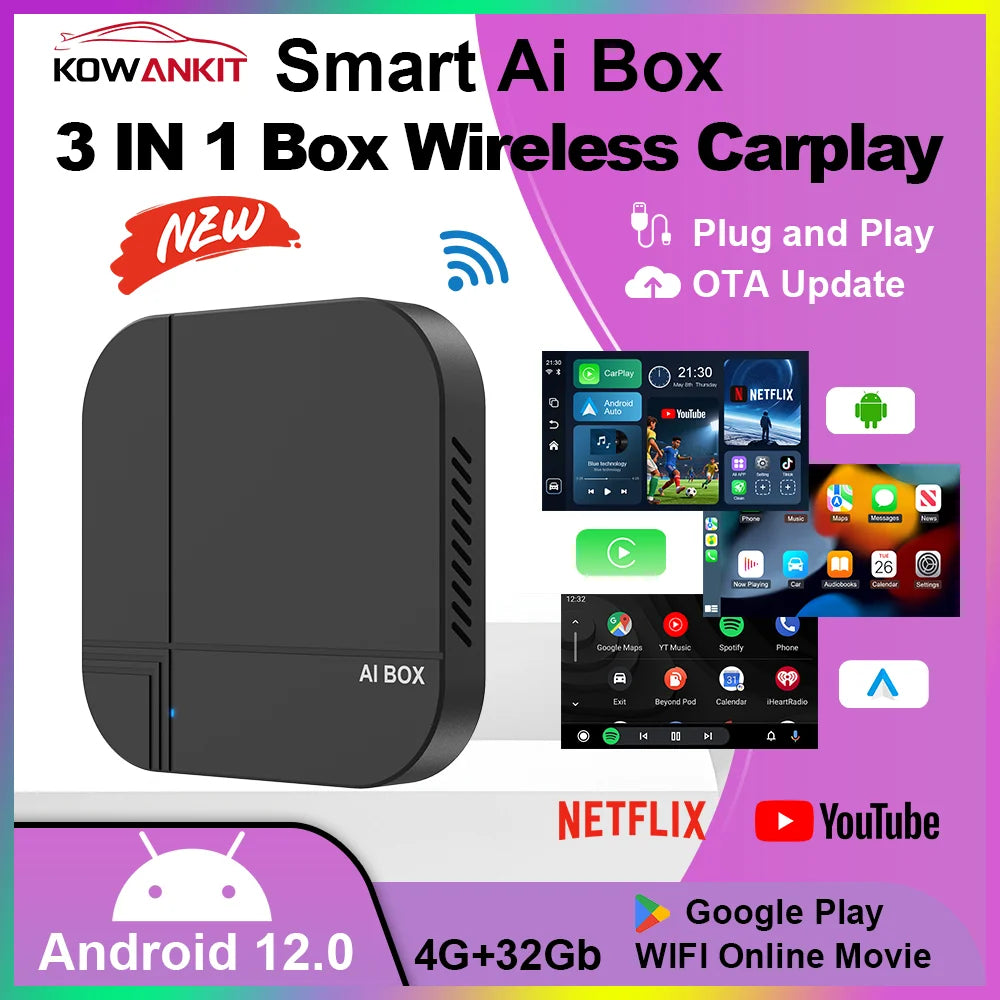
Kowankit 2026 4+32G Wireless CarPlay AI Smart Box 3 in 1 Android Auto Tv Box Netflix Youtube For Toyota Nissan Benz Honda Ford
Kowankit 2026 4+32G Wireless CarPlay AI Smart Box 3 in 1 Android Auto Tv Box Netflix Youtube For Toyota Nissan Benz Honda Ford
SPECIFICATIONS
BT: 4.2
Brand Name: KowanKit
Connection Speed: Fast
For Android, Compatible mobile phones: Only support for Android models (Andriod version 11 and above)
For Carplay, Compatible mobile phones: For iPhone 6 and above, iOS 10 and above mobile phones
High-concerned chemical: None
Origin: Mainland China
RAM: 2/4G
ROM: 16/32G
Support VIdeo Apps: Netflix, Youtube and More
What vehicles are supported: Toyota,vw, Benz,Mazda, Nissan, Volvo, Honda, Peugeot
What vehicles are supported?: Hyundai and More Cars 2016+
Wifi: 5.8G
Turn Any Car into Smart! Kowankit K712 Wireless CarPlay & Android Auto Adapter
Transform Your Drive Instantly!
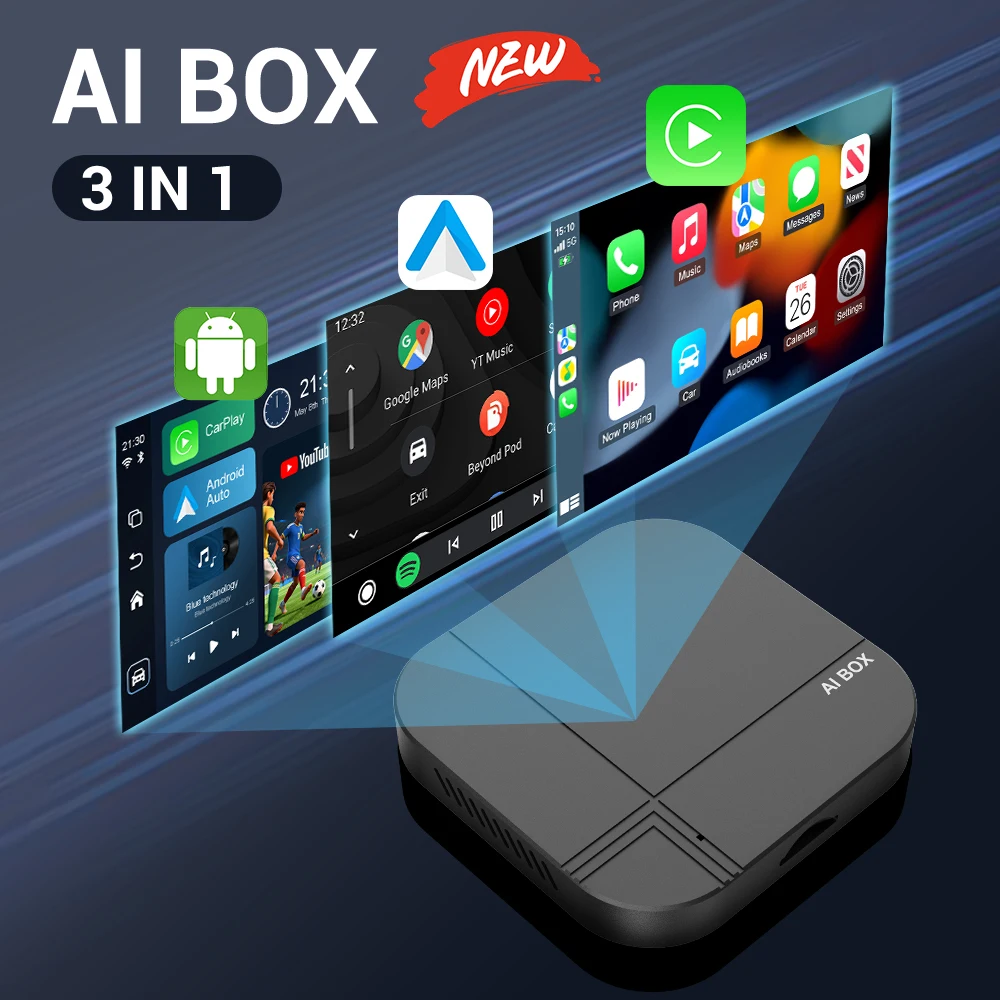
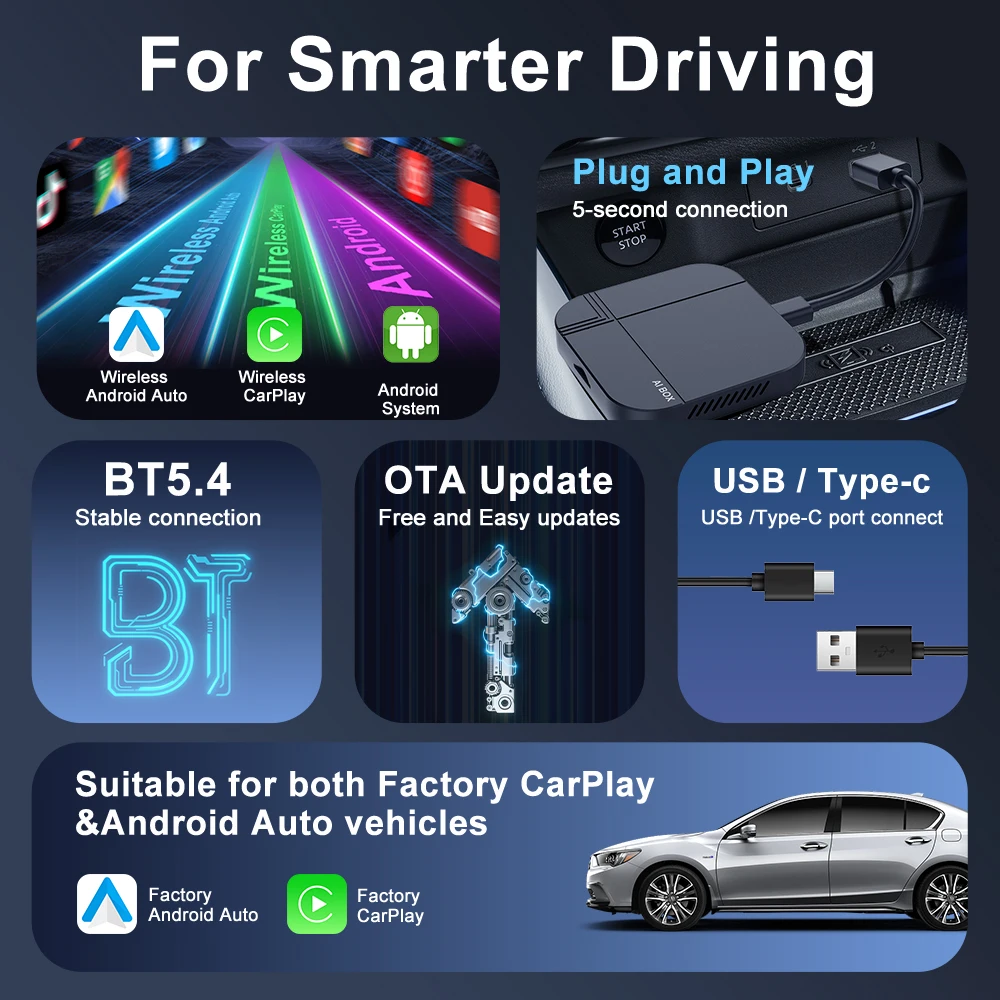
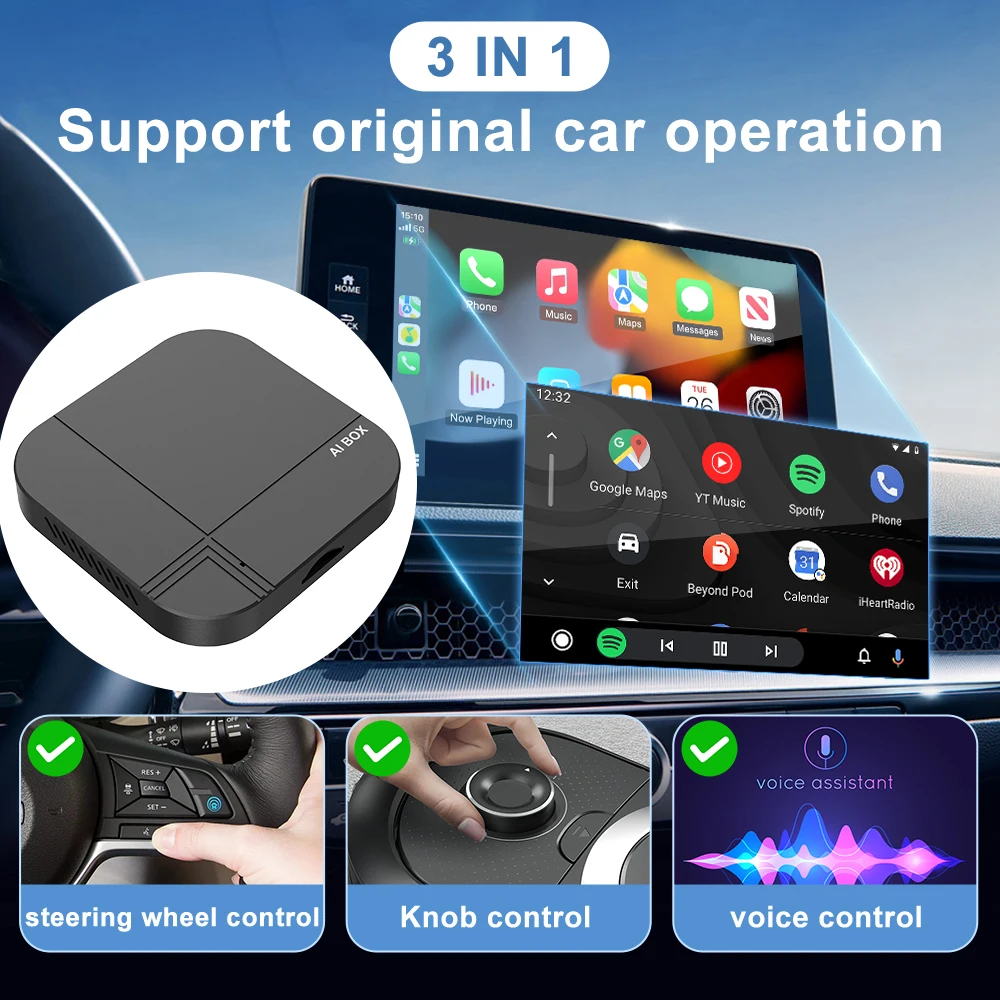
Truly Wireless: Enjoy seamless, cable-free connection between your iPhone (CarPlay) or Android (Android Auto) and your car stereo.
Plug & Play Simplicity: No technical skills needed! Connect the Kowankit K712 adapter to your cars USB port, pair your phone via Bluetooth, and GO!
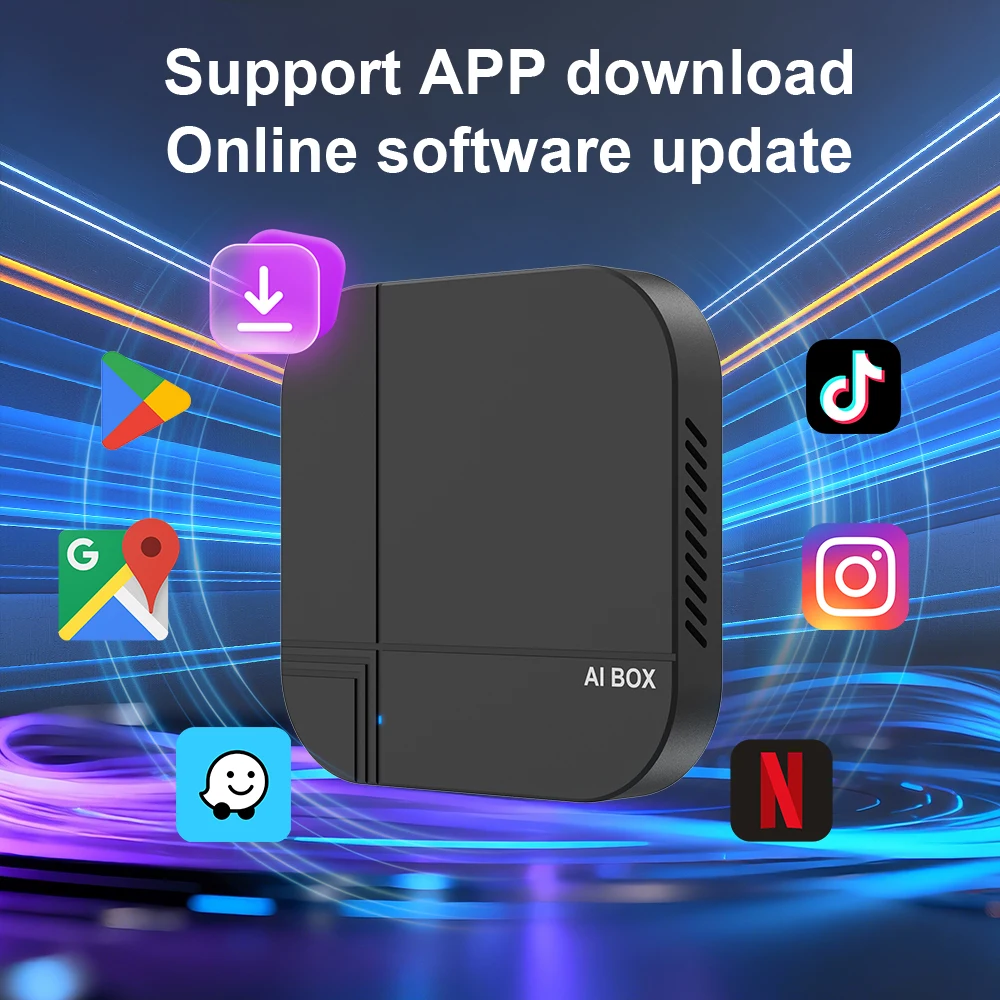
Unlock Your Favorite Apps on Car Screen: Safely use Google Maps for navigation, stream Netflix/movies, watch YouTube videos, and access your preferred music/podcast apps, all mirrored directly on your cars display!
Broad Compatibility - Universal Fit: Works with MOST factory-installed and aftermarket car stereos that support wired CarPlay or Android Auto!
Powerful Performance & Stable Experience
Smooth Operation: Ample 4GB RAM + 32GB ROM ensures faster app loading and smoother multitasking for navigation and entertainment.
Ultra-Fast & Stable Connection: Advanced Bluetooth 4.2 + Wi-Fi5.8 provides a super stable and low-latency connection for a lag-free experience.
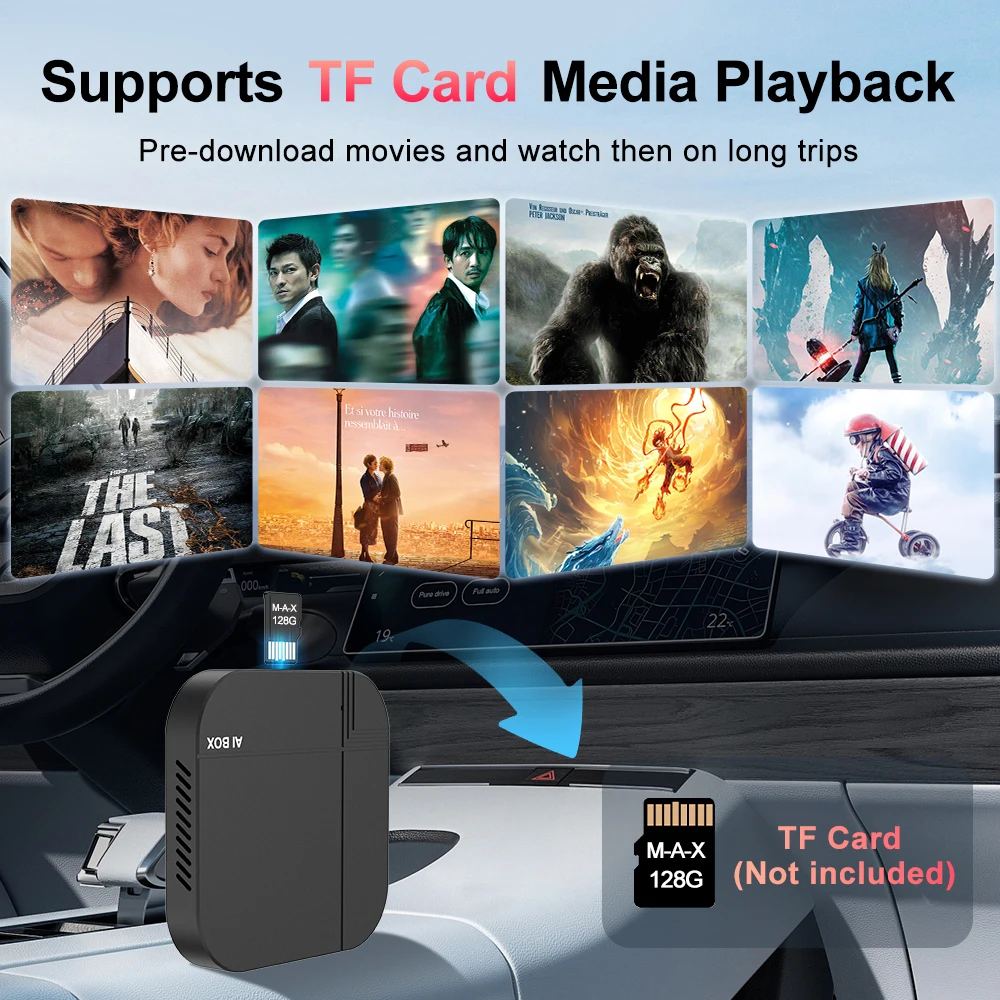
Supports TF cards up to 128GB: A TF card allows you to download more software, enriching your car's experience (optional +64GB TF card version).
Xlintek - Your Reliable Choice
Model: K712 - Experience the proven performance of this popular adapter.
Dedicated Support: We provide clear instructions and friendly customer service.
Ready for the Future, Today!
Upgrade your driving experience effortlessly. Get the Kowankit K712 Wireless CarPlay & Android Auto Adapter and enjoy smarter, safer, and more entertaining journeys every day!
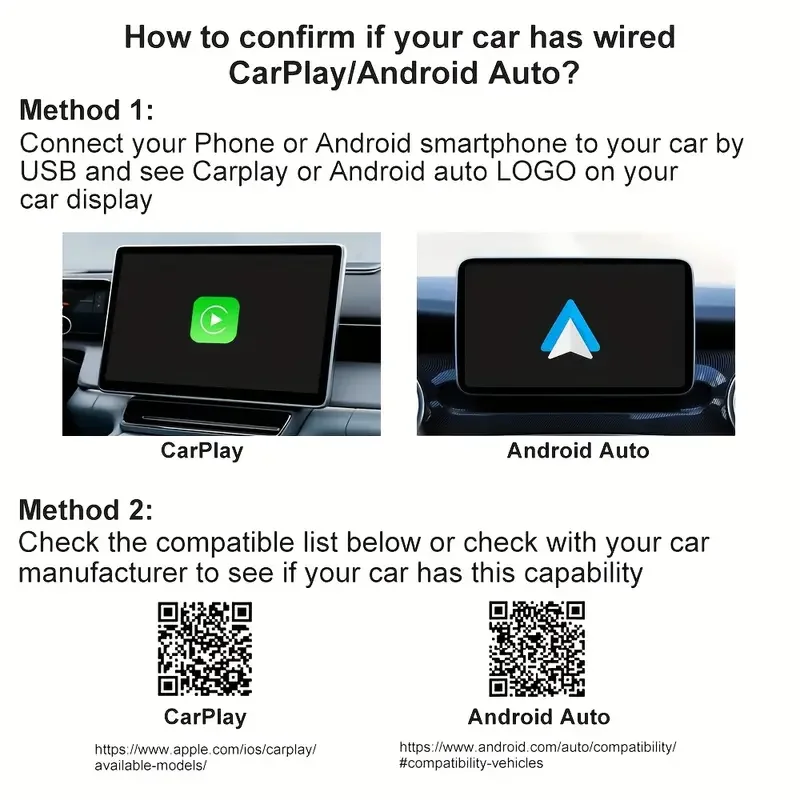
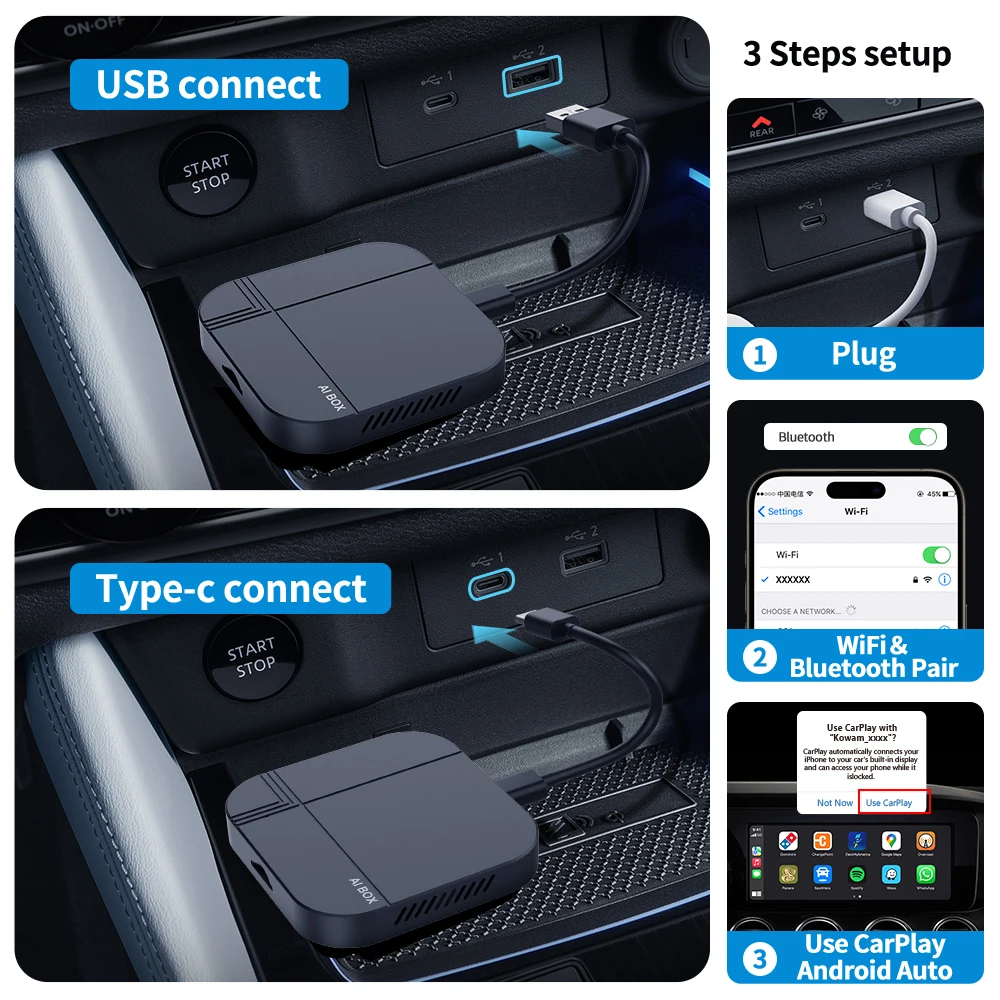

Warm reminder:1. It is normal that the color of the product display drawing is different from that of the real thing.2. Please make sure your original car has OEM CarPlay, This product is suitable for 98% of cars with original wired Carplay. BMW, Tesla and some models are not compatible. If you are not sure. You can contact customer service to inquire.3. For Carplay, it supports iPhone 6 and above models, and the software version is iOS 10 or above.4. For Android Auto, it supports Android 11 and above models. Note that Huawei mobile phones are special. Huawei's HarmonyOS system is not applicable5. The first time you connect your cell phone to WIFI and Bluetooth, it takes about 1 minute to read the data, which is a normal phenomenon.6.If you can not connect
① please try to speak the car has been connected to the bluetooth list clear
② confirm the connection can read the data USB port, reconnect can be.Frequently Asked Questions
Q1: Is it compatible with CarPlay and Android Auto?
A: This CaPlay Ai Box use the Carplay protocol and only support for cars with touch screen and factory wired Carplay from 2016.
Q2: Can this wireless adapter be paired with multiple phones?
A: Yes, it can be paired with multiple phones, but only can connect one device at a time.
Q3: If the Ai Box is not connected to Wifi or hotspot, can I watch online videos on Netflix?
A: It needs to be connected to Wifi or hotspot to play online steaming videos from Youtube, Netflix. If not, you can insert a TF card to play videos and music offline.
Q4. The device does not connect to the phone's Bluetooth (BT)?
Method 1- Unplug the device and then reconnect.
Method 2- Turn off the BT and forget the device, then reconnect it.
Method 3- Delete connection history on car screen and then reconnect.
Q5. BT/WiFi/Hotspot connection automatically turn on and off?
Method 1- Turn off the "Do not disturb mode" of the phone and restart the phone.
Method 2- Follow user manual to update the device.
Q6. Have been connected to wifi but the screen shows "No Network"?
Click "Setting" in the car screen homepage → "Date&time" → Turn on "Use network-provided time"
Product features
Product features
Materials and care
Materials and care
Merchandising tips
Merchandising tips