


Shokz OpenSwim Pro S710 bone conduction swimming Bluetooth earphones IP68 waterproof dual mode 32GB capacity sports headphone
Shokz OpenSwim Pro S710 bone conduction swimming Bluetooth earphones IP68 waterproof dual mode 32GB capacity sports headphone
SPECIFICATIONS
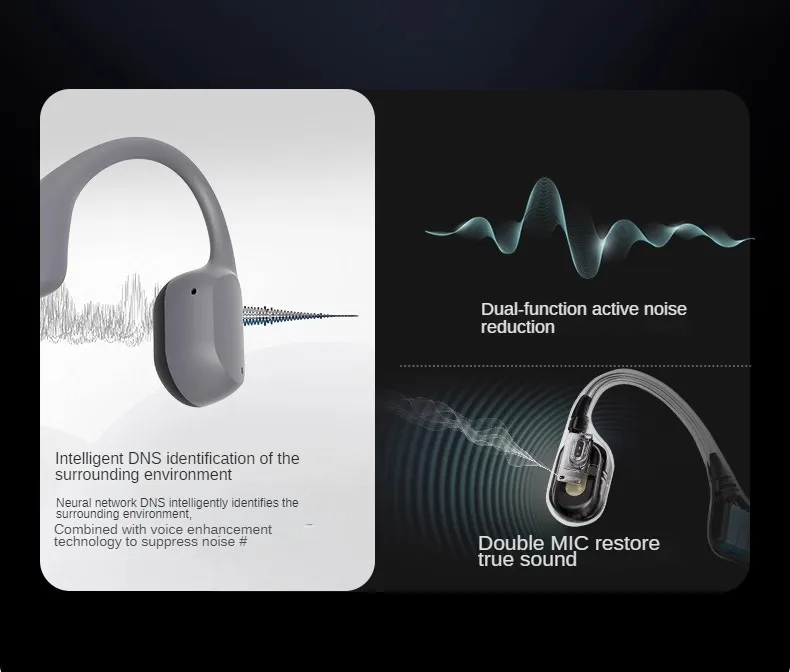
Active Noise-Cancellation: Yes
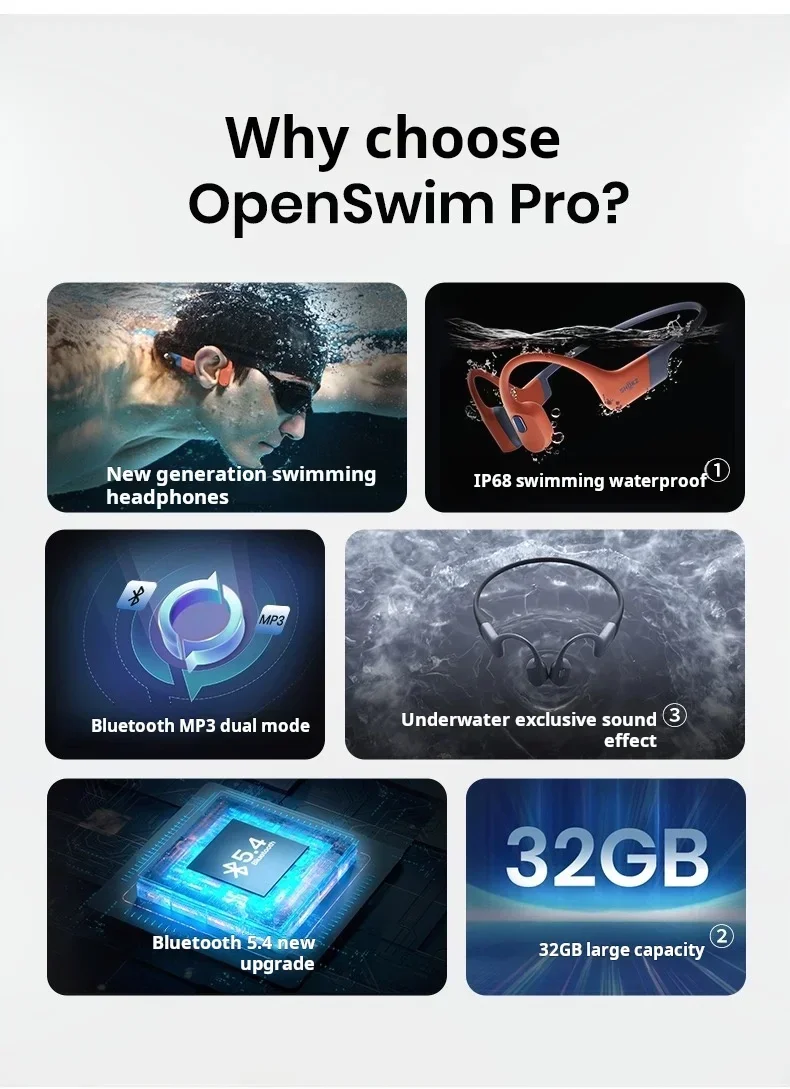
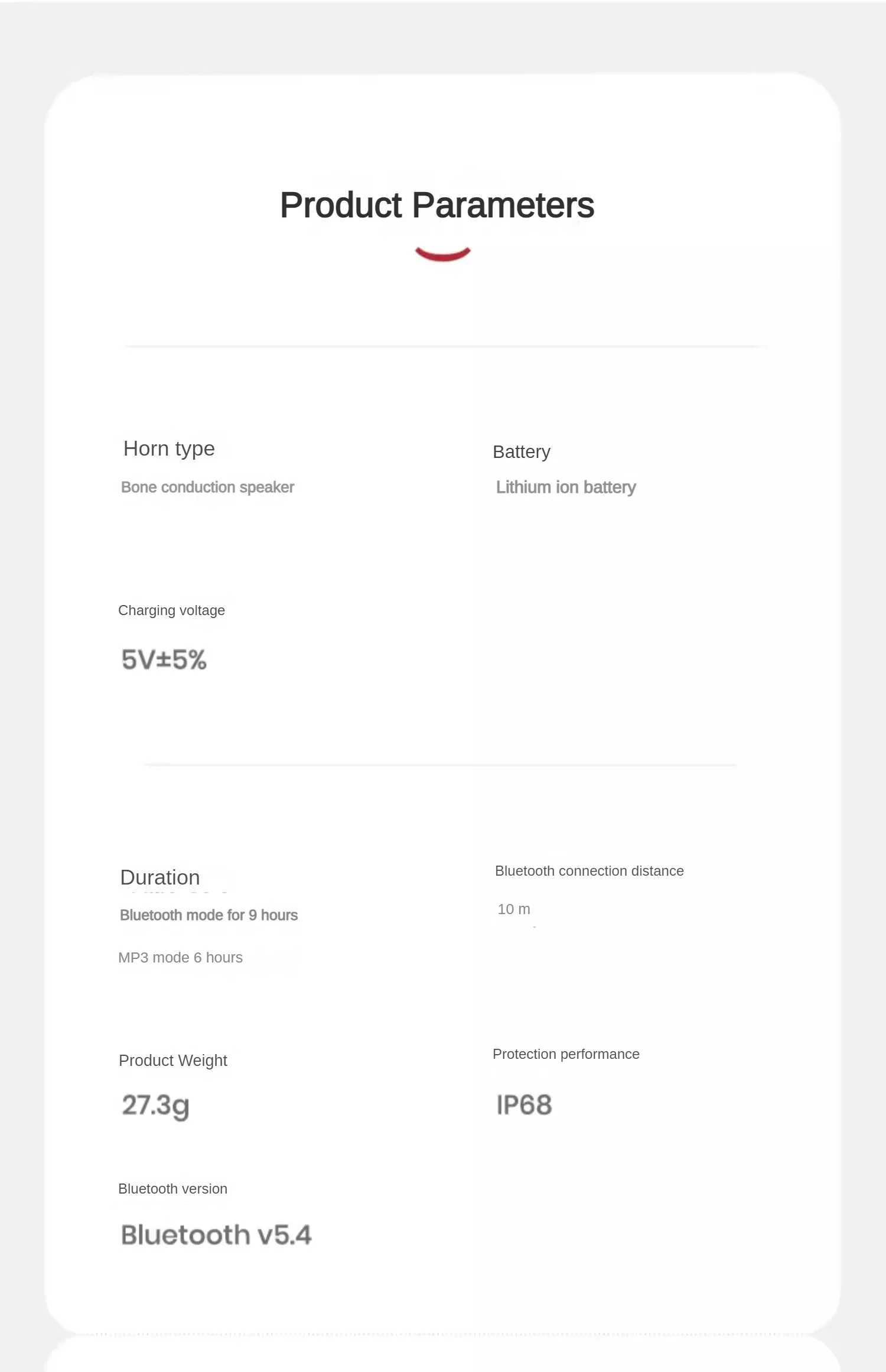
Bluetooth Version: Other,5.4
Brand Name: SHOKZ
Category: Earphones & Headphones
Certification: CE,FCC
Charging Method: cable
Choice: yes
Communication: WireLess
Connectors: None
Control Button: No
Features: Waterproof,With microphone
Function: for Video Game,Common Headphone,For Mobile Phone,for Powersports,HiFi Headphone,Sport,For Outdoor,For Swimming,For DJ
High-concerned chemical: None
Is wireless: Yes
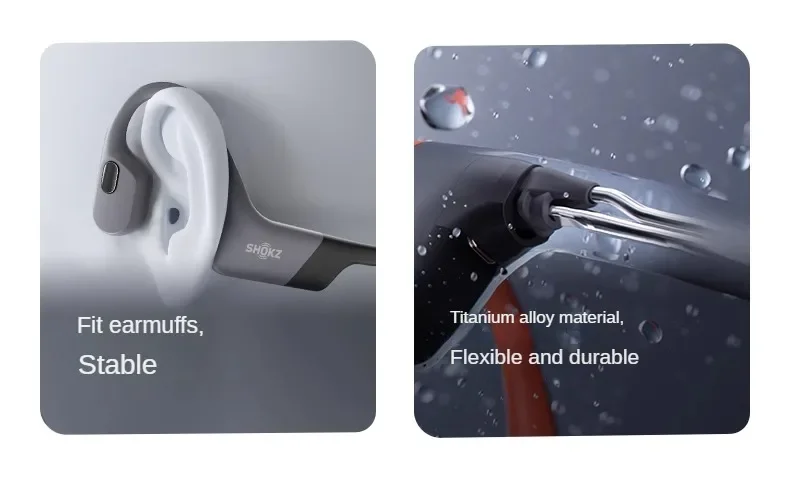
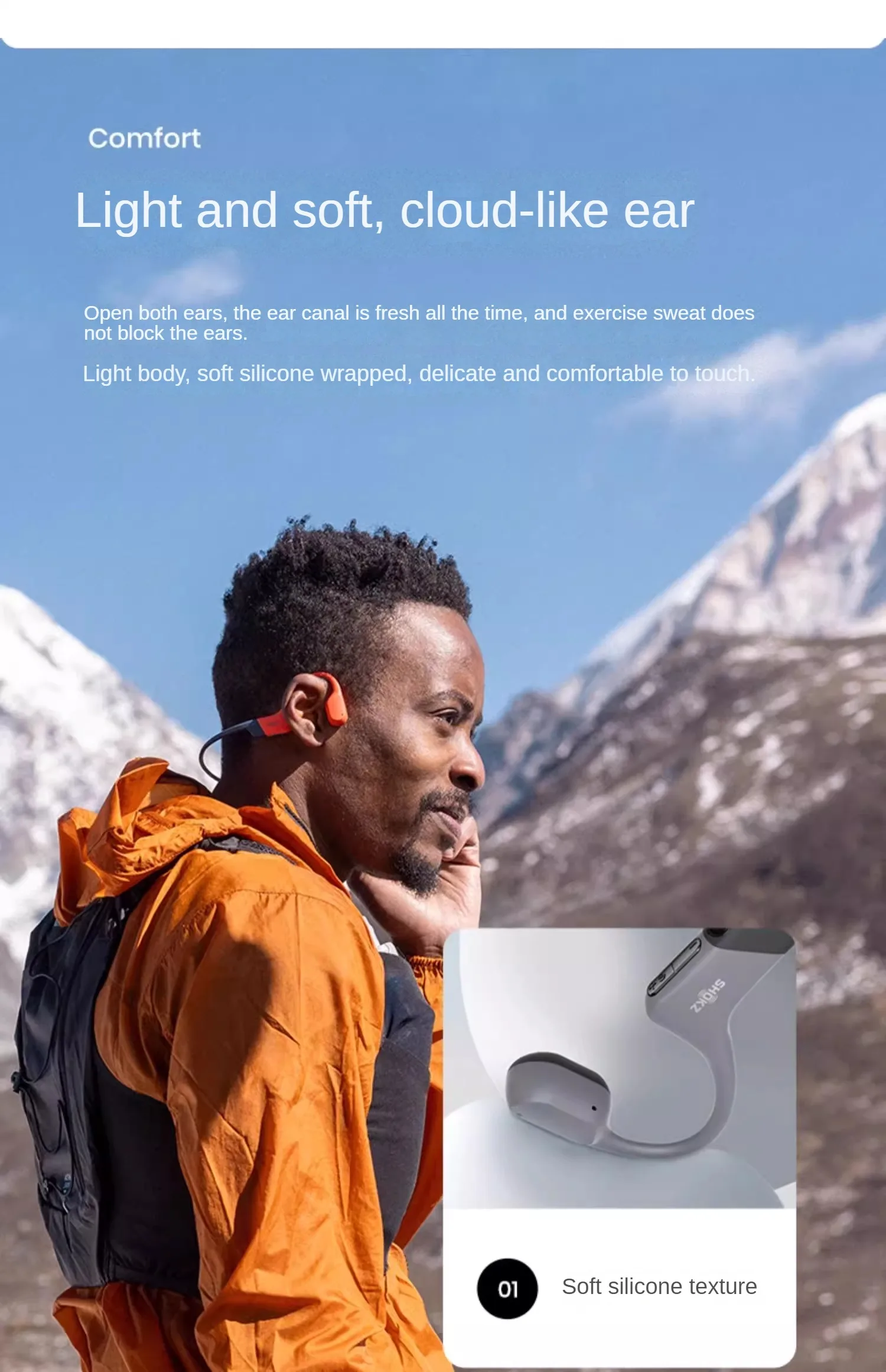
Material: Plastic,Silica Gel
Maximum wireless range[m]: <10m
Origin: Mainland China
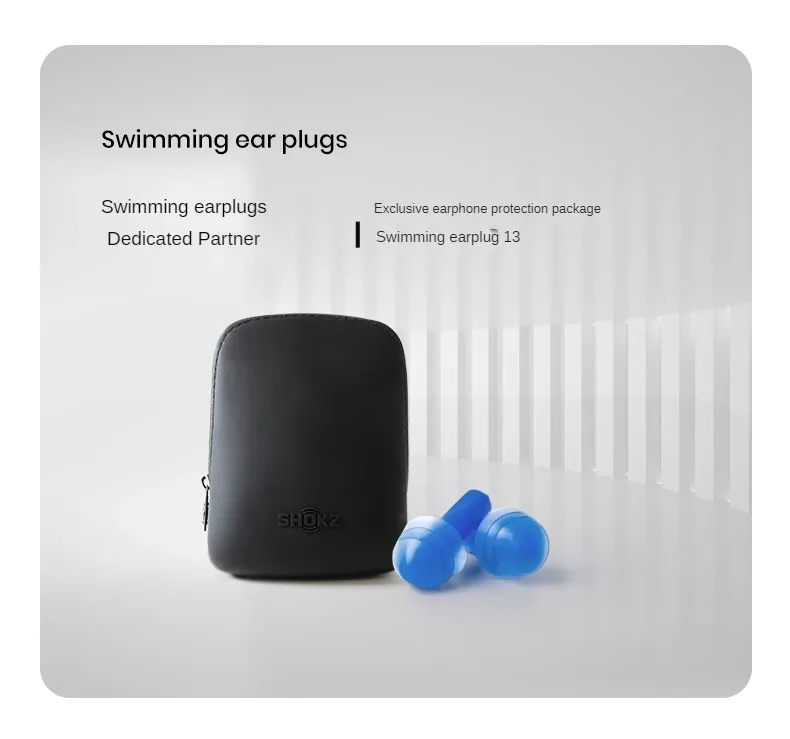
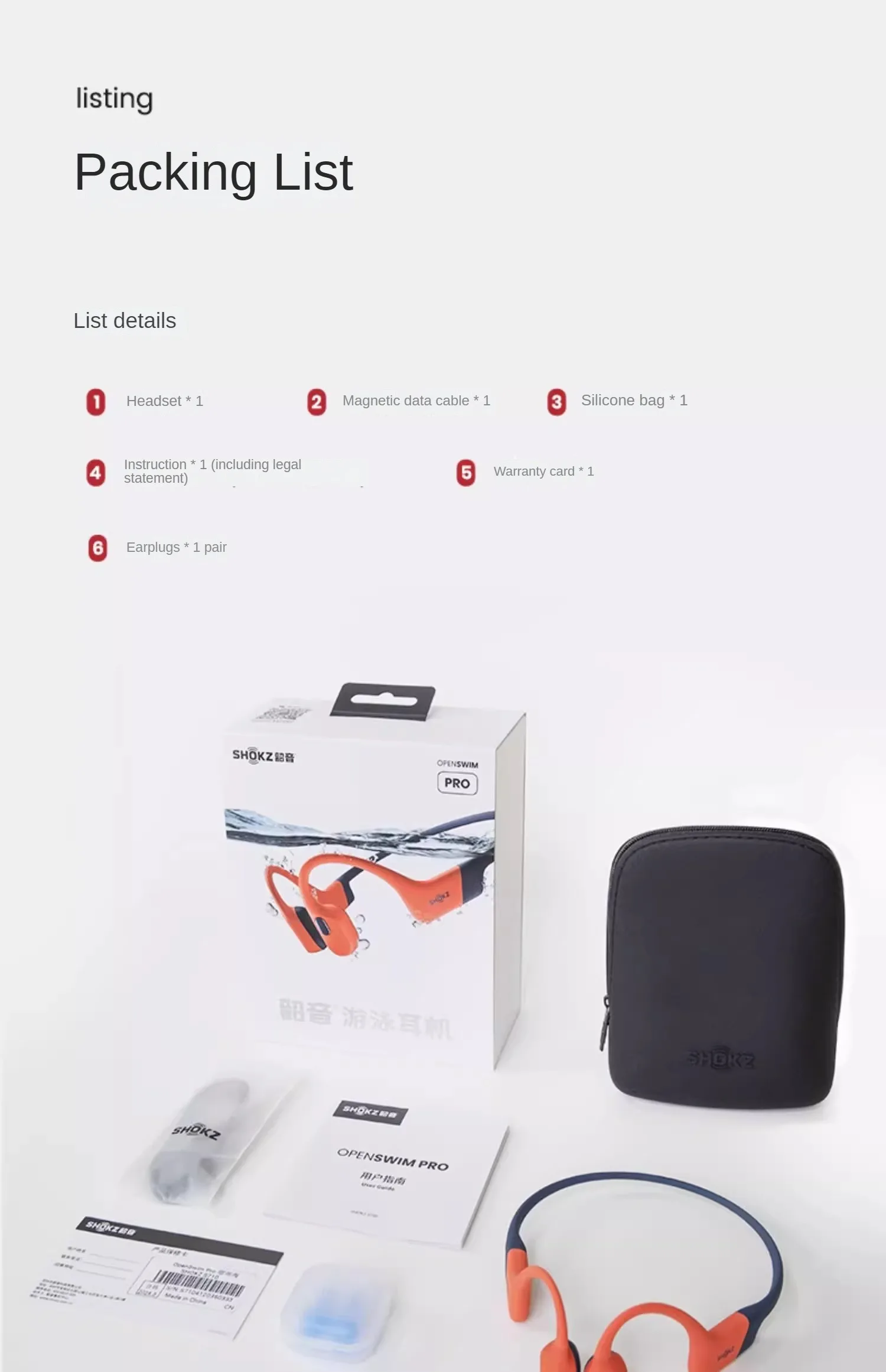
Package List: User Manual,Carrying Bag,Charging Cable
Style: Bone conduction headphones
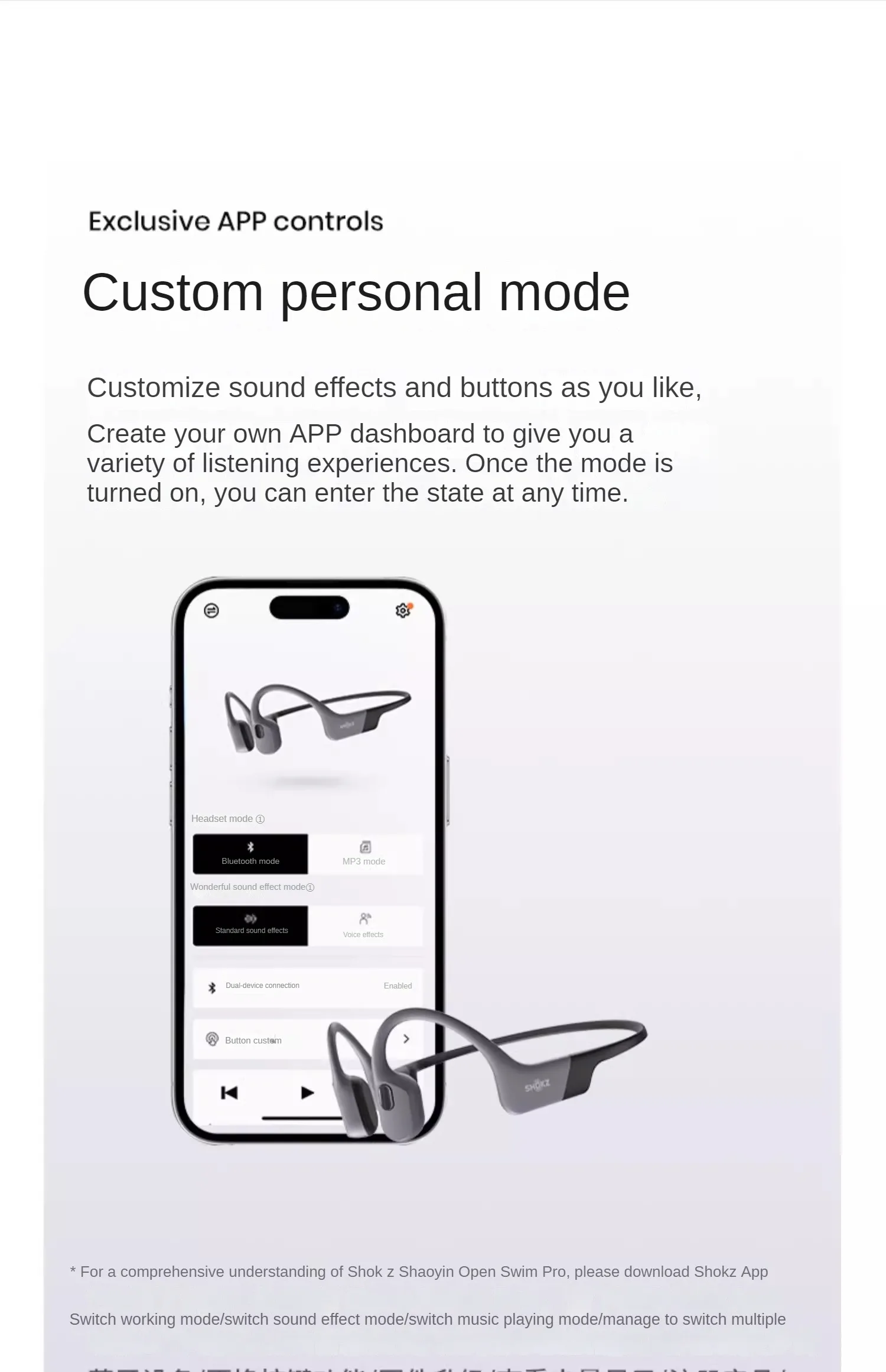
Support APP: Yes
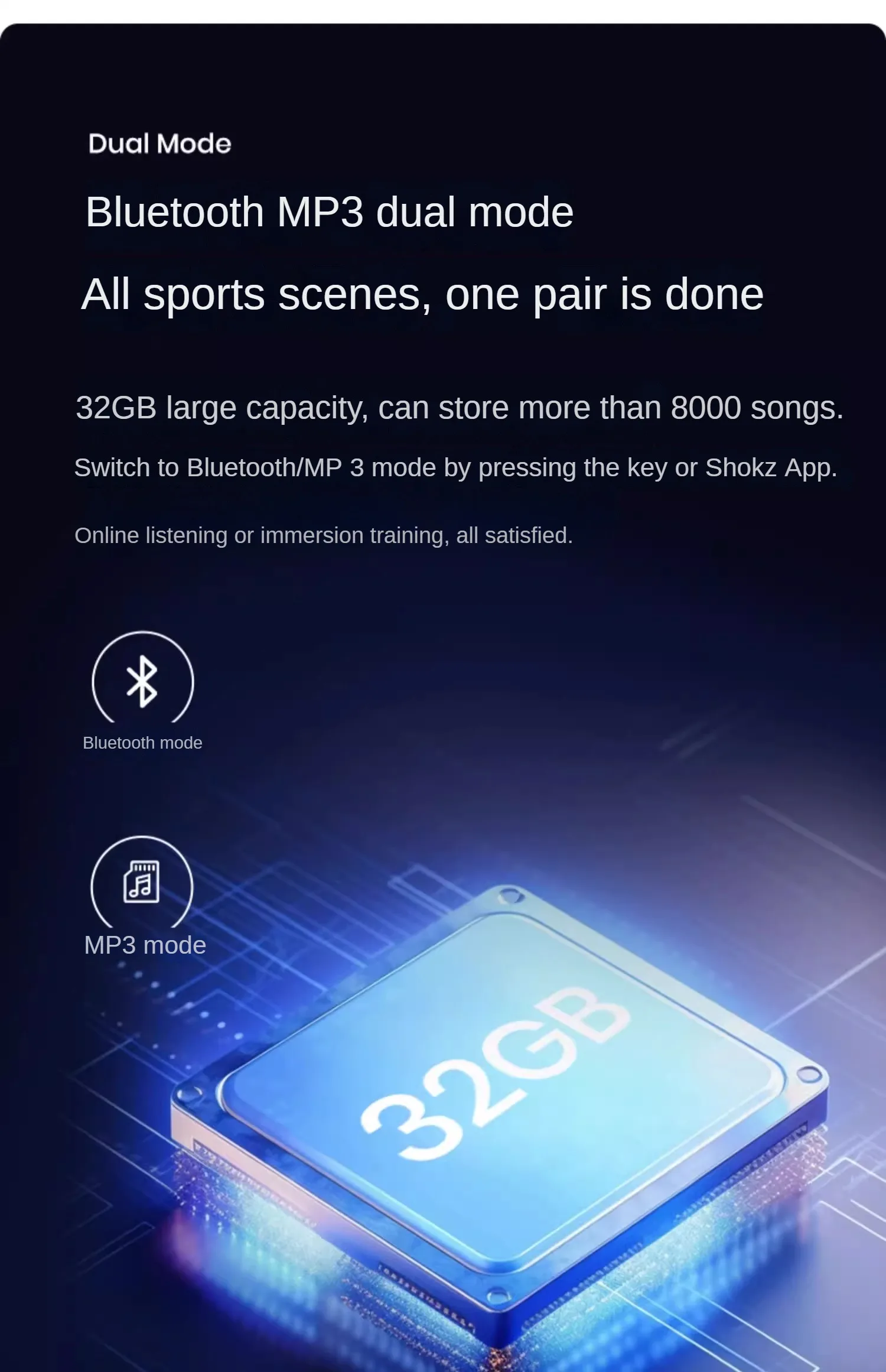
Support Memory Card: Yes
Vocalism Principle: Bone Conduction
Volume Control: Yes
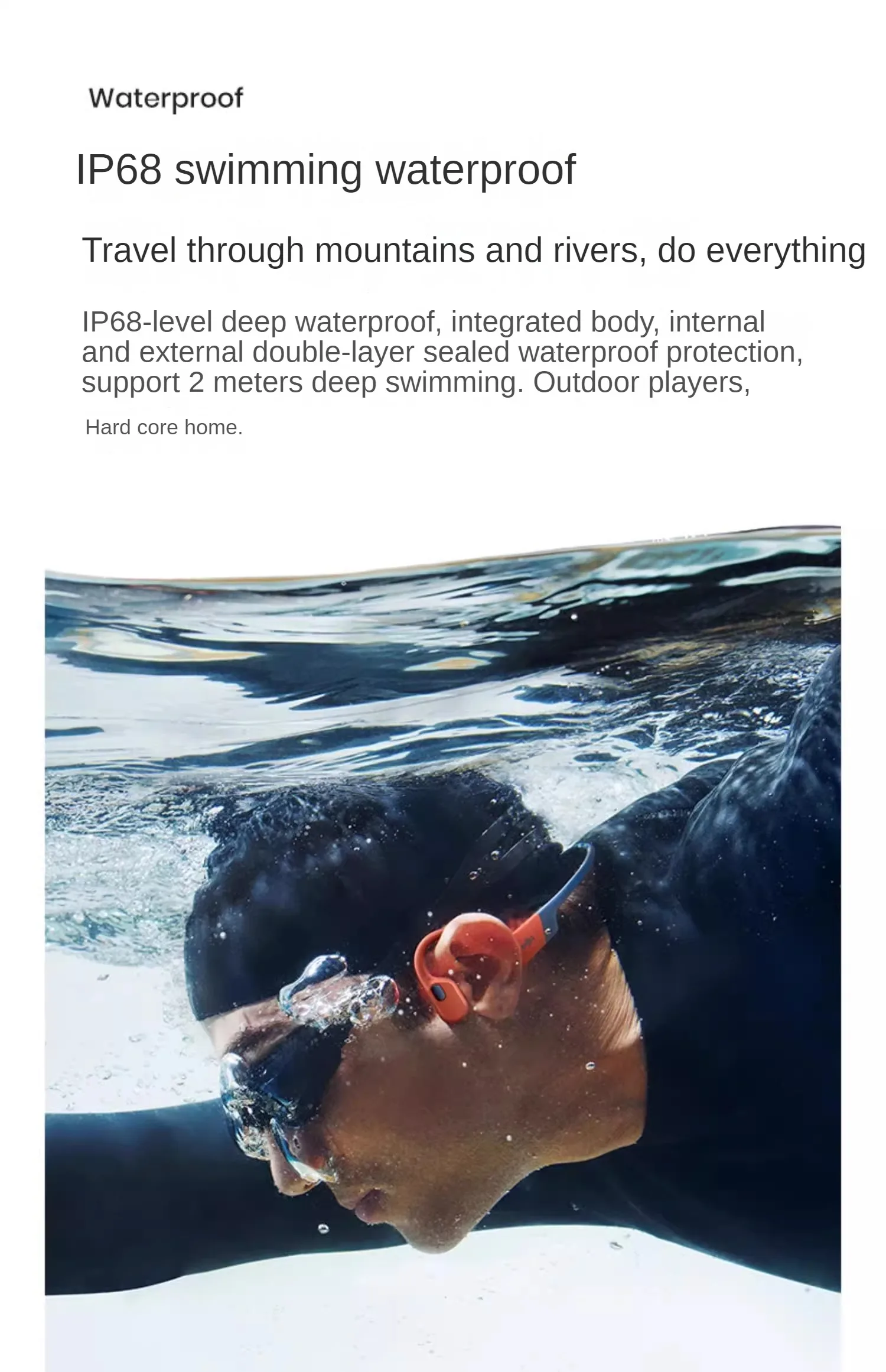
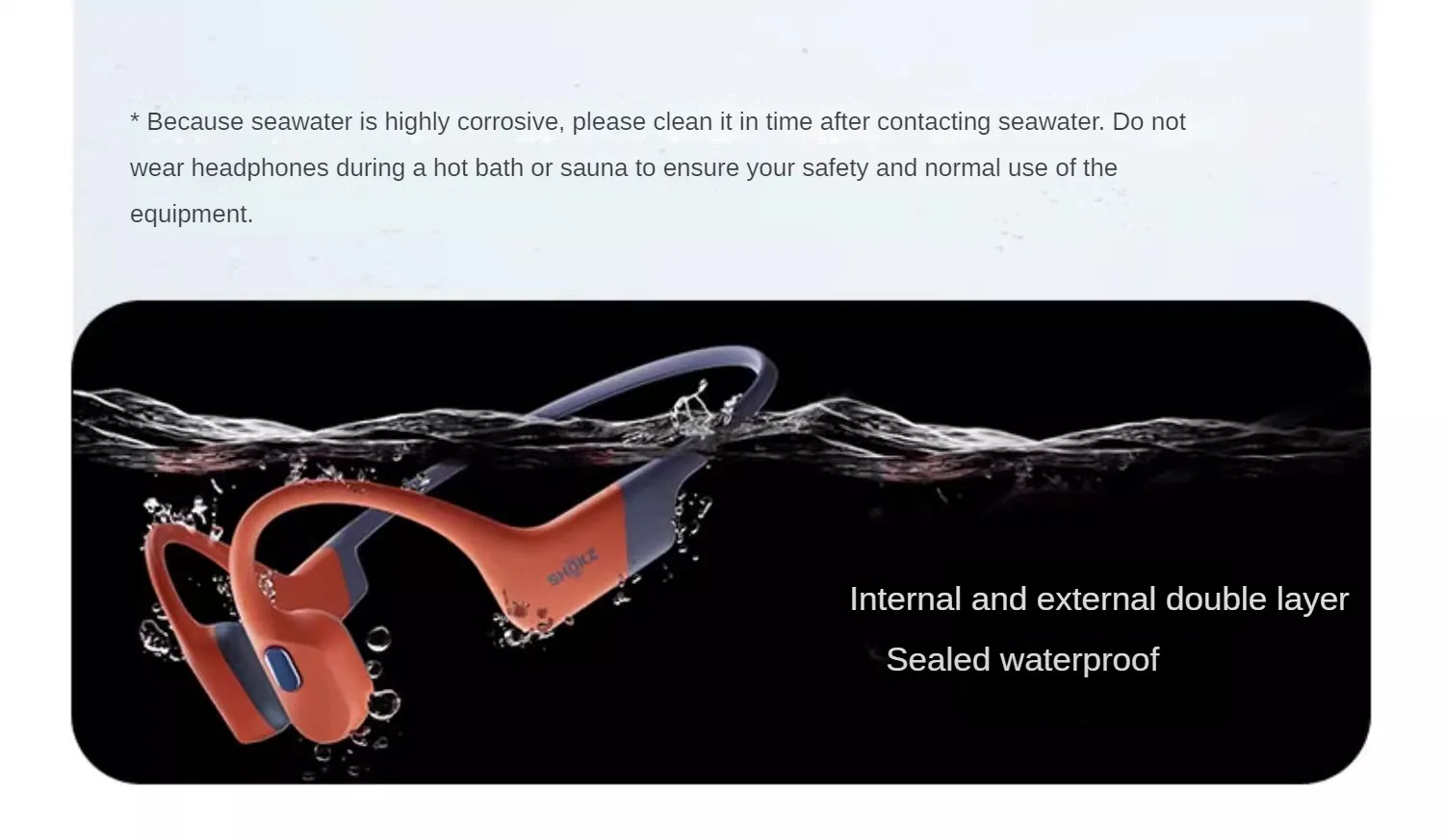
Waterproof: Yes
Wireless Type: Bluetooth
With Microphone: Yes
Professional sports earphones
Product QA:
The SHOKZ sold in our store are all genuine products, please rest assured to purchase
1: How to connect the Bluetooth of the earphones?
Press the power button for 5 seconds and keep the blue light on until the red and blue lights flash alternately (voice prompt: pairing). Turn on the Bluetooth settings on your phone, select SHOKZ, and after the earphones are successfully connected, the system prompt will sound "Connected"
2: How to switch the EQ sound effect of headphones?
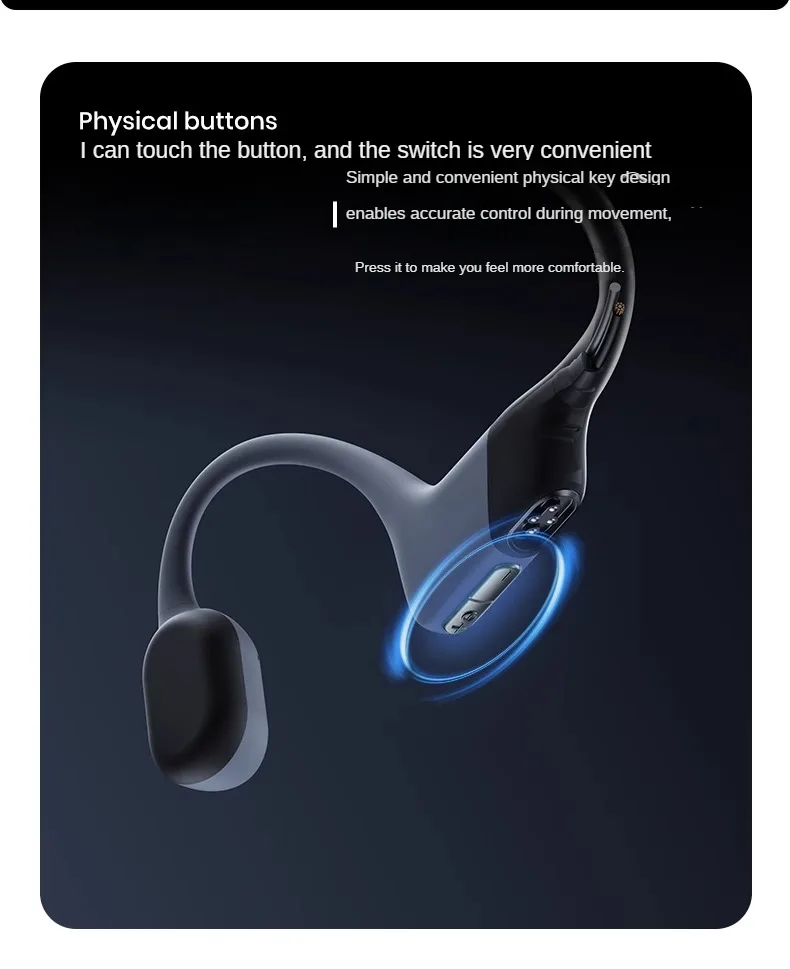
Pressing and holding down the "Volume+" and "Volume -" keys for 3 seconds during music playback will result in a system prompt sound when switching successfully. Note: EQ switching is a sequential loop.
3: How to check the battery level of headphones?
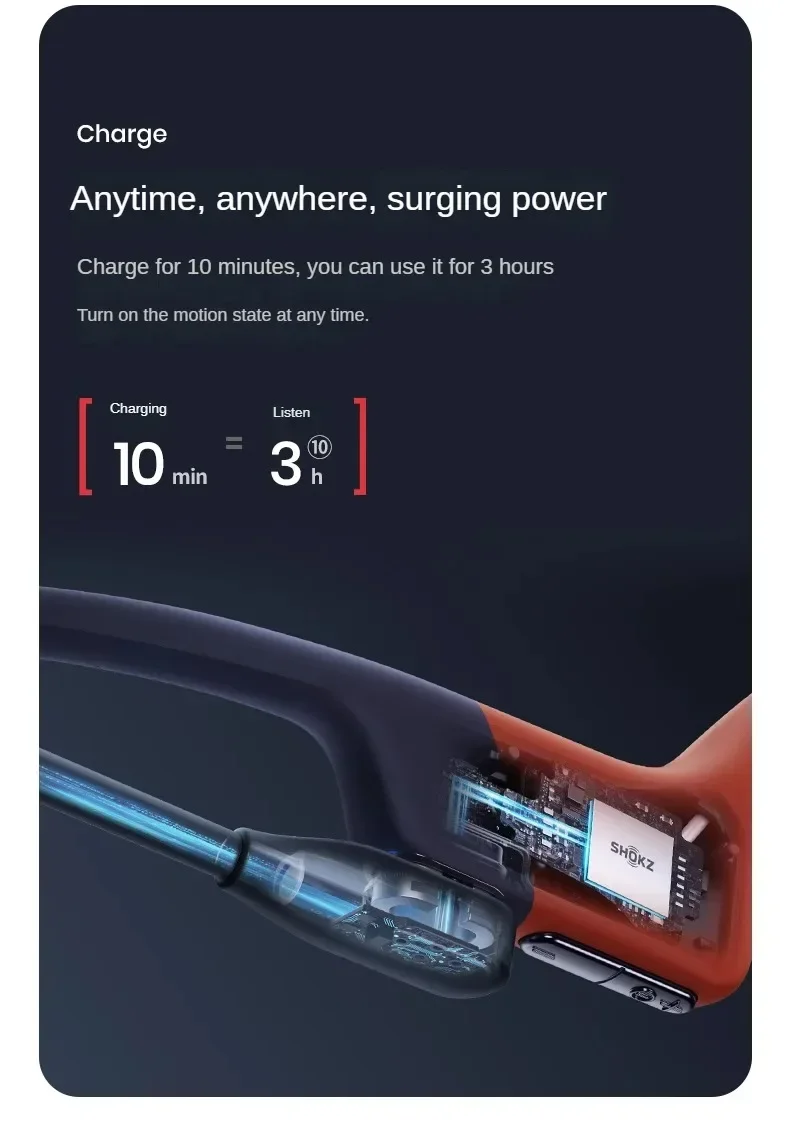
When the earphones are not playing music, pressing the "Volume+" and "Volume -" keys will give a system prompt sound: "High battery", "Medium battery", "Low battery" or "Please charge". It is recommended to charge the earphones when the prompt is "Low battery".
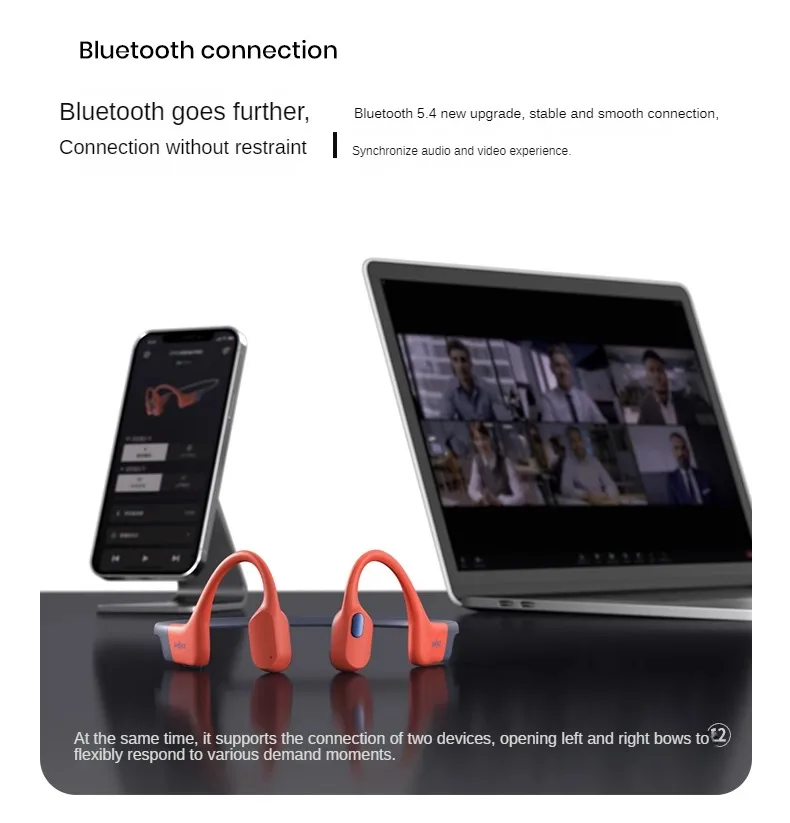
4: How can headphones connect two devices simultaneously?
(1) Long press the "Volume+Key" button to turn on the blue light without letting go, until the indicator light flashes red and blue alternately. (System prompt sound: pairing in progress)
(2) Press and hold the "volume+key" and the multifunction key for 3 seconds (system prompt: enable dual pairing) to turn on the multi-point connection function.
(3) Turn on the Bluetooth of the first step device, search for pairing (system prompt sound: connected), and then turn off the headphones successfully.
(4) Repeat step one.
(5) Turn on the Bluetooth of the second step device, search for pairing (system prompt: connected), and then turn off the headphones.
(6) When the earphones are turned on, your earphones will automatically connect to two devices, and you will hear the system prompt sound "Connected" and "Second device connected" respectively until the multi-point connection is completed.








Product features
Product features
Materials and care
Materials and care
Merchandising tips
Merchandising tips


