


Xiaomi Smart Camera 3 Pro PTZ 5MP 3K Ultra Low Light Full Color HDR 2.4G/5G WiFi Bluetooth Mesh Gateway AI Detection 360° Home
Xiaomi Smart Camera 3 Pro PTZ 5MP 3K Ultra Low Light Full Color HDR 2.4G/5G WiFi Bluetooth Mesh Gateway AI Detection 360° Home
SPECIFICATIONS
Battery Included: no
Brand Name: XIAOMI
Choice: yes
Communication method: Wi-fi
Control Channels: 2 CHANNELS
Does It Includes Wireless Communication: Yes
Feature 1: 5MP Security Camera
Feature 2: Physical Privacy Shutter
Feature 3: Color Night Vision
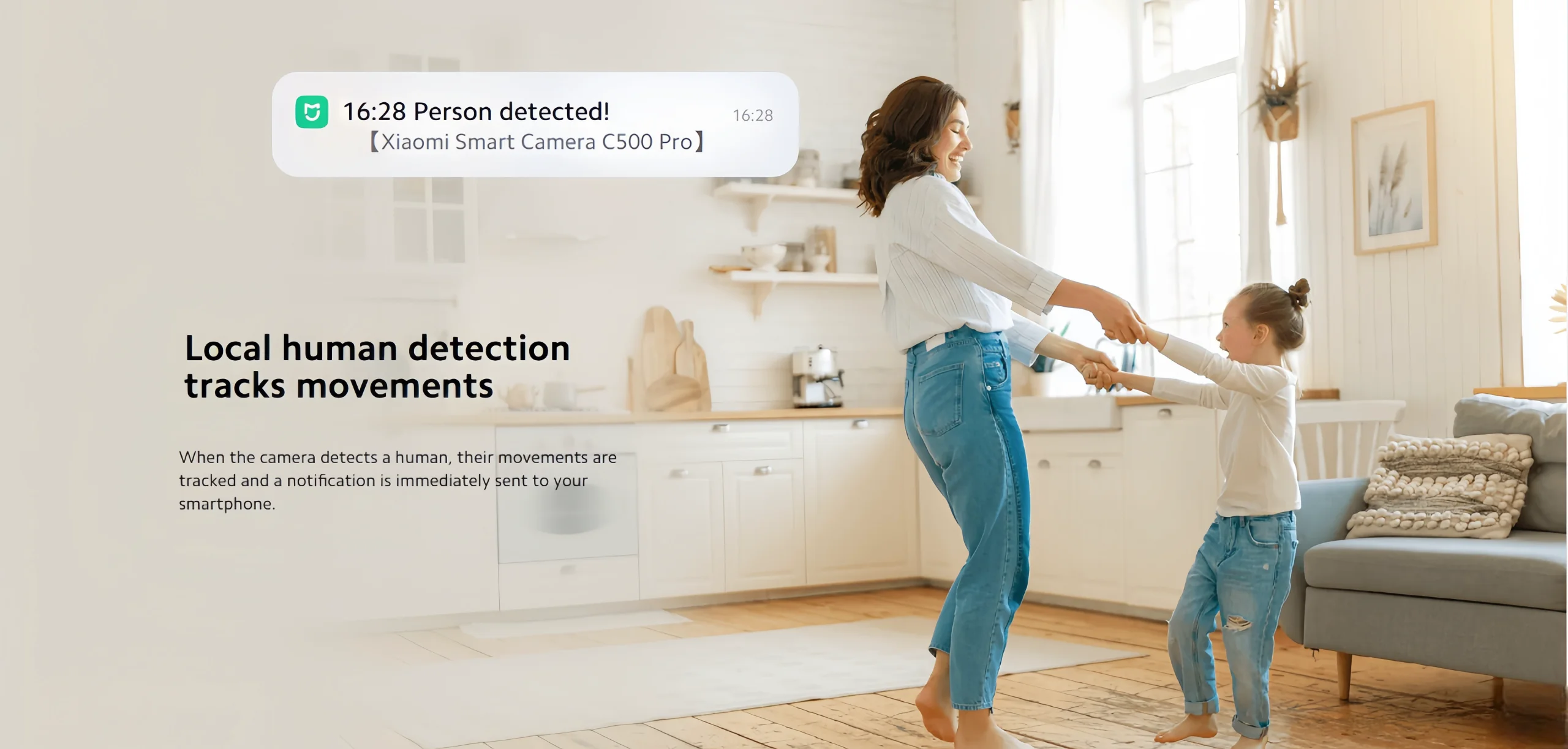
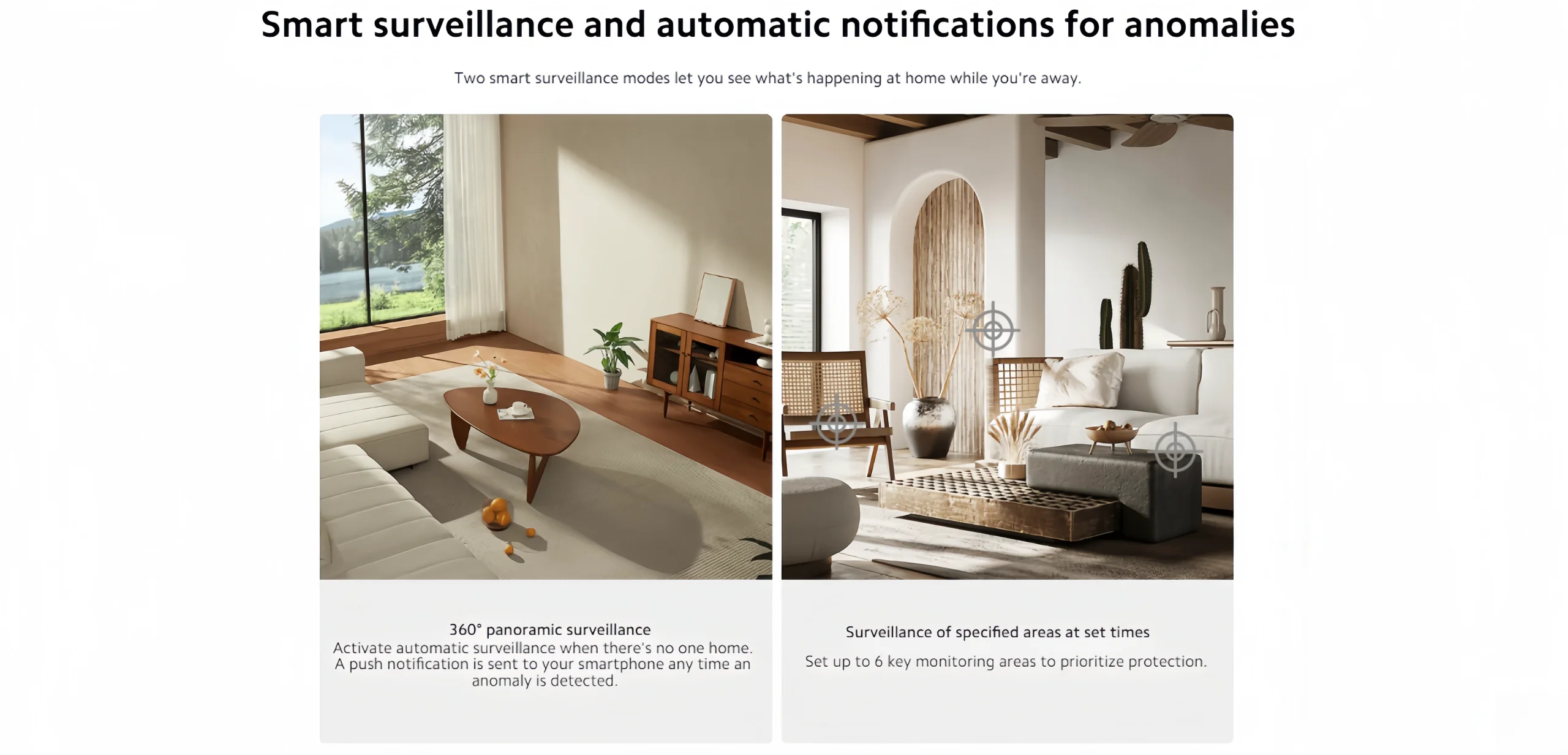
Feature 4: Motion Detection Alert
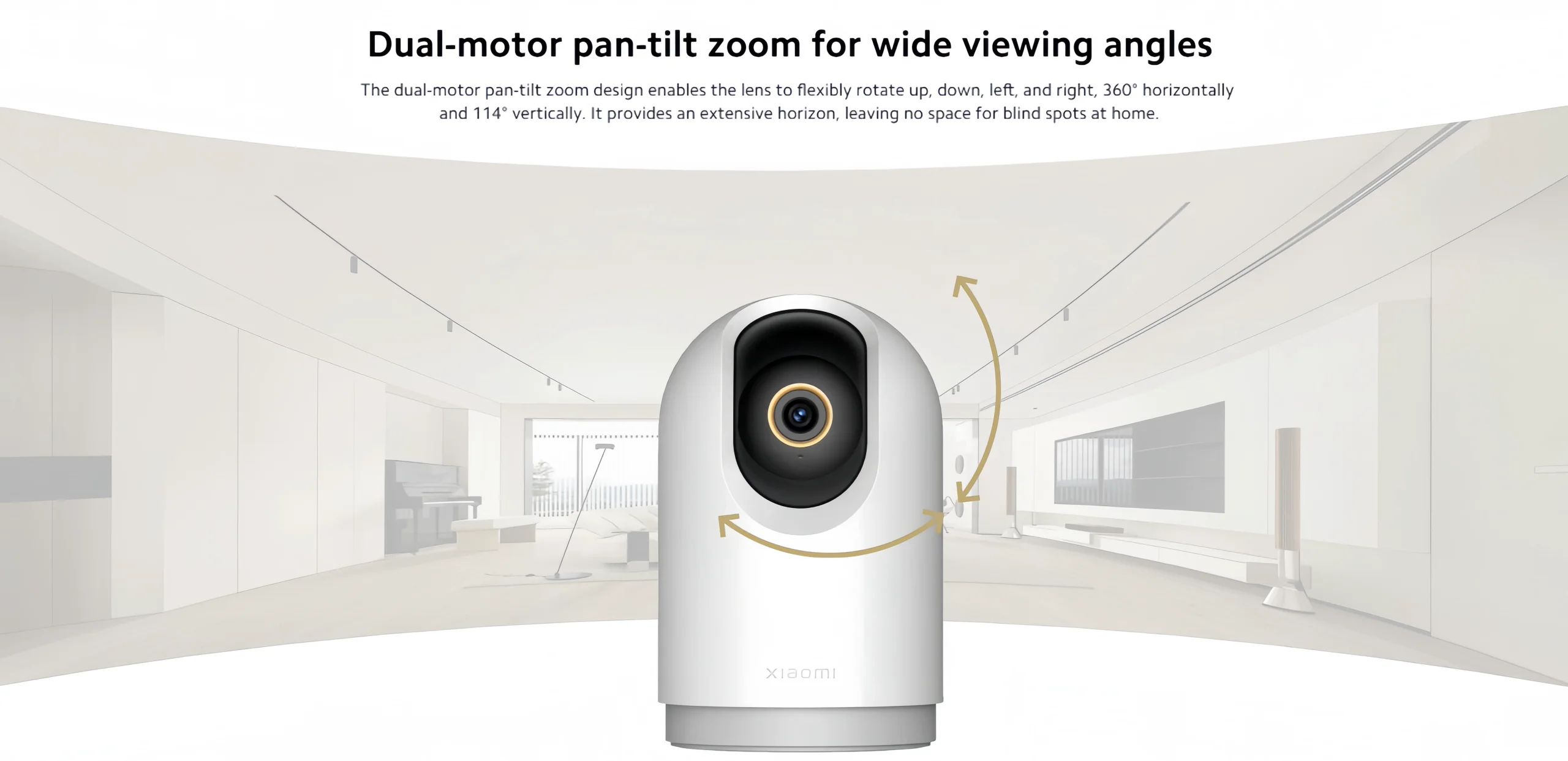
Feature 5: 360 PTZ Camera
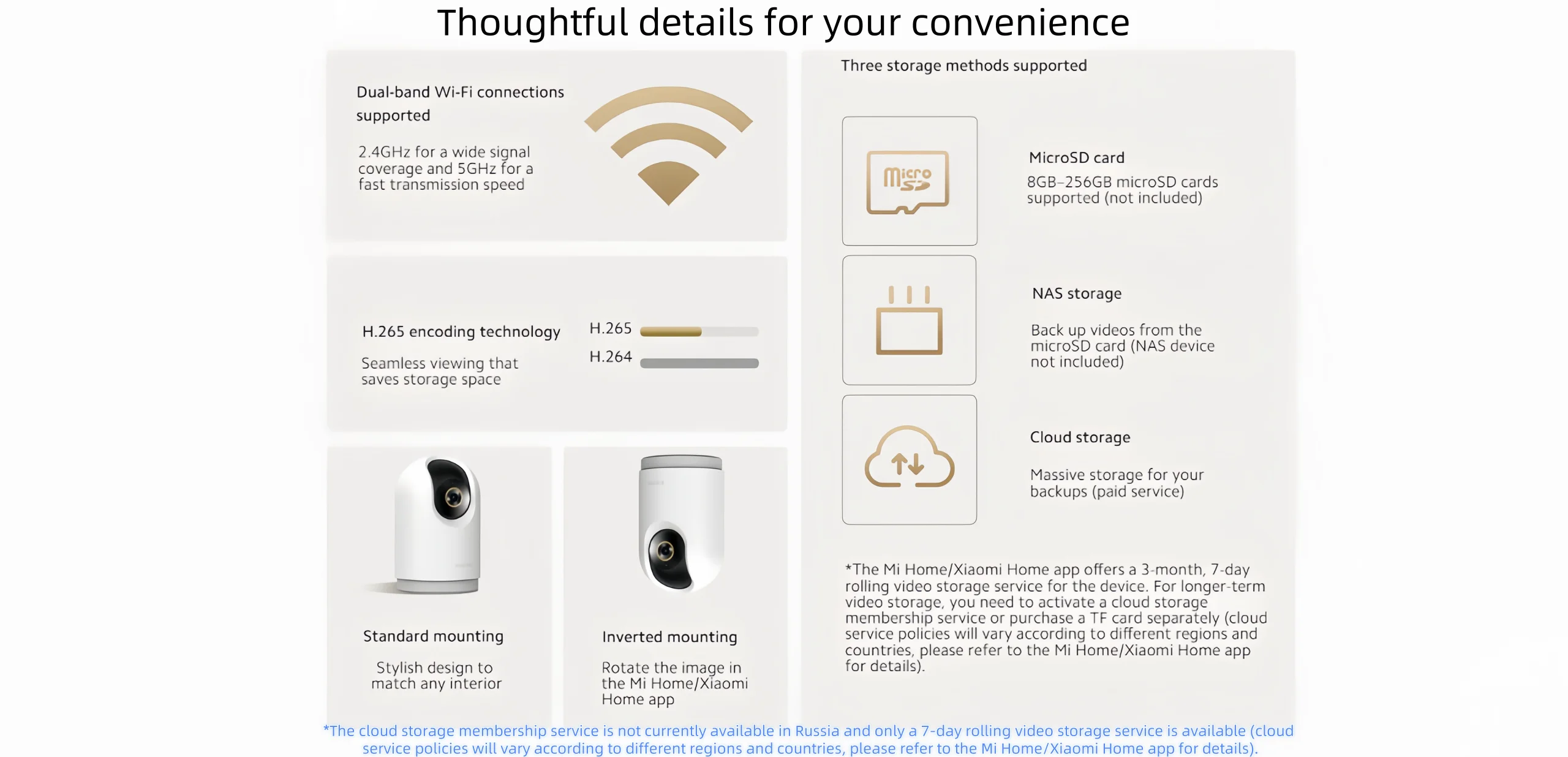
Feature 6: Dual Band WiFi
Features: Ride On
Gyro: xiaomi Camera
High-concerned chemical: None
Inbox adaptor: Yes
Max Speed: 5 MP
Model Number: MJSXJ16CM
Origin: Mainland China
Power Source: Ac,Ac
Scale: 1:5
State of Assembly: Ready-to-Go
Type: Other
Wireless Communication: WiFi
Working MODE: Fully Automatic
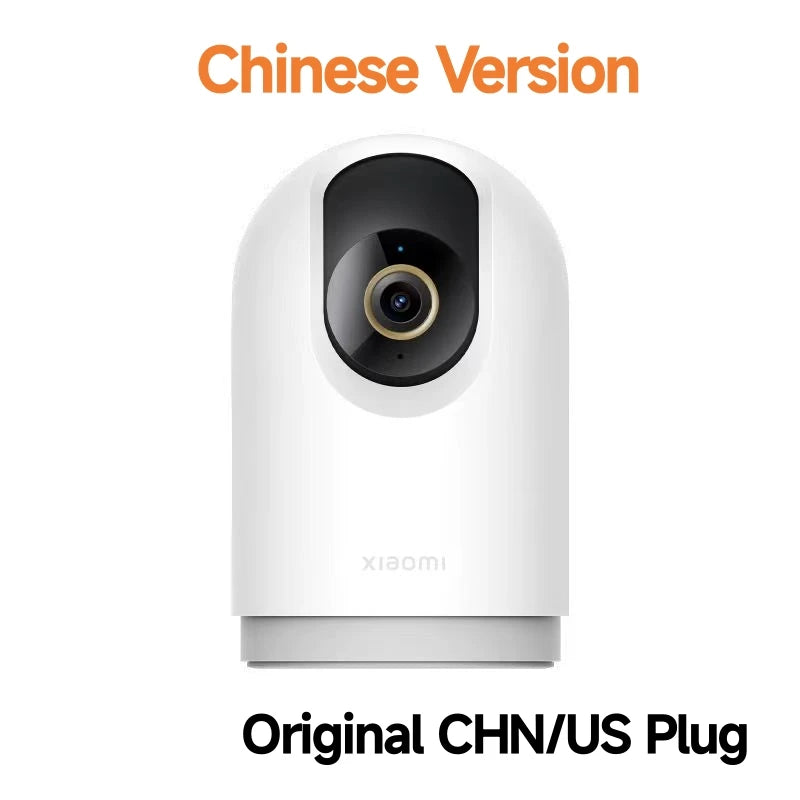
This product is the Chinese version, and the power plugs are all Chinese standard. Please choose the correct adapter. We will provide you with the required specifications for free.
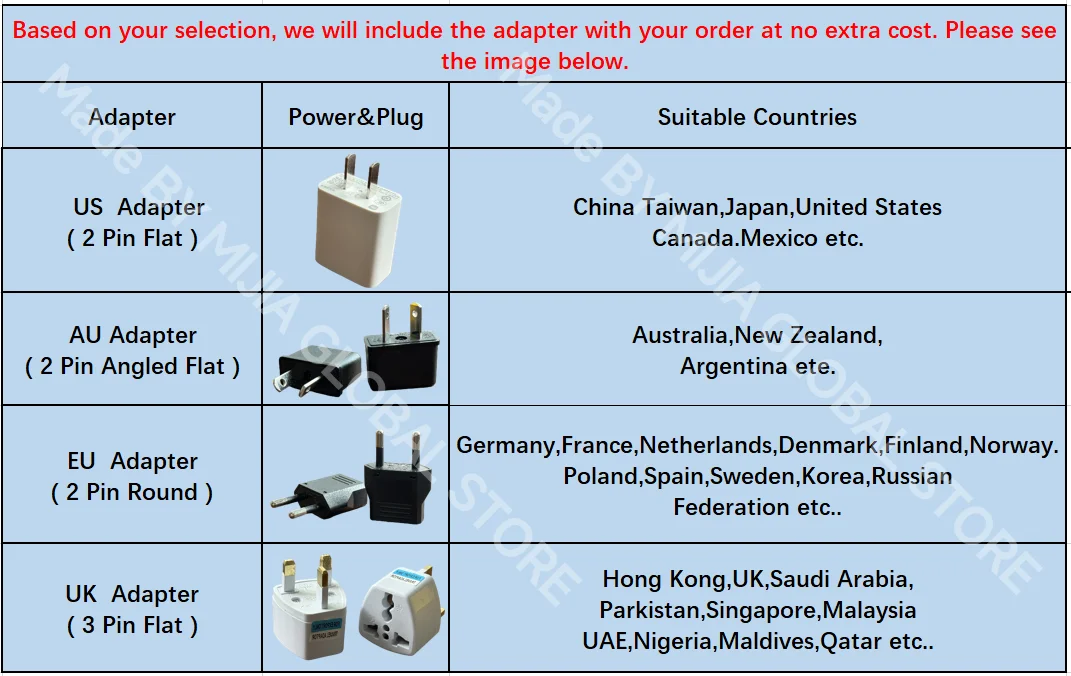
Add EU Adapter = Chinese plug Add EU adapter
Add Uk Adapter = Chinese plug Add UK adapter
Add AU Adapter = Chinese plug Add AU adapter
Original US/CHN Plug = Chinese plug
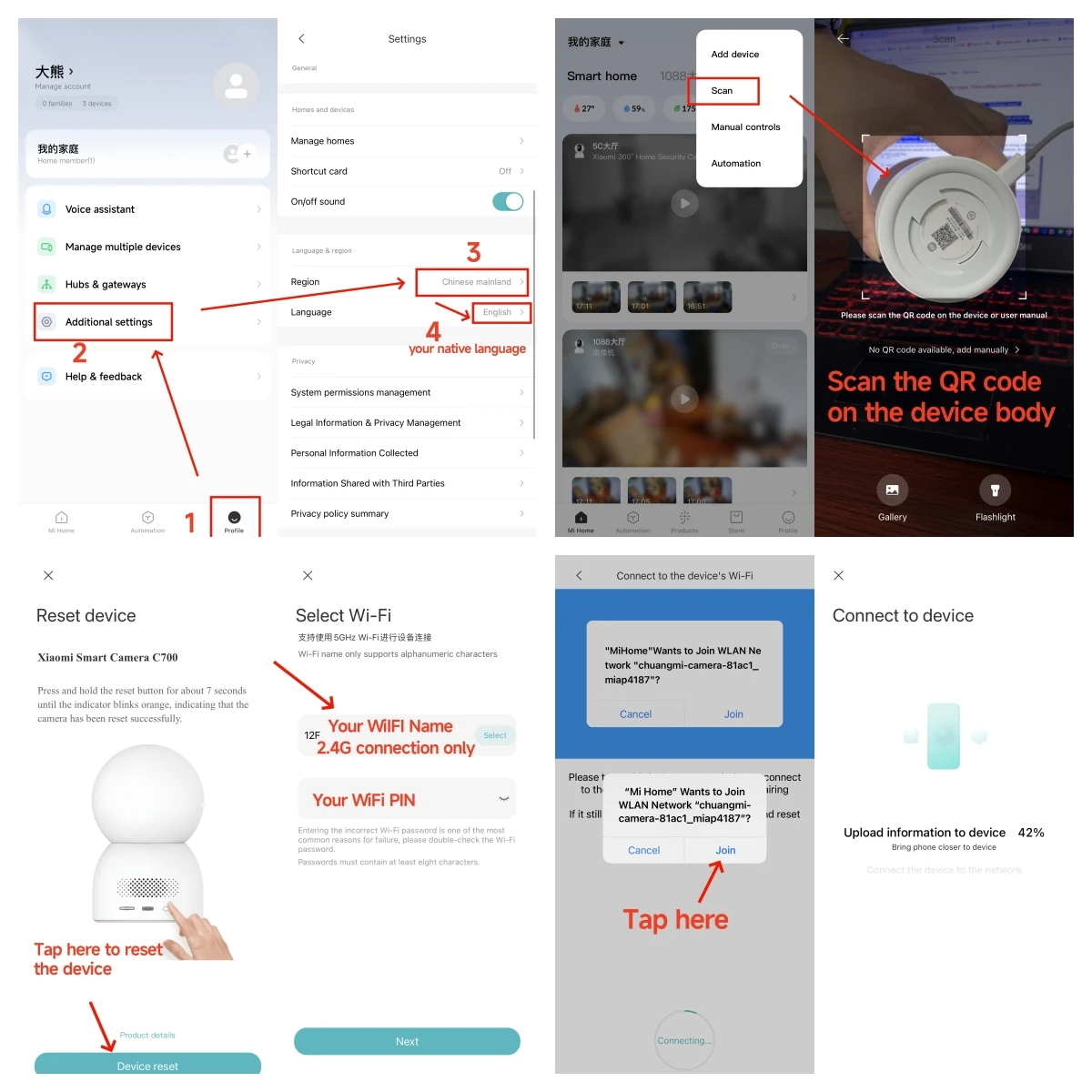
This device is a Chinese version, but it is universally available. Before adding your device, you need to switch the country and region of your MiHome APP to Chinese mainland and set the language to your native language. Devices from other countries and regions cannot be recognized. Thank you!
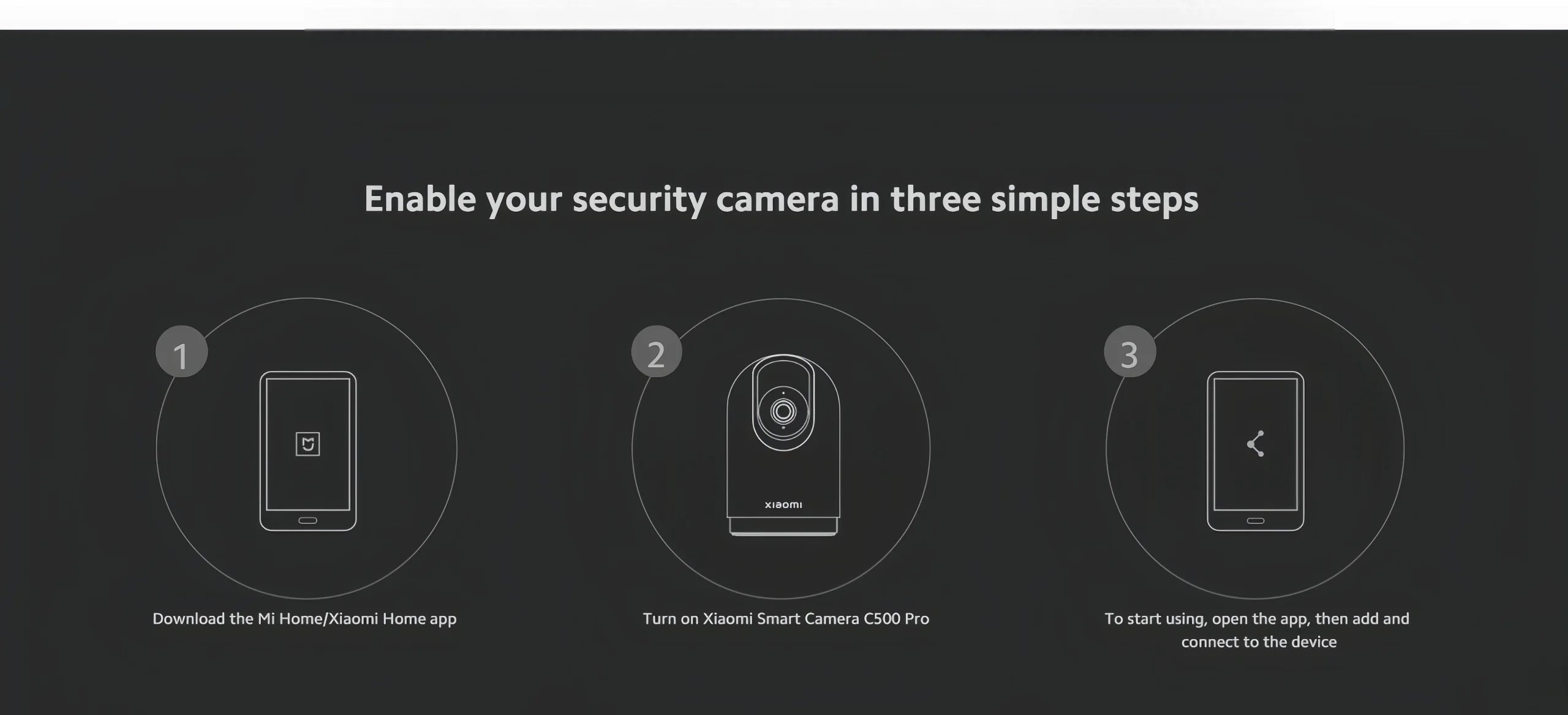
1. Please download the Mi Home application first. And make sure it is the newest version of the app. After downloading, click “Profile” - “Additional Settings”.
2. In “Language and Region”, set “Region” to “Chinese Mainland”.
3. Connect the power supply.
(1) Plug the power adapter cable into the camera's power connector, and the camera will automatically turn on the power.
(2) The indicator light will turn yellow and a voice prompt will be heard to indicate successful power-on.
(3) Click the “+” in the upper right corner and then click Scan.
4. Follow the on-screen instructions to reset the product. Click Device Reset.
5. Select 2.4G Wi-Fi, not 5G or higher, then click “Next”.
6.Continue until the connection is successful.
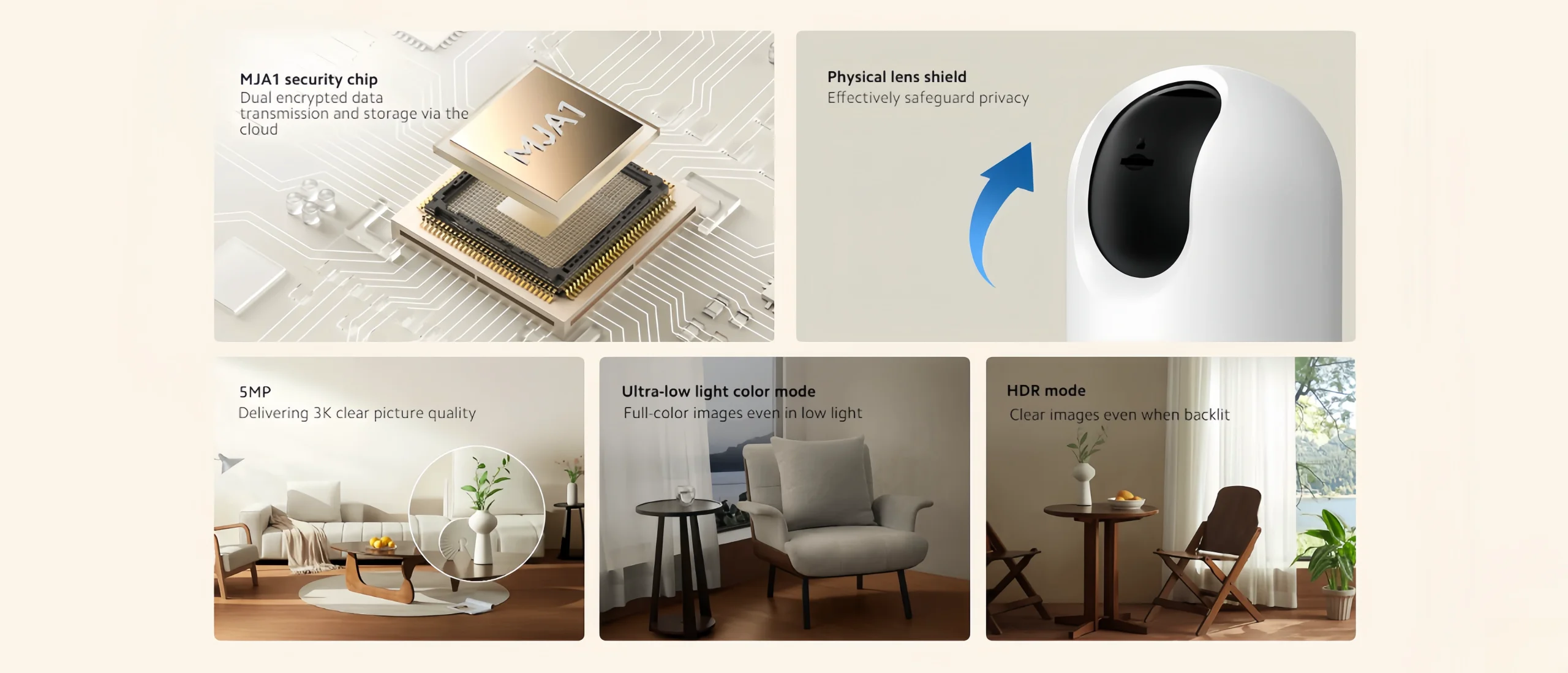

MJA1 security chip
Physical lens shield
Ultra-low light color mode
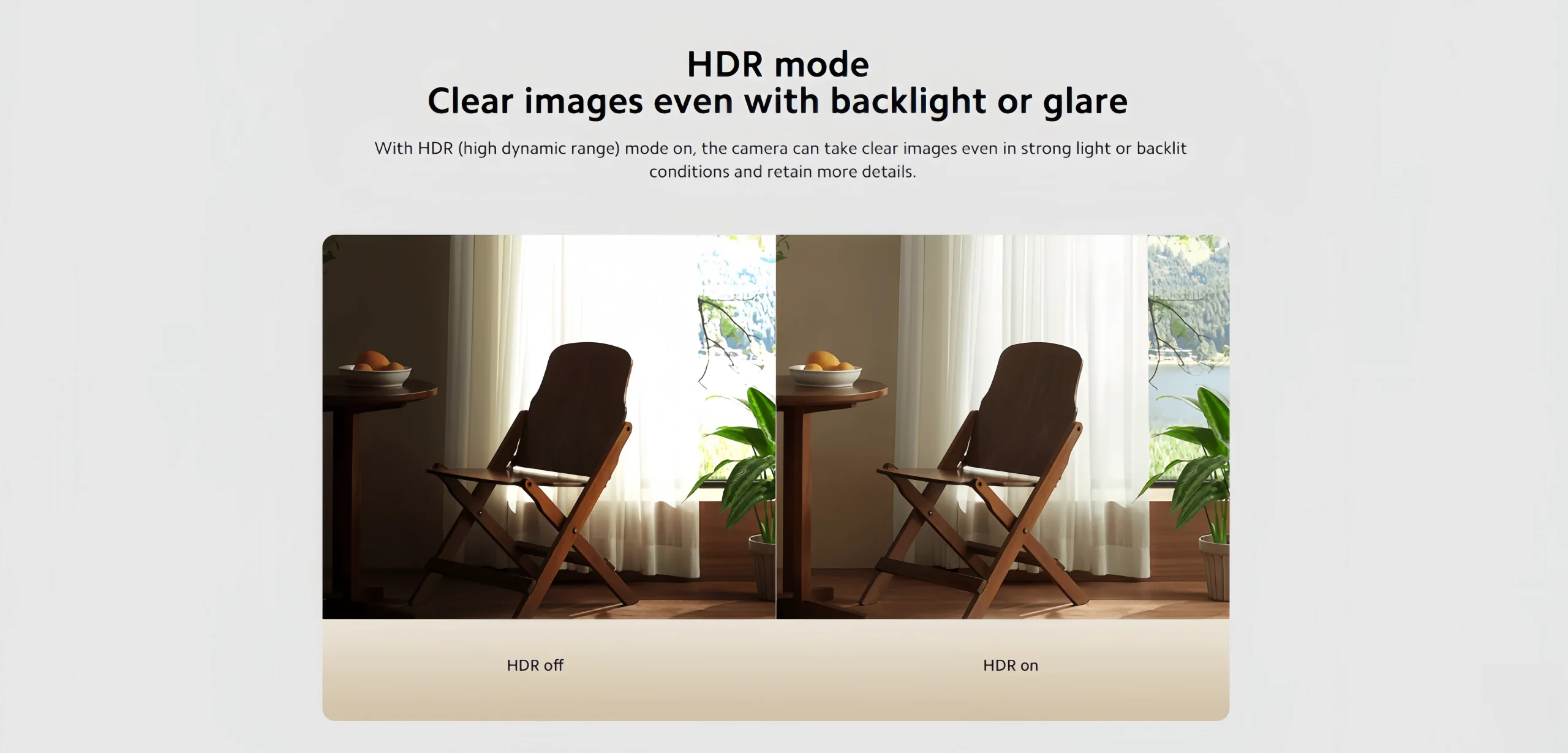
HDR mode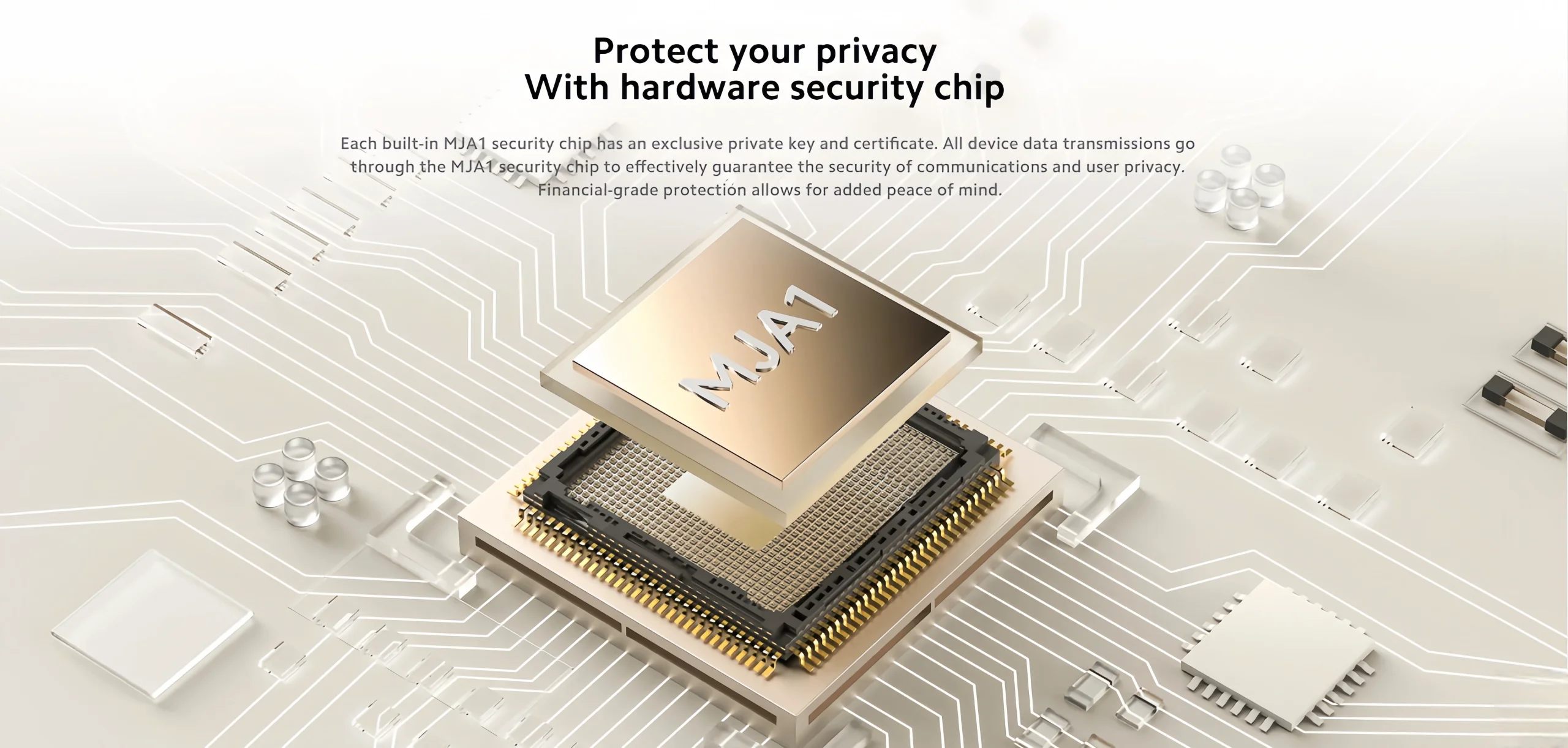 Multiple encryption:Building a shield for family privacy
  Physical lens shield,Protecting your privacy at the source
When the camera is not in use, you can enable the physicallens shield via your smartphone. Once enabled, the cameralens will rotate upwards into the caseto ensure improvedprivacy protection. Shield activation times can be customizedfor your convenience at home.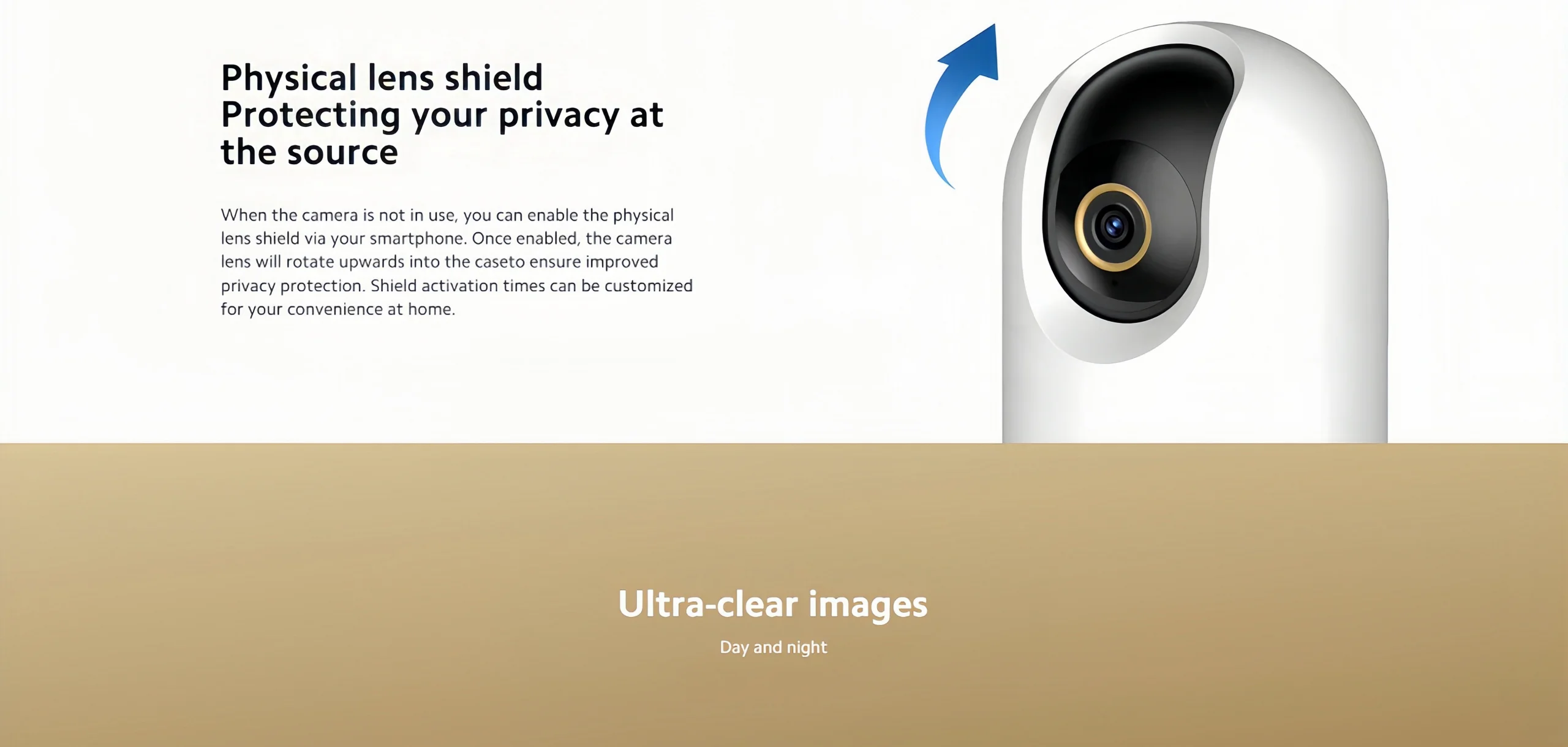 Ultra-clear images
Day and night
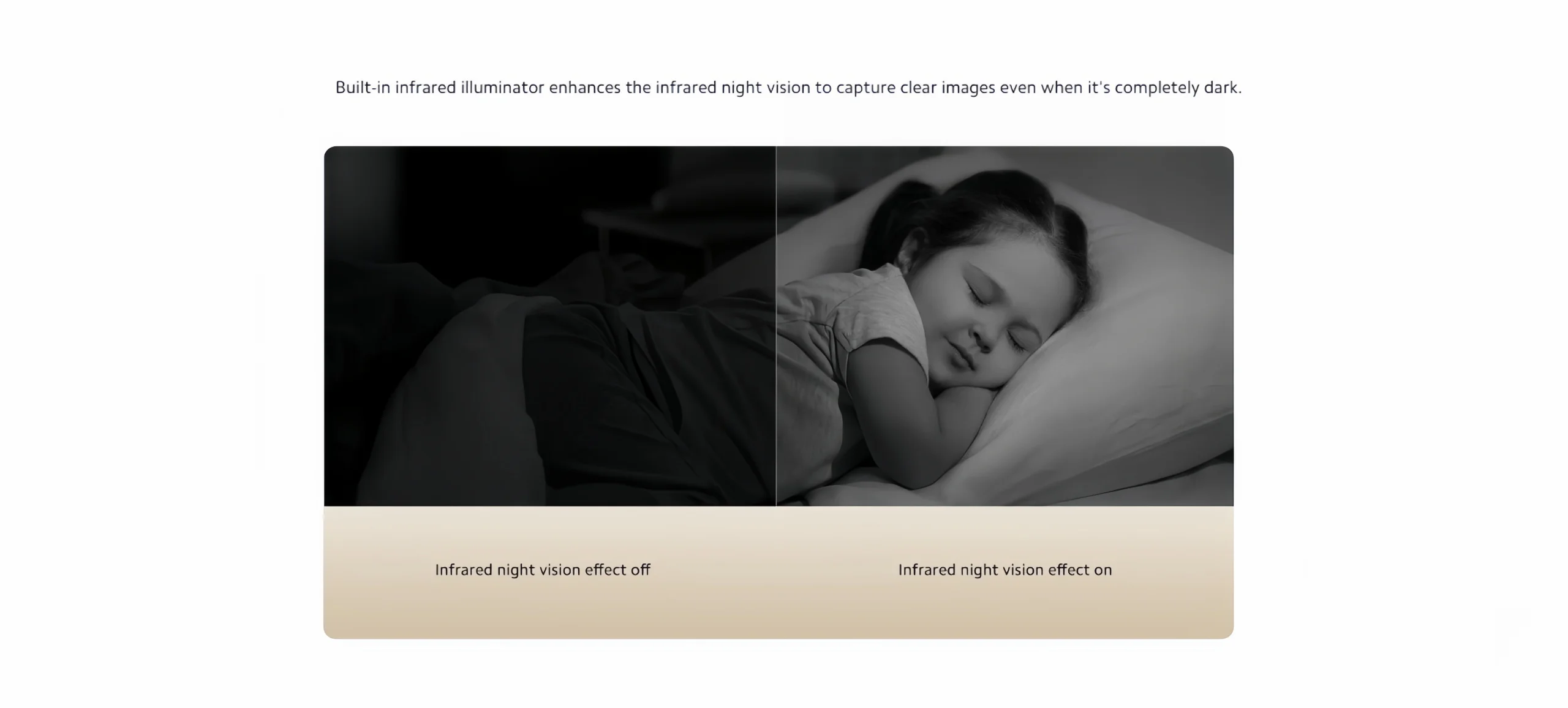
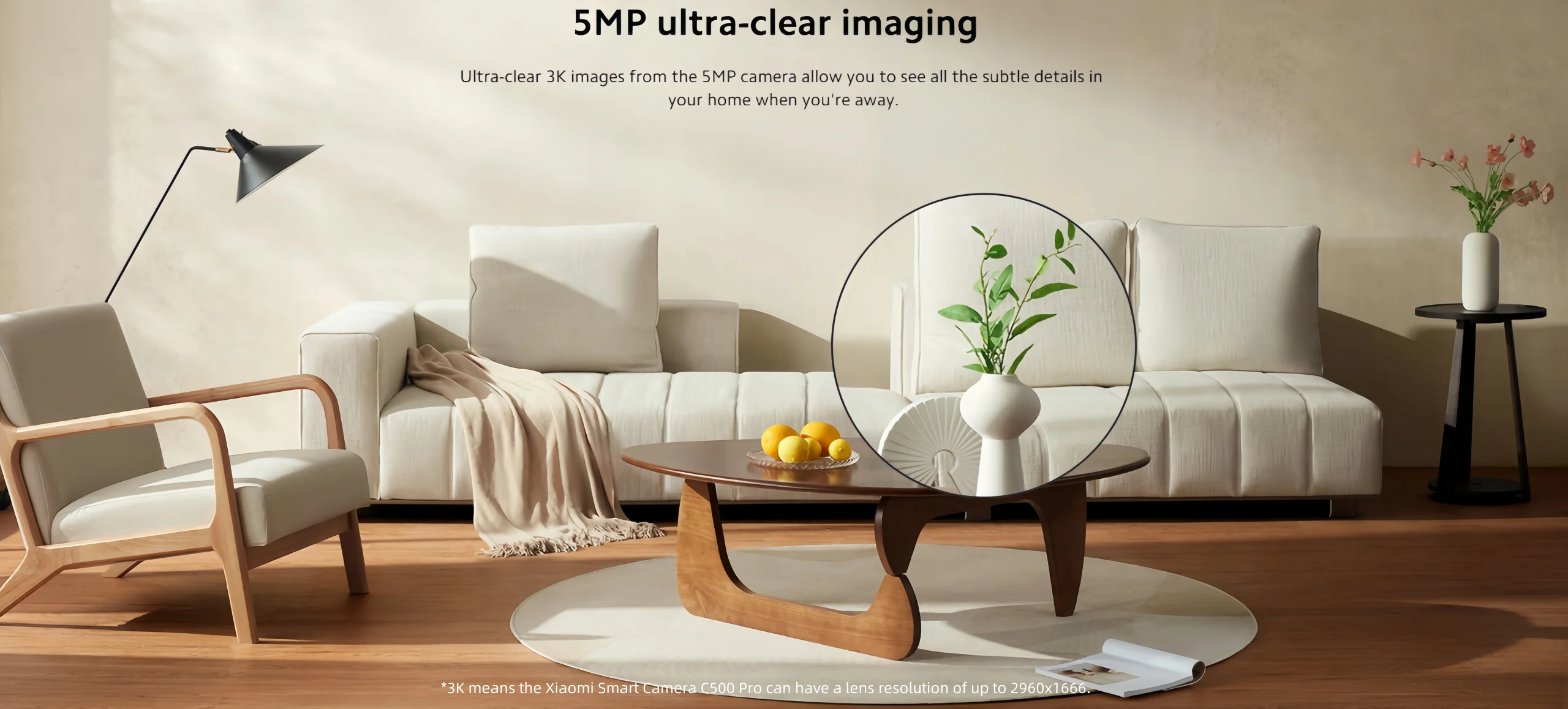 Colorful images even in low light
The ultra-low light color mode can provide full-color images in low-light conditions, extending the time thecamera can capture color footage throughout the day.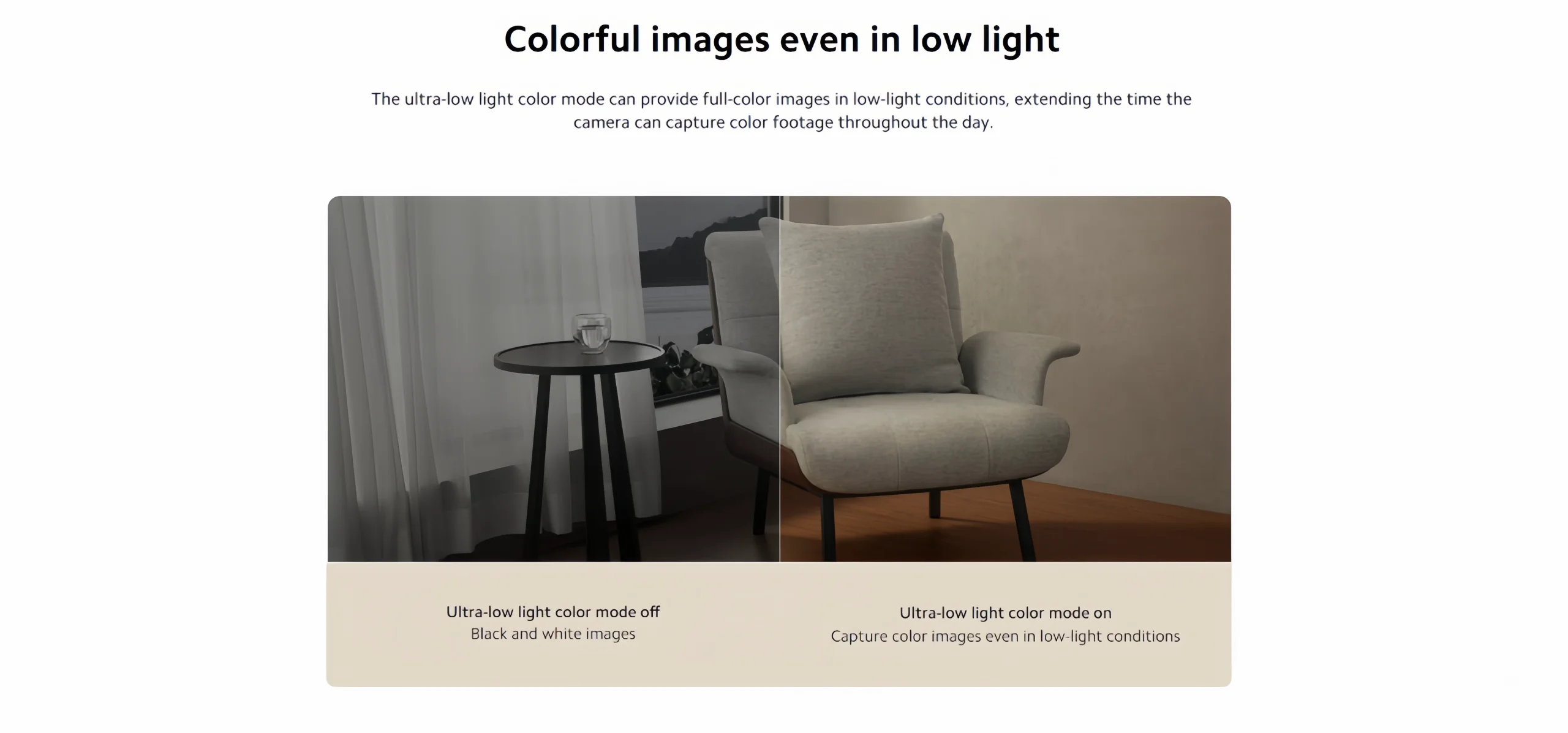
 Elevated sense of security
Multiple privacy protections Protect your privacy,With hardware security chip
Each built-in MJA1 security chip has an exclusive private key and certifcate. All device data transmissions gothrough the MJA1 security chip to effectively guarantee the security of communications and user privacy.Financial-grade protectión allows for added peace of mind.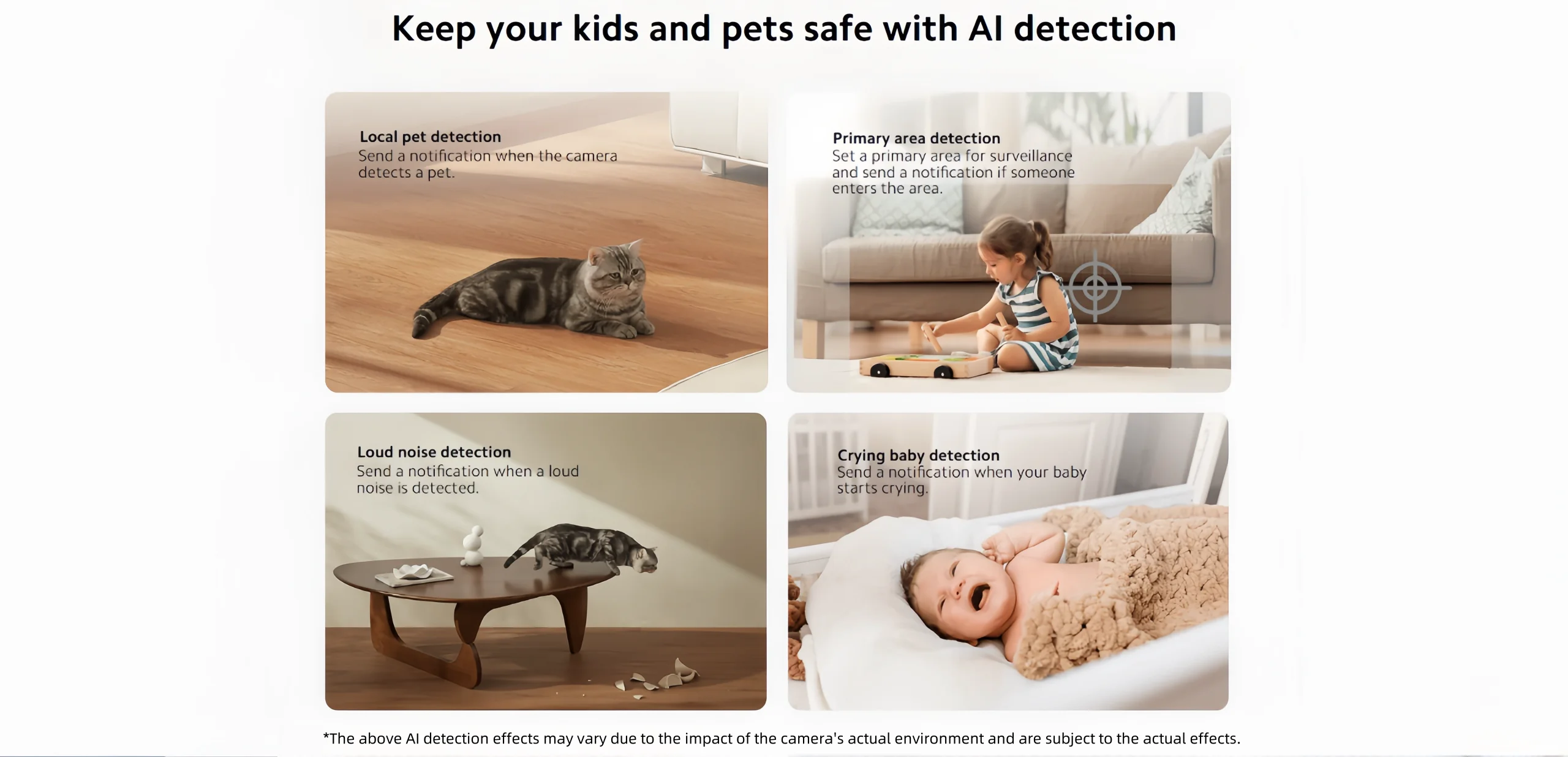


Product features
Product features
Materials and care
Materials and care
Merchandising tips
Merchandising tips


Total items
Product subtotal