Zigbee Smart Soil Tester Moisture Sensor Temperature Humidity Detector Realtime Monitor WorkWith Smart Life 2MQTT Home Assistant
Zigbee Smart Soil Tester Moisture Sensor Temperature Humidity Detector Realtime Monitor WorkWith Smart Life 2MQTT Home Assistant
Note:
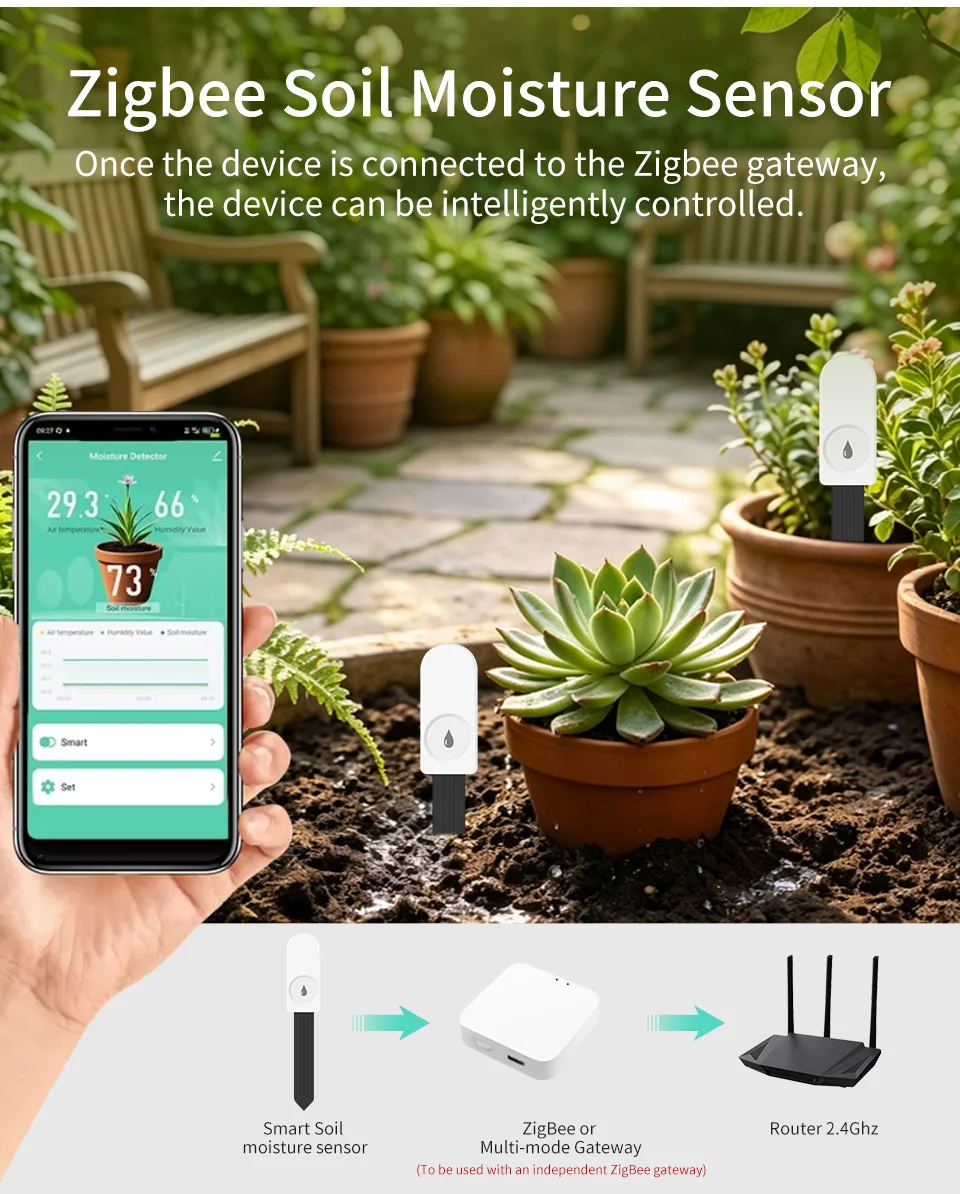
Compatible zigbee hub is required ,they cannot work alone without related gateway.
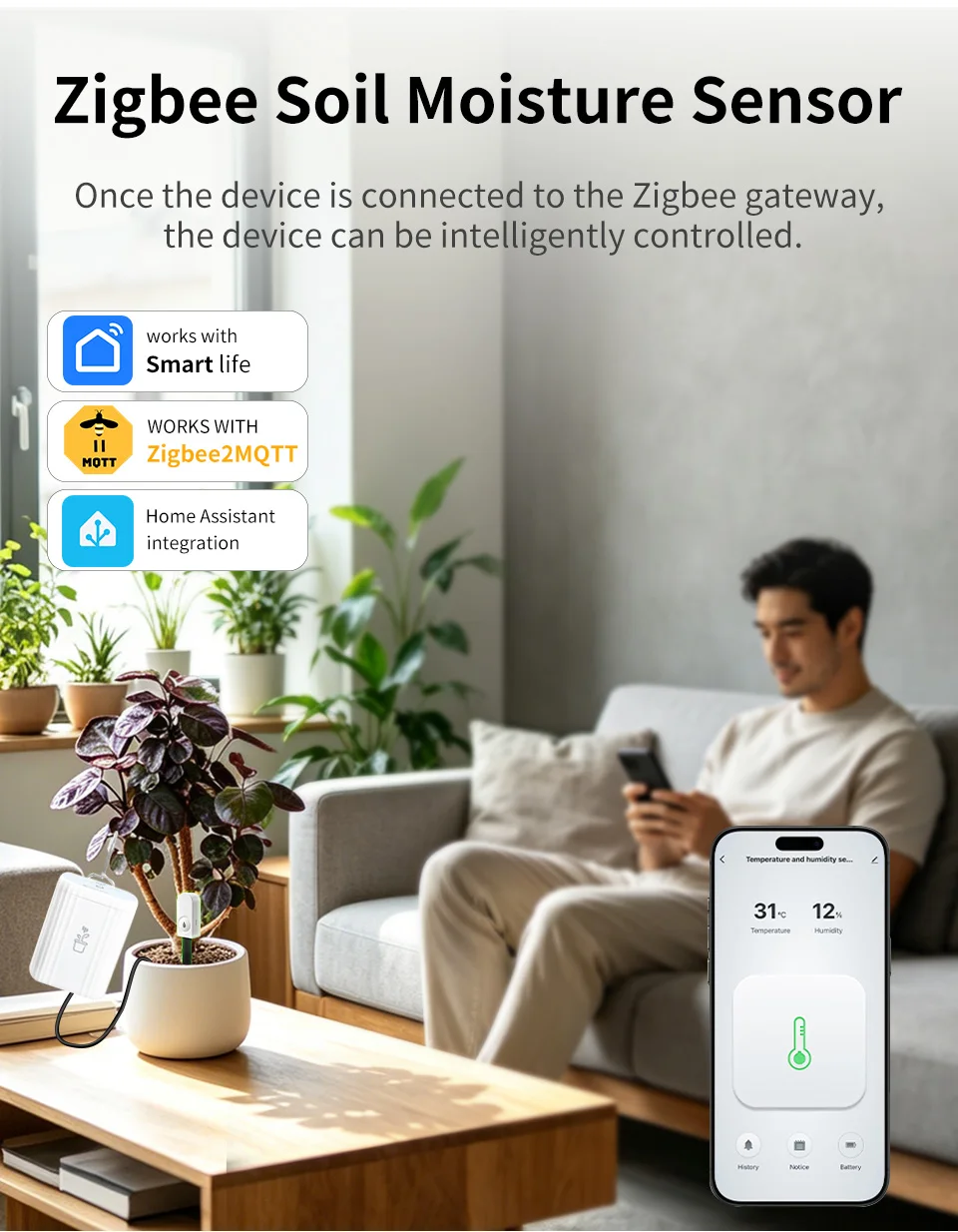
For Tuya zigbee: Both Support Zigbee2mqtt and Tuya/Smart Life App, but must be use a Tuya zigbee gateway/hub, cannot work with wifi directly.
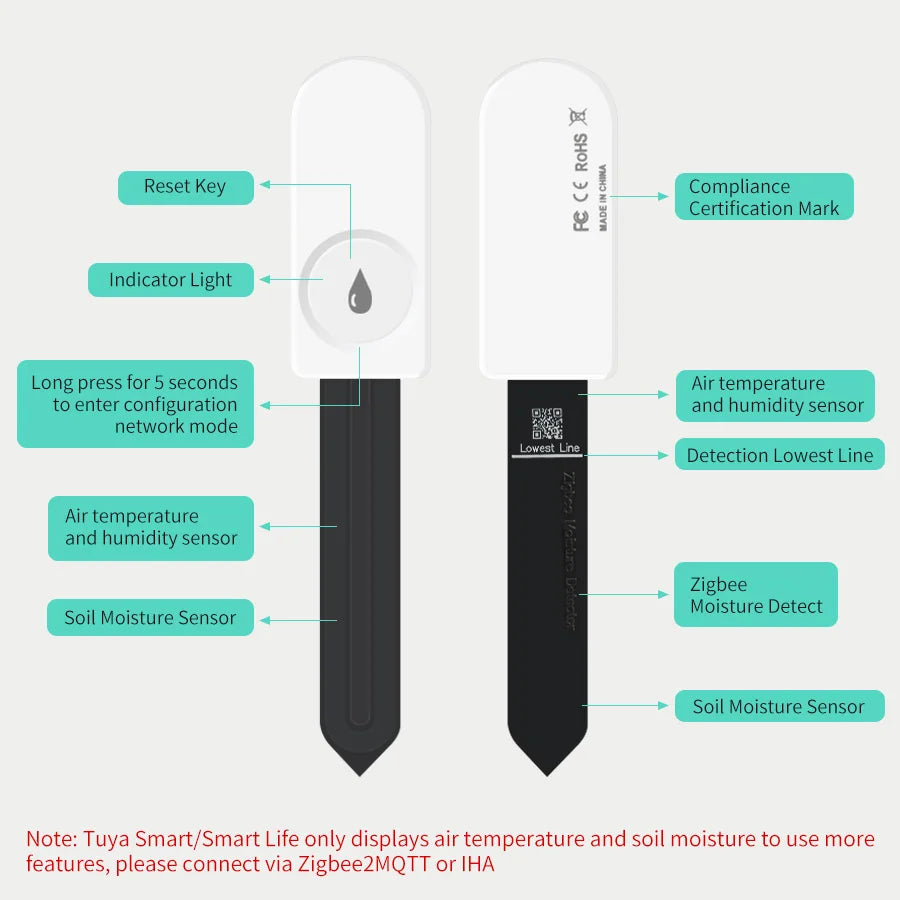
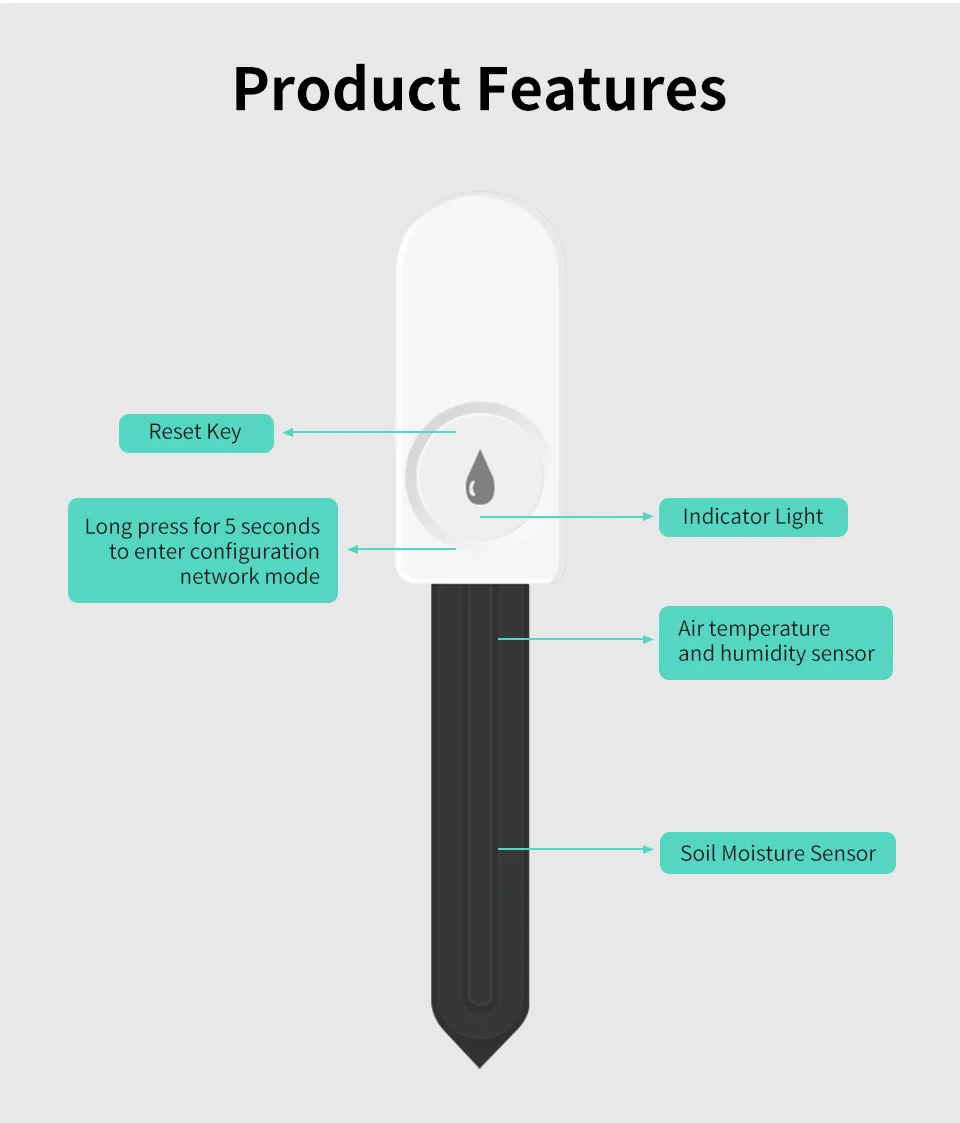
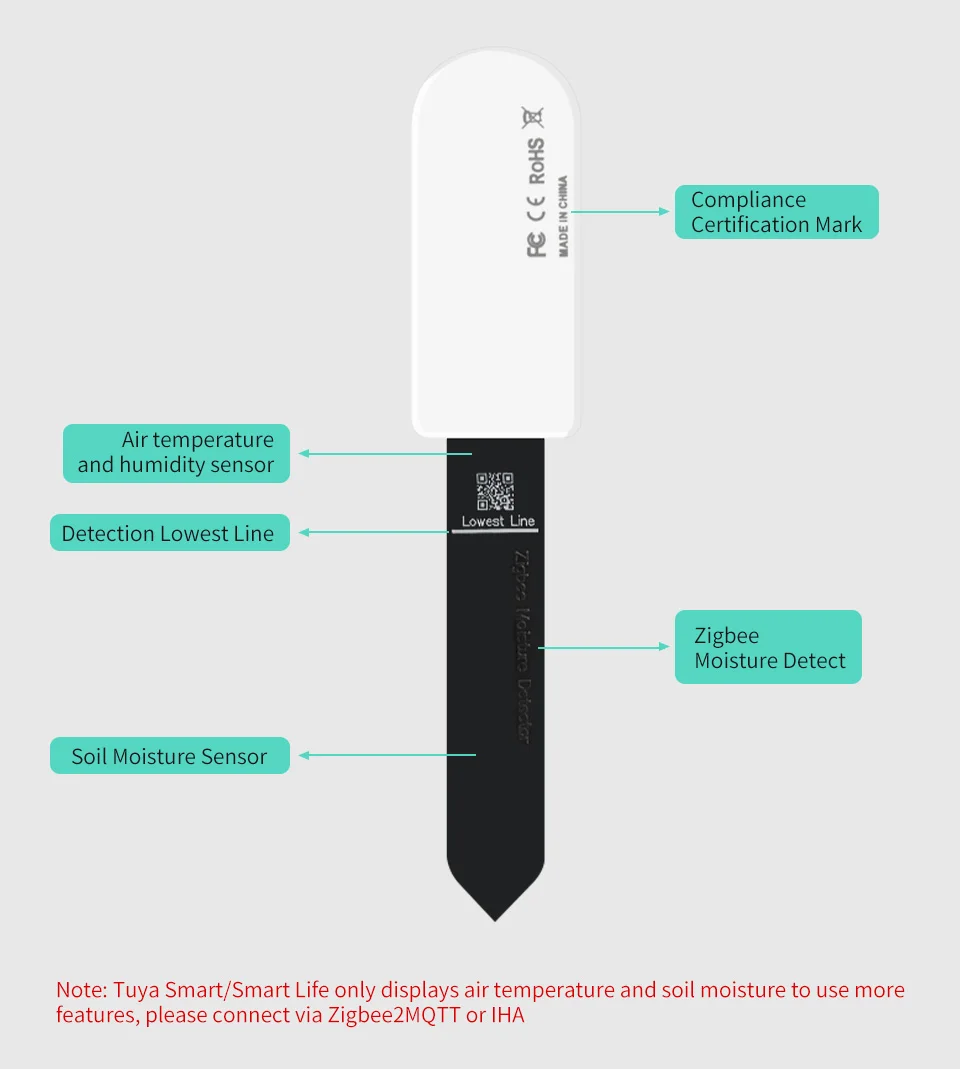
Tuya Smart/Smart Life only displays air temperature and soil moisture to use more features,please connect via Zigbee2Mqtt or Home Assistant.
Do not support for voice control with Alexa or google assistant.
Features:
3 In 1(For Tuya zigbee):
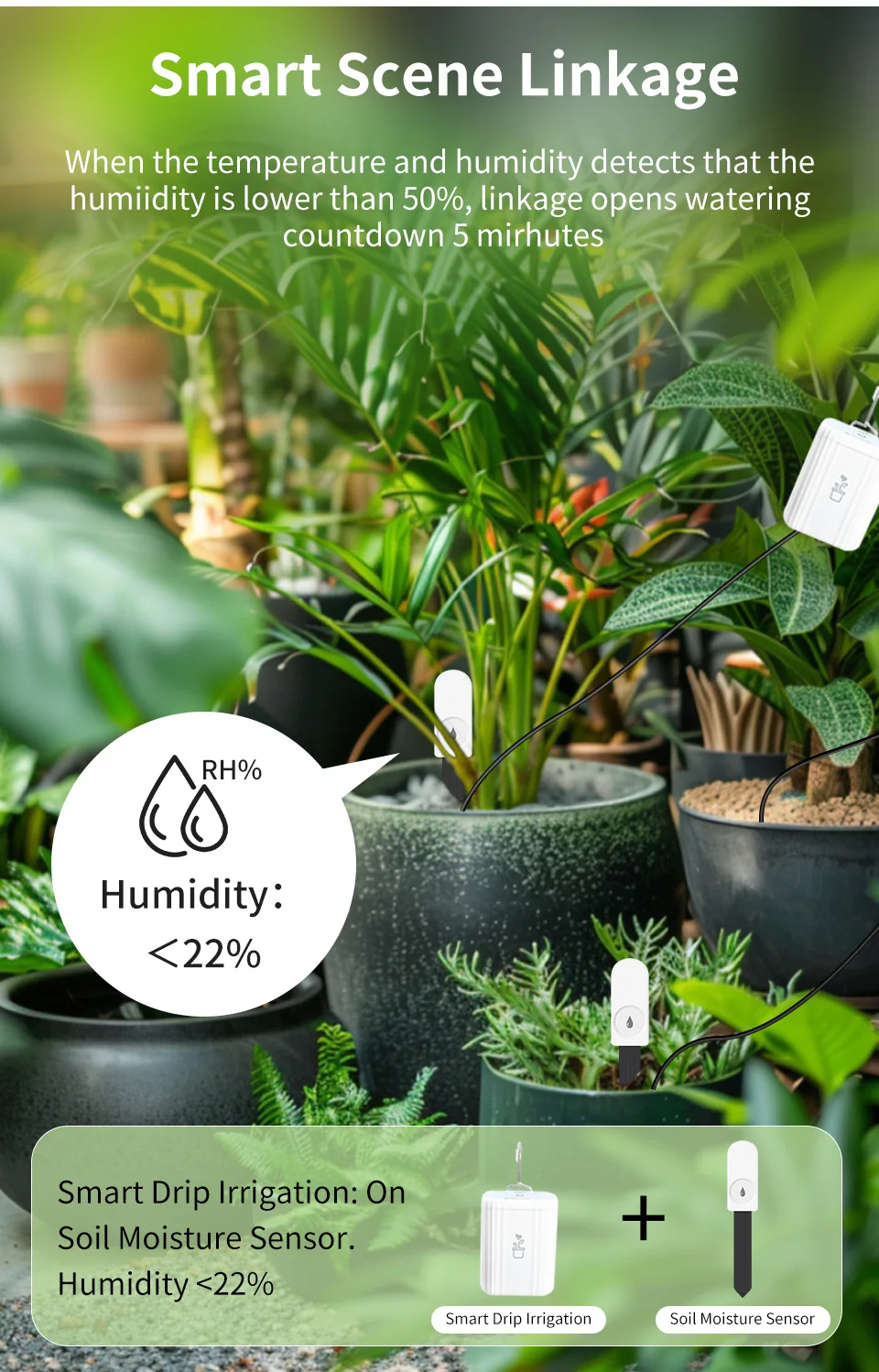
Soil moisture detection +Air temperature + Air Humidity
Need to work with Tuya Zigbee Gateway,Also compatible with Zigbee2mqtt on Home Assistant via related gateway.
Not support for ZHA(Zigbee home automation ).
Specification:
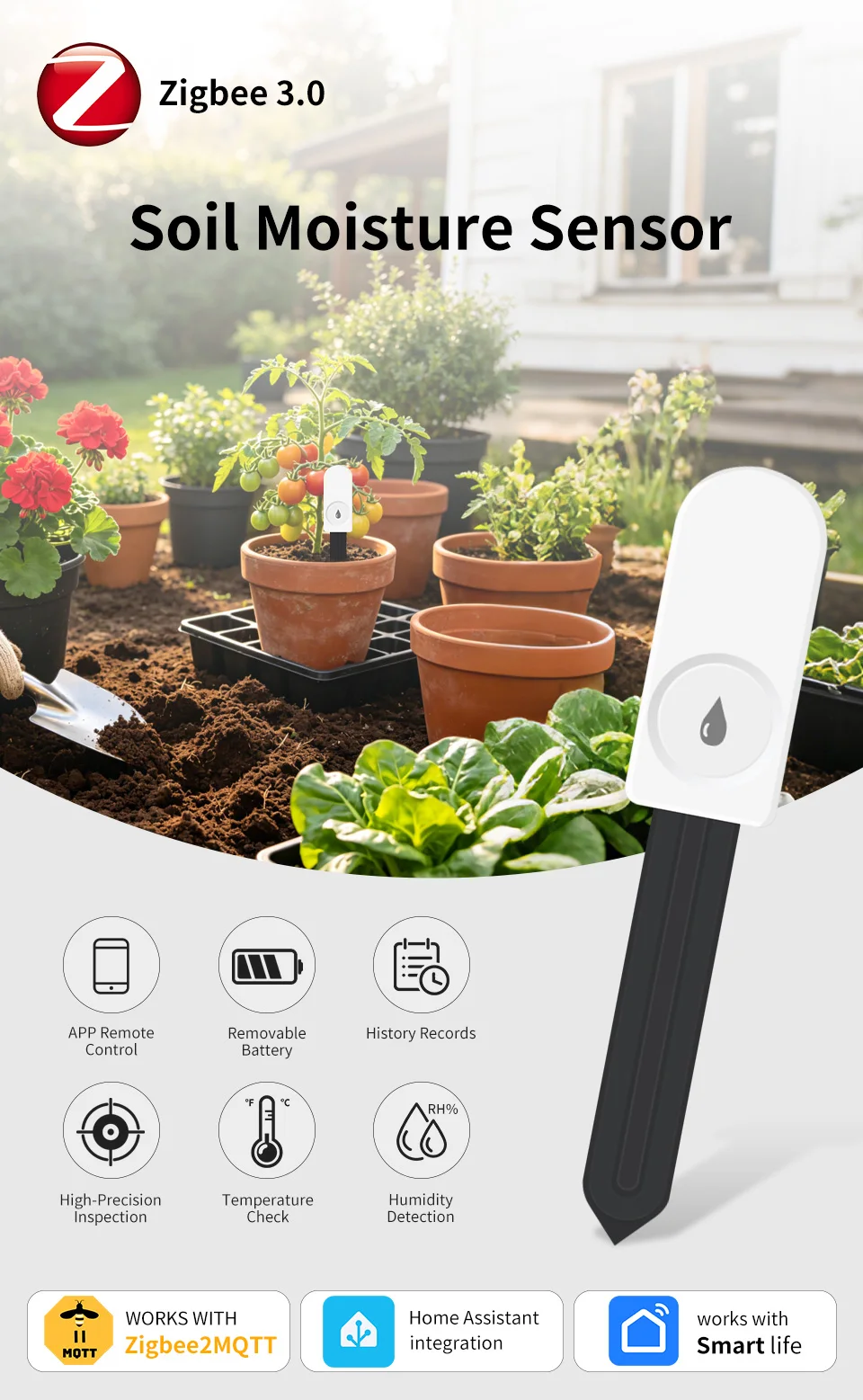
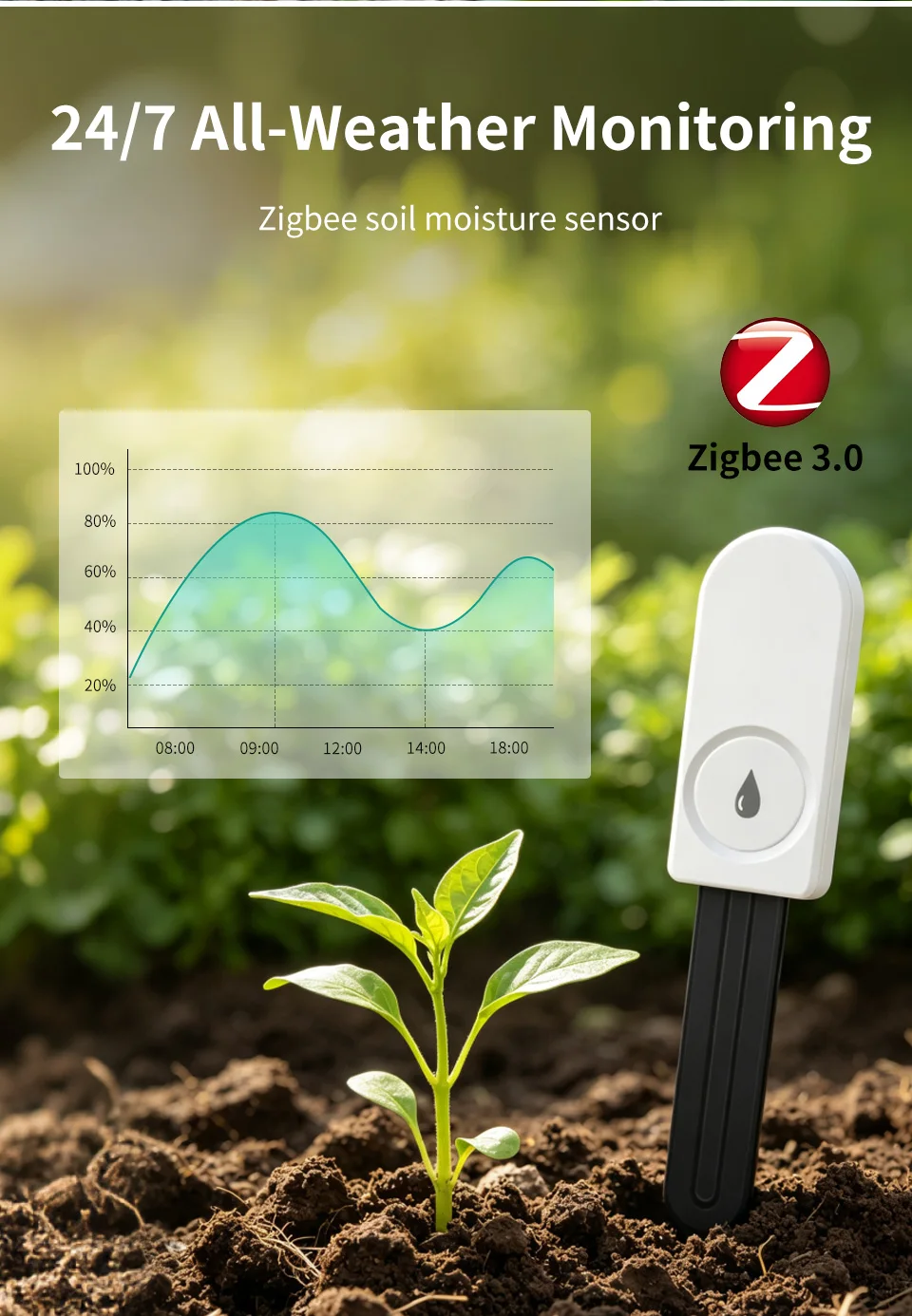
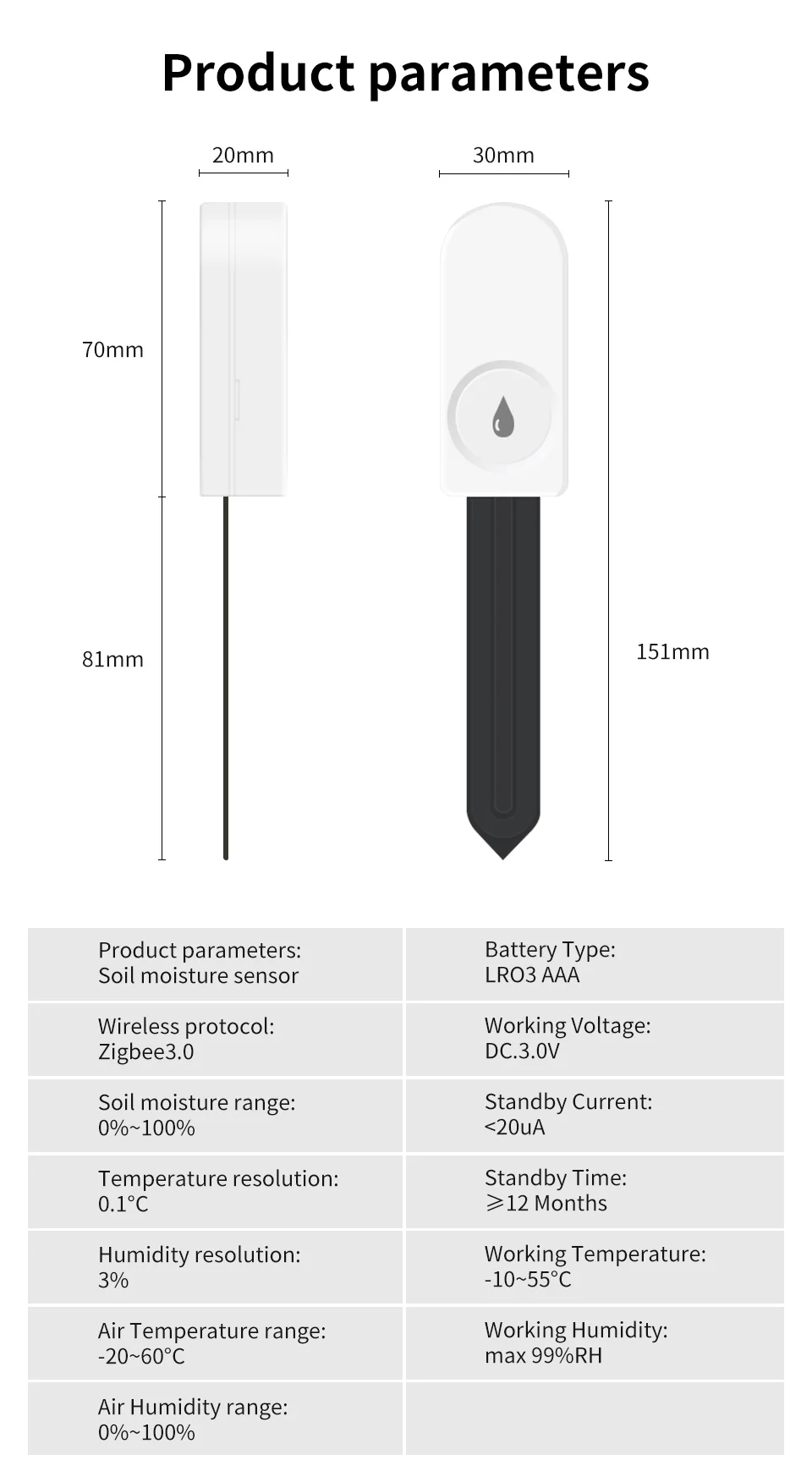
Zigbee 3.0 Soil moisture sensor
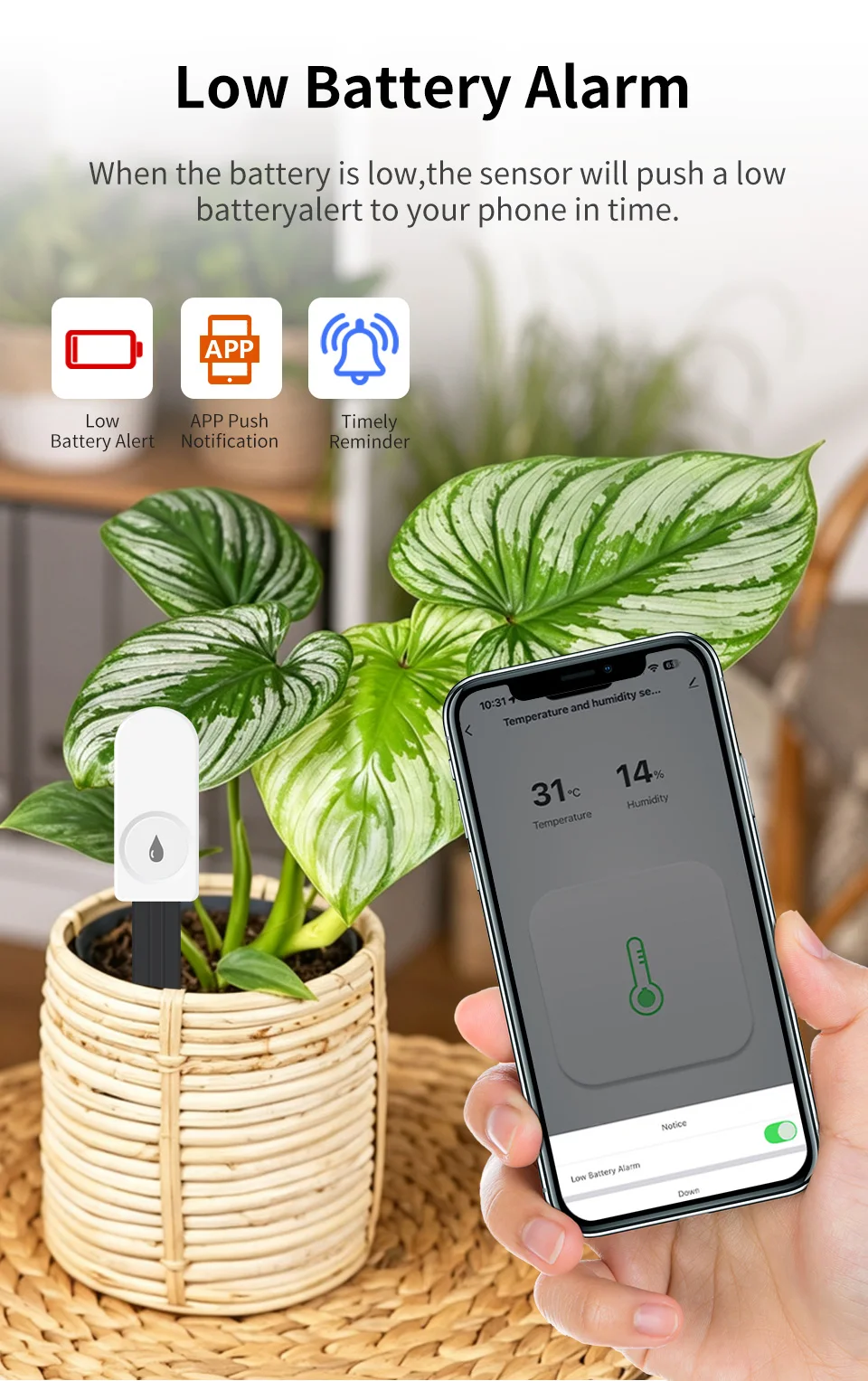
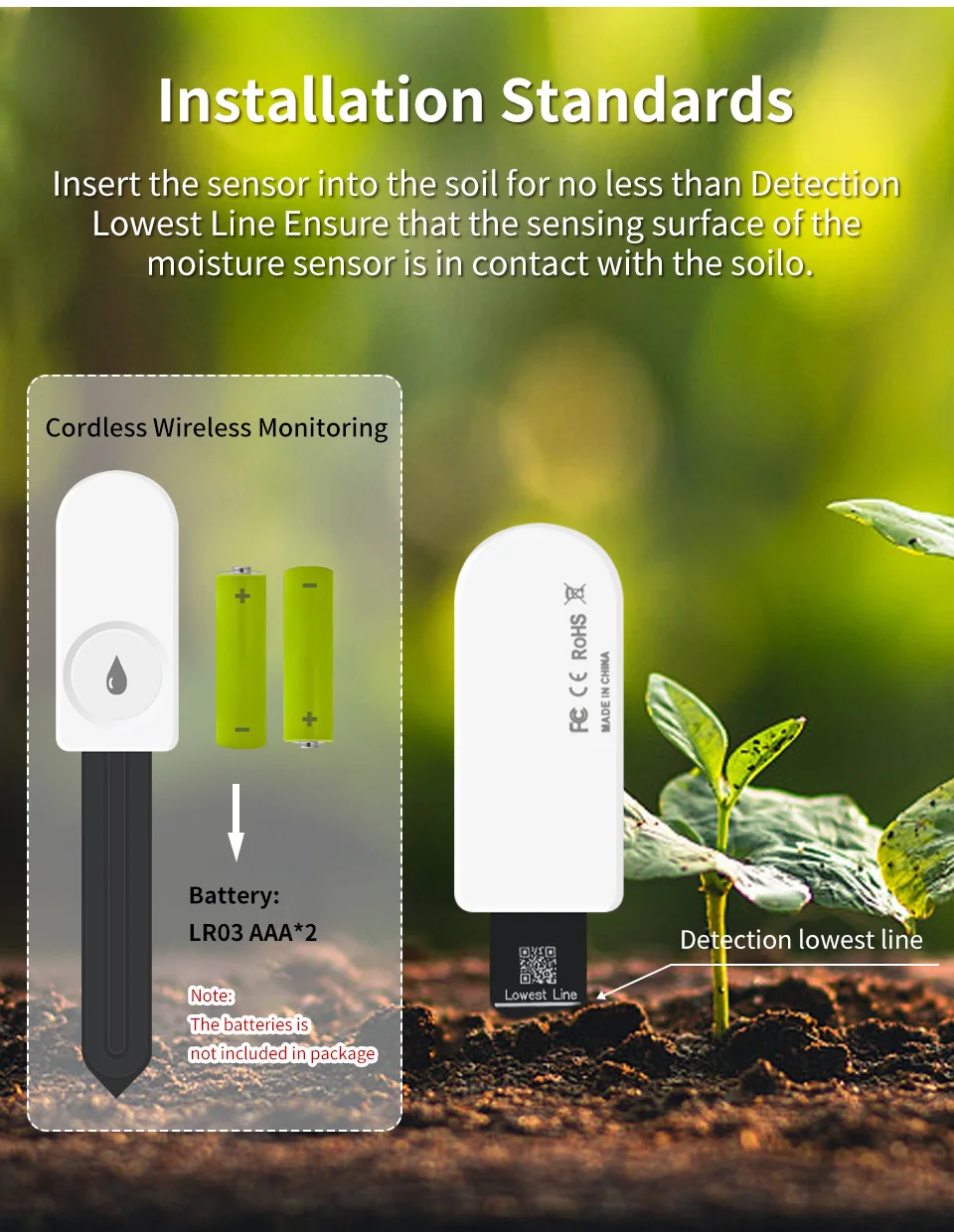
Battery Type: 2 x LR03 AAA(The batteries is not included in package)
Wireless Protocol: Zigbee 3.0(need zigbee gateway/hub)
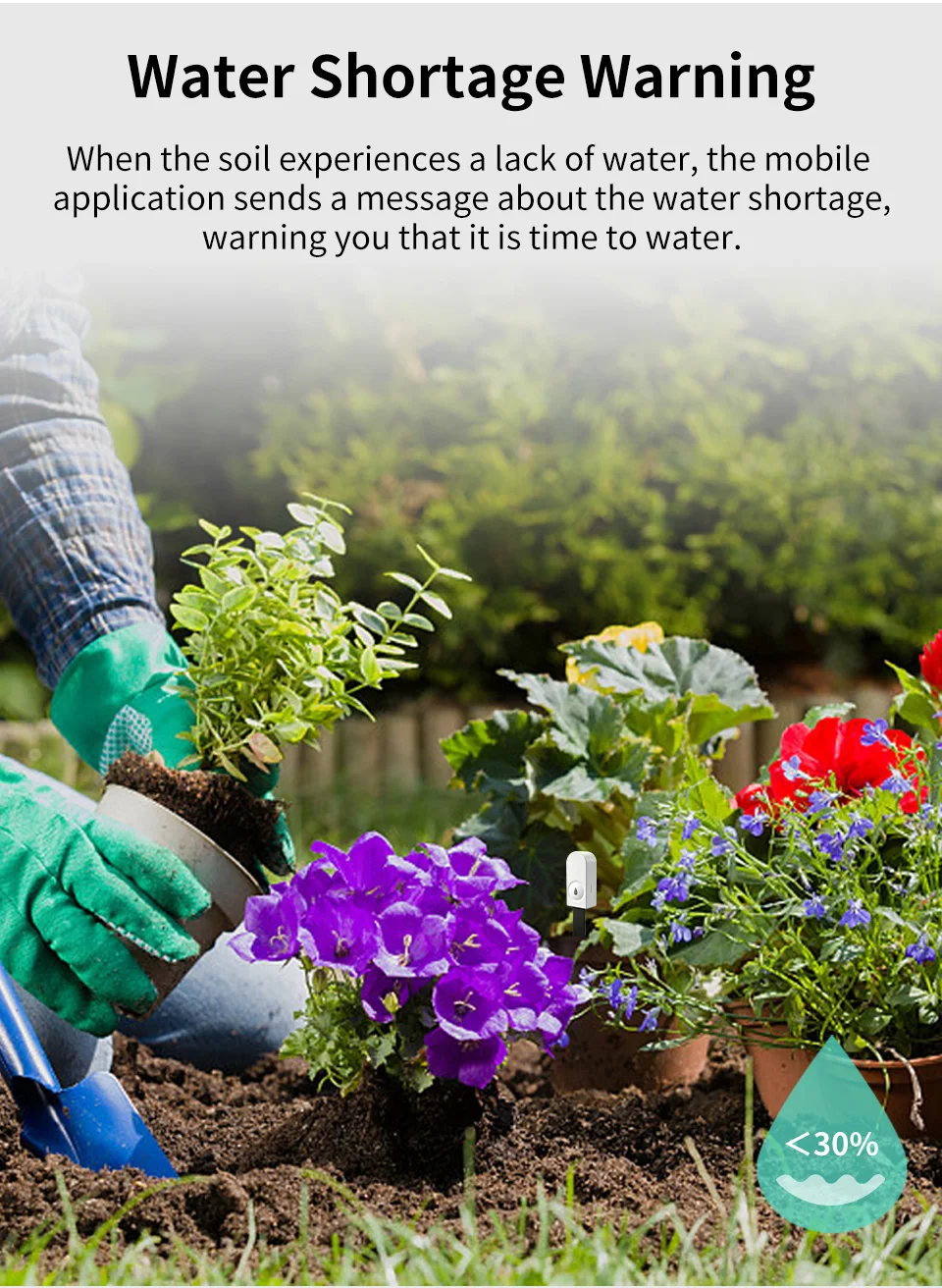
Soil Moisture resolution: 3%
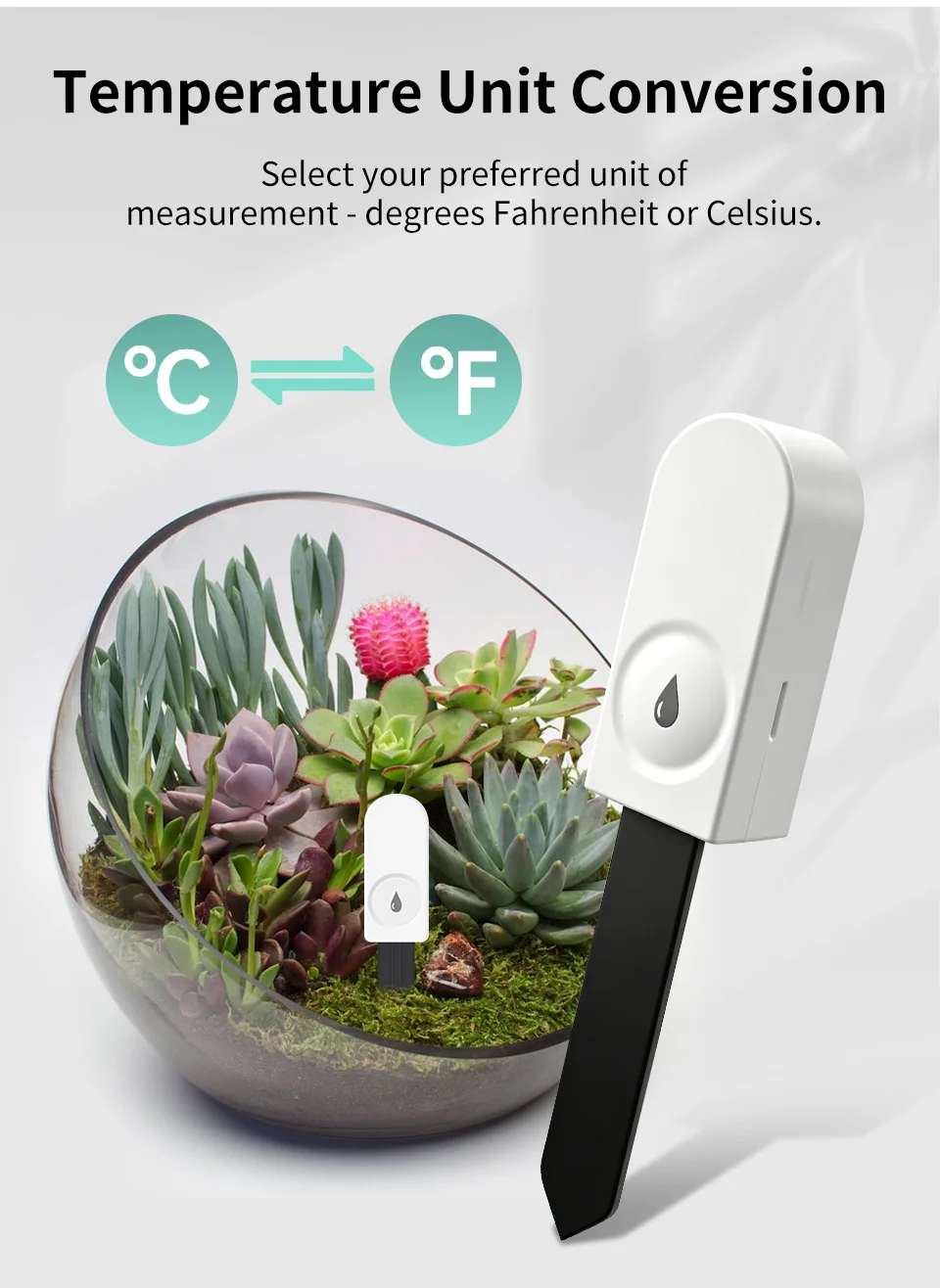
Temperature Resolution: 0.1℃
Humidity Resolution: 3%
Working Voltage: DC3V
Standby Current: ≤20uA
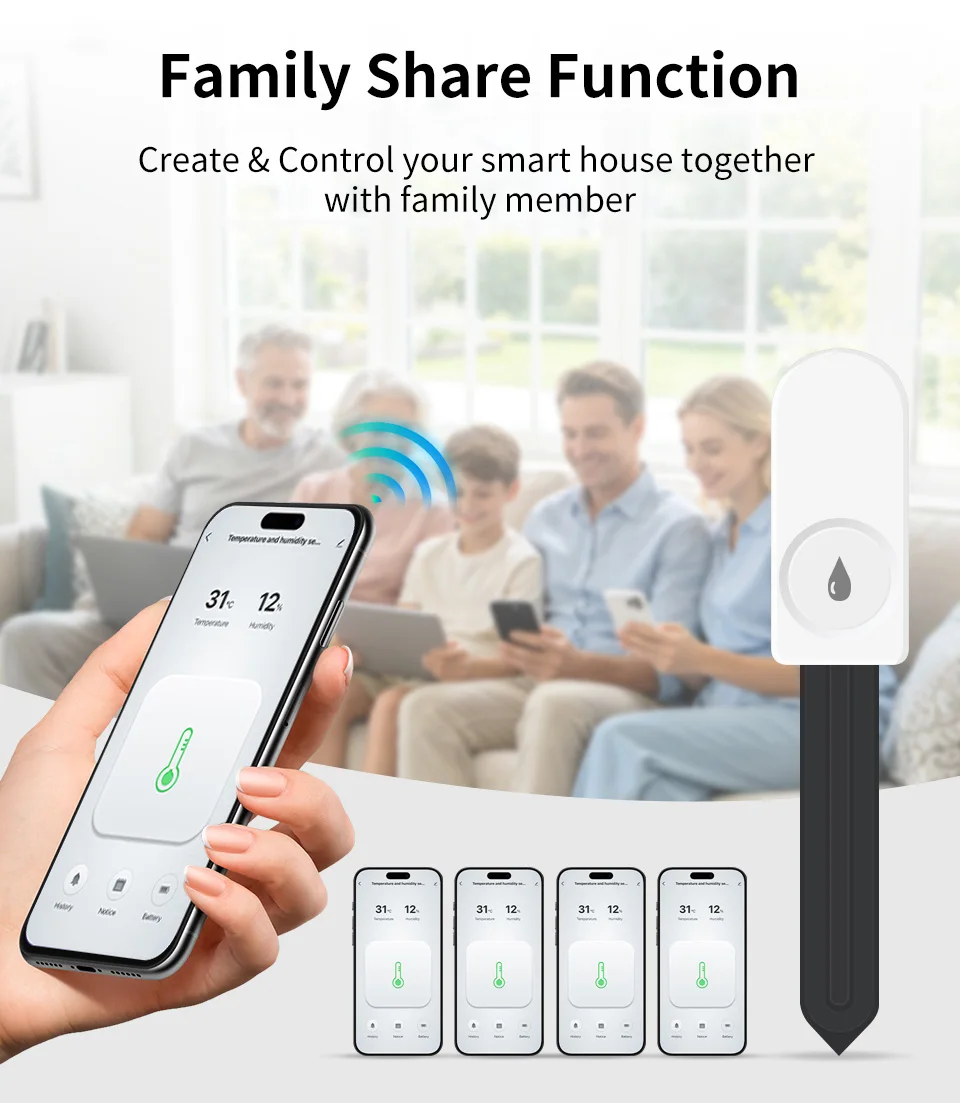
App: for Smart Life,for tuya app
Do not support for alexa or google assistant voice ,No voice control
Installation Instructions:
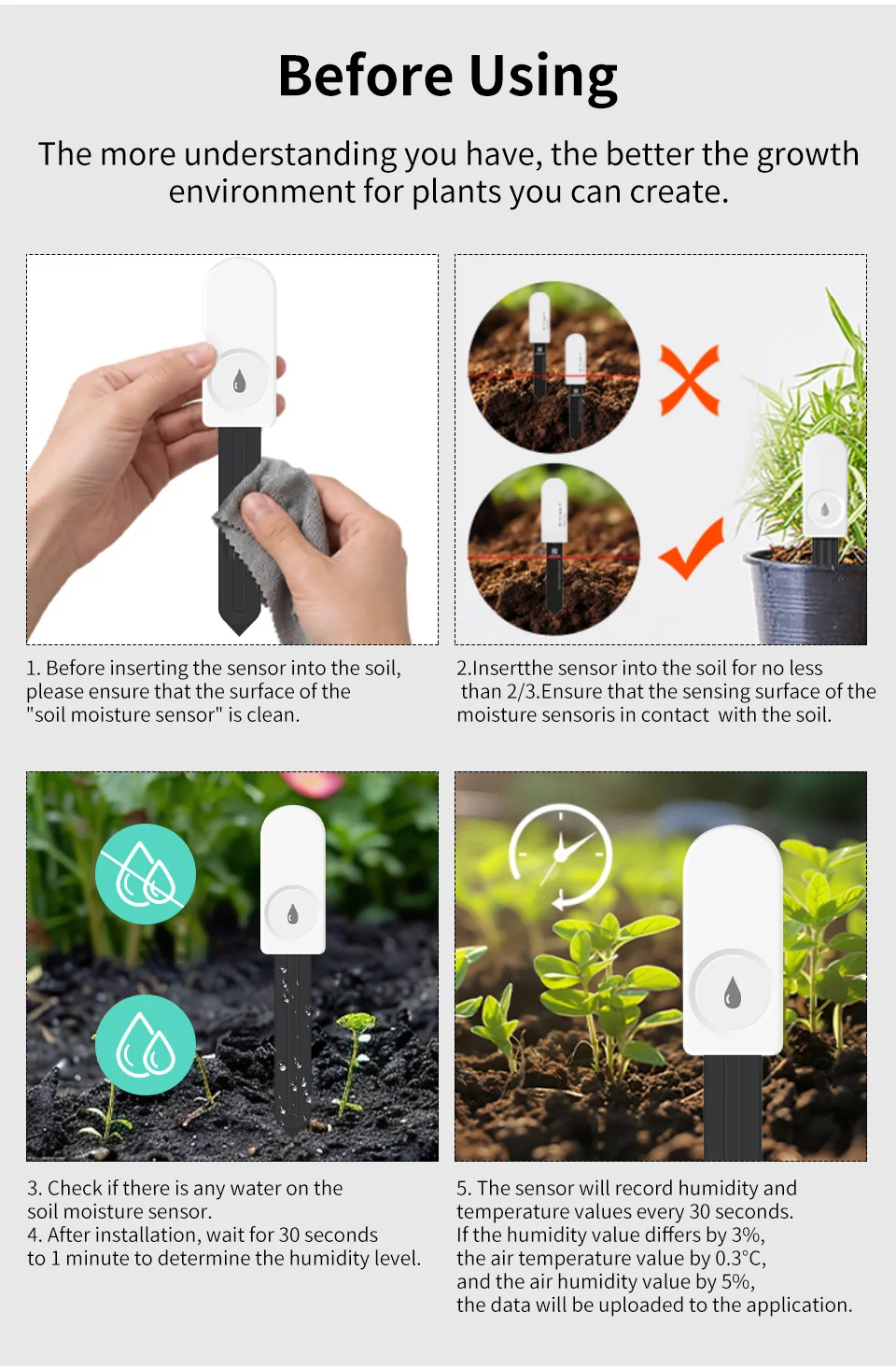
1. Before inserting the sensor into the soil,please ensure that the surface of the "soil moisture sensor" is clean.
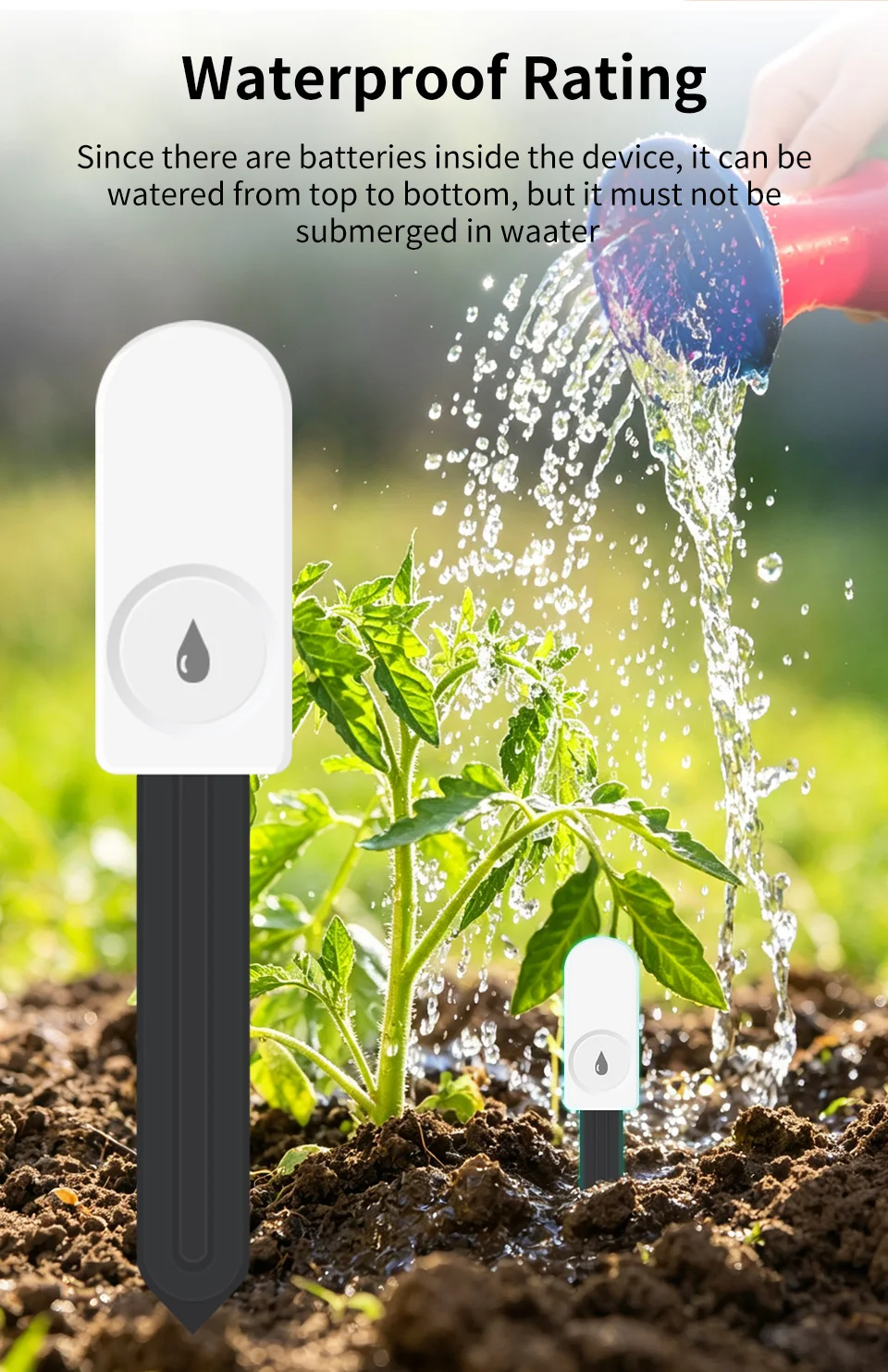
2.Insert the sensor into the soil for no less than 2/3. Ensure that the sensing surface of the moisture sensor is in contact with the soil.
3. After insertion, wait for about 30 seconds~ 1 minute to detect the moisture level.
4. When the moisture value differs by 3%, the air temperature value differs by 0.3°C, and the air humidity value differs by 5%, the data will be uploaded to the APP.
Question: Can't add device to zigbee2mqtt?
Answer :It has something to do with the Zigbee2MQTT version,your z2m is old version and have not been updated.
Please update the version to newest Zigbee2MQTT version , then reset and add device on Zigbee2mqtt.
After add device ,you can install all sensors to soil and put some water ,wait for a while ,then press the button on sensor ,then the data will update .
Product features
Product features
Materials and care
Materials and care
Merchandising tips
Merchandising tips